Going Digital
1560-078
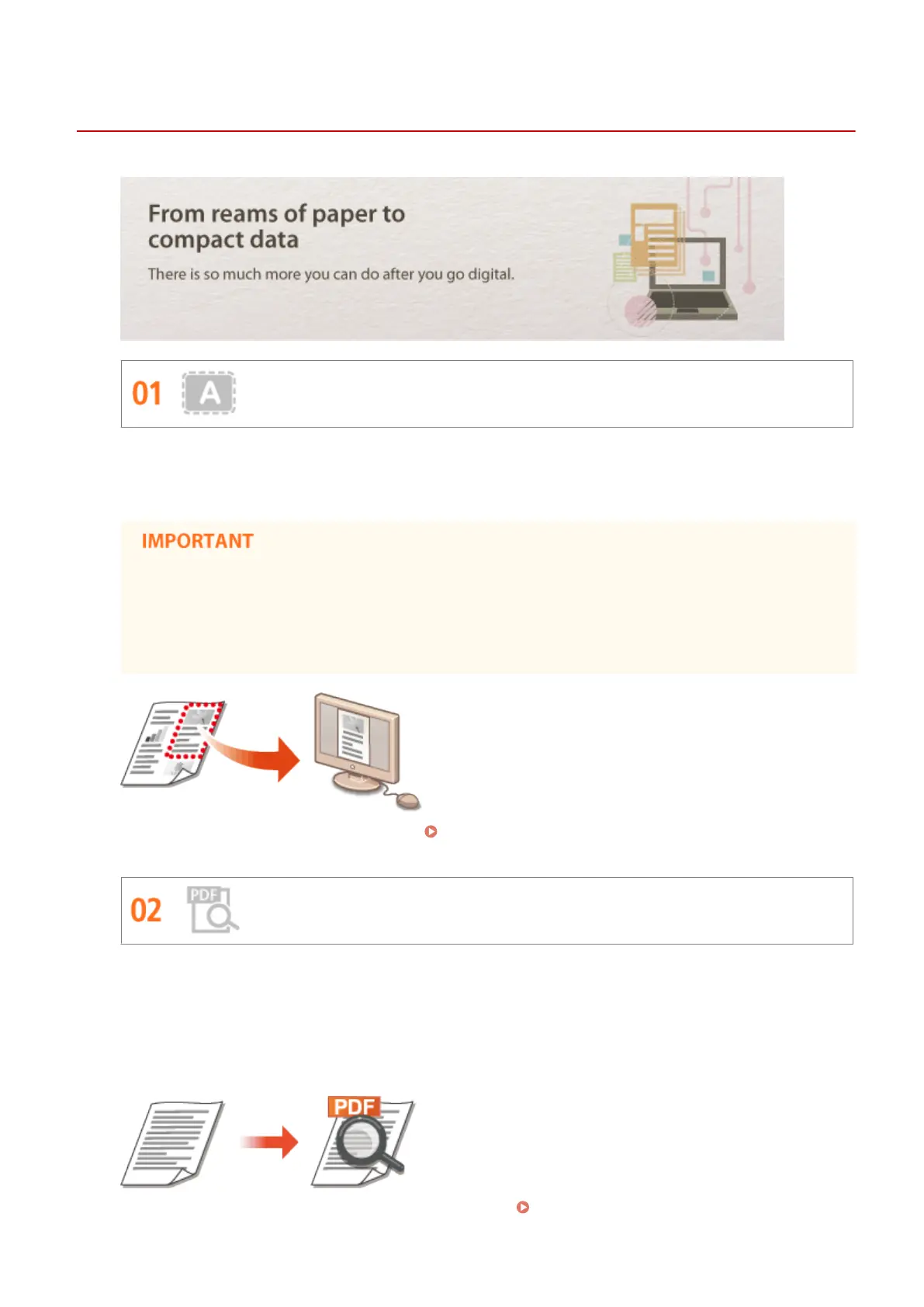
Scan Only What You Need
What if you're scanning a whole page of a newspaper but all you're really interested in is a headline and a
photo? Use ScanGear MF. You can select what you want from a preview, and then have the scanner disregard
the rest. Otherwise you'll have to use an editing program to crop out everything you don't need.
Using your product to scan, print or otherwise reproduce certain documents, and the use of such images
as scanned, printed or otherwise reproduced by your product, may be prohibited by law and may result
in criminal and/or civil liability. If you are uncertain about the legality of using your product to scan, print
or otherwise reproduce any particular document, and/or of the use of the images scanned, printed or
otherwise reproduced, you should consult in advance with your legal advisor for guidance.
For more information about this function, see Conguring Scan Settings in ScanGear MF(P. 139) .
Searchable PDFs
Searching of text in a PDF can be done with a "searchable PDF
*
". By scanning an original with both text and
images, text portions are converted by OCR into text data. In addition to being able to search for text
information, you can also copy required portions into an Excel spreadsheet or Word document in Microsoft
Oce. Eliminate the need to type in customer data, addresses, etc. from scratch.
*
You cannot create a searchable PDF in the Mac OS environment.
For more information about scanning from a computer, see Scanning from a Computer(P. 136) .
Appendix
409












 To Next Page