Printing Results Are Not Satisfactory
1560-068
Dirt inside the machine may affect printing results. Perform care and cleaning to the machine rst.
Cleaning the Machine(P. 377)
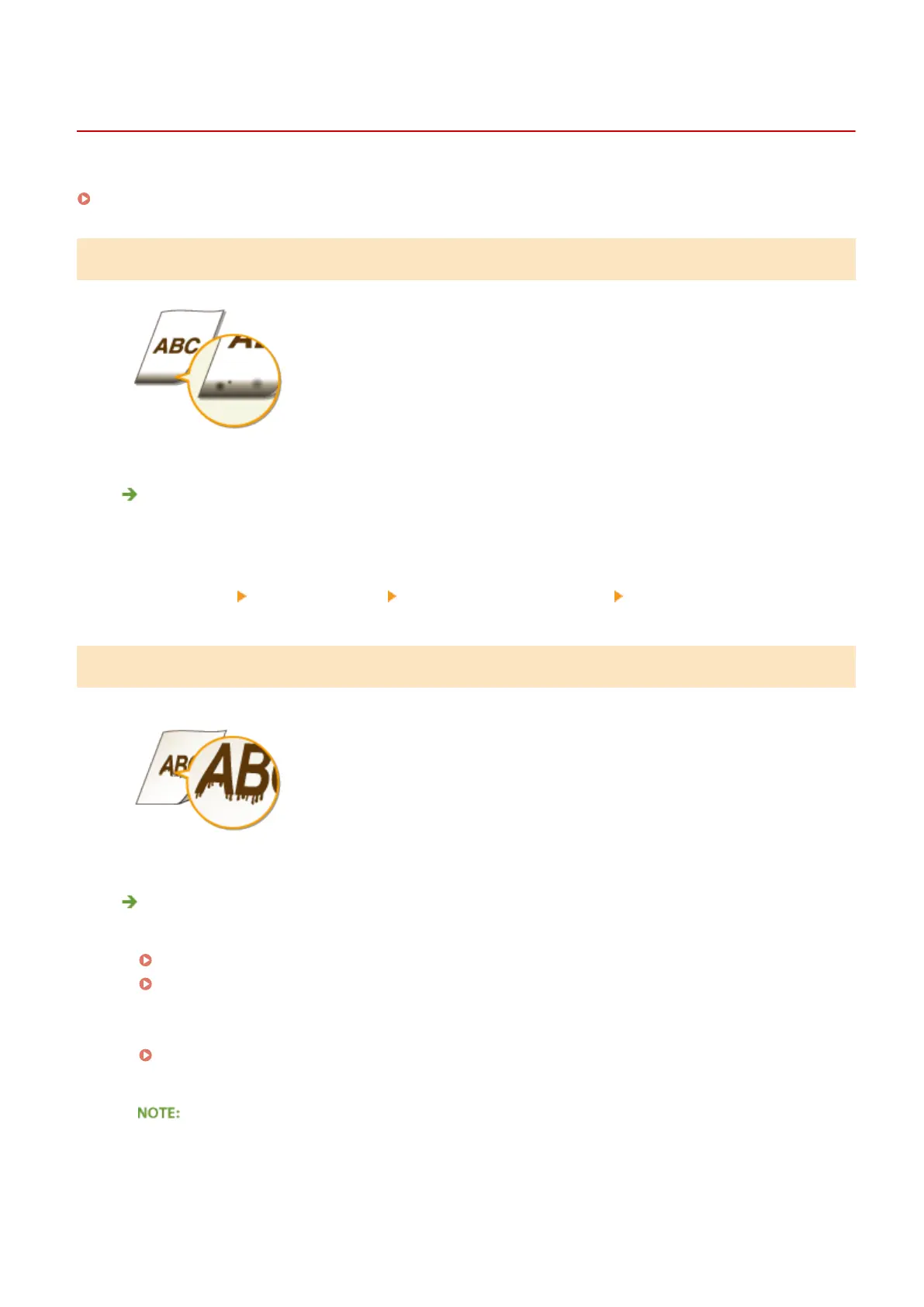
Smudge Marks Appear on the Edge of Printouts
Do you print data without margins?
● This symptom occurs if a margin is set to none in the printer driver. A margin of 5 mm or less around the
edge of paper or 10 mm or less around the edge of envelopes is not printable with the machine. Make
sure to have margins around the document to print.
[Finishing] tab
[Advanced Settings] [Expand Print Region and Print] [Off]
Streaks Appear on Printouts
Are you using appropriate paper?
● Check usable paper, and replace with appropriate paper.
Paper(P. 419)
Loading Paper(P. 42)
● If using the appropriate paper still does not solve the problem, change one of the <Special Printing Mode
Z>, <Special Printing Mode C>, and <Special Printing Mode D> settings.
Special Processing (P. 325)
● To print from a computer, change the setting for [Special Print Adjustment] in the printer driver.
[Mode 1] has the least effect while [Mode 4] has the most effect. Try each in order starting with [Mode 1].
Increasing the effect makes the print density lighter. Outlines may also be blurred or images may appear
somewhat grainy.
Troubleshooting
365












 To Next Page