Did you just replace the toner cartridge? Have you not used the printer for a
long period of time?
● Change the setting for <Special Printing Mode B>.
Special Processing (P. 325)
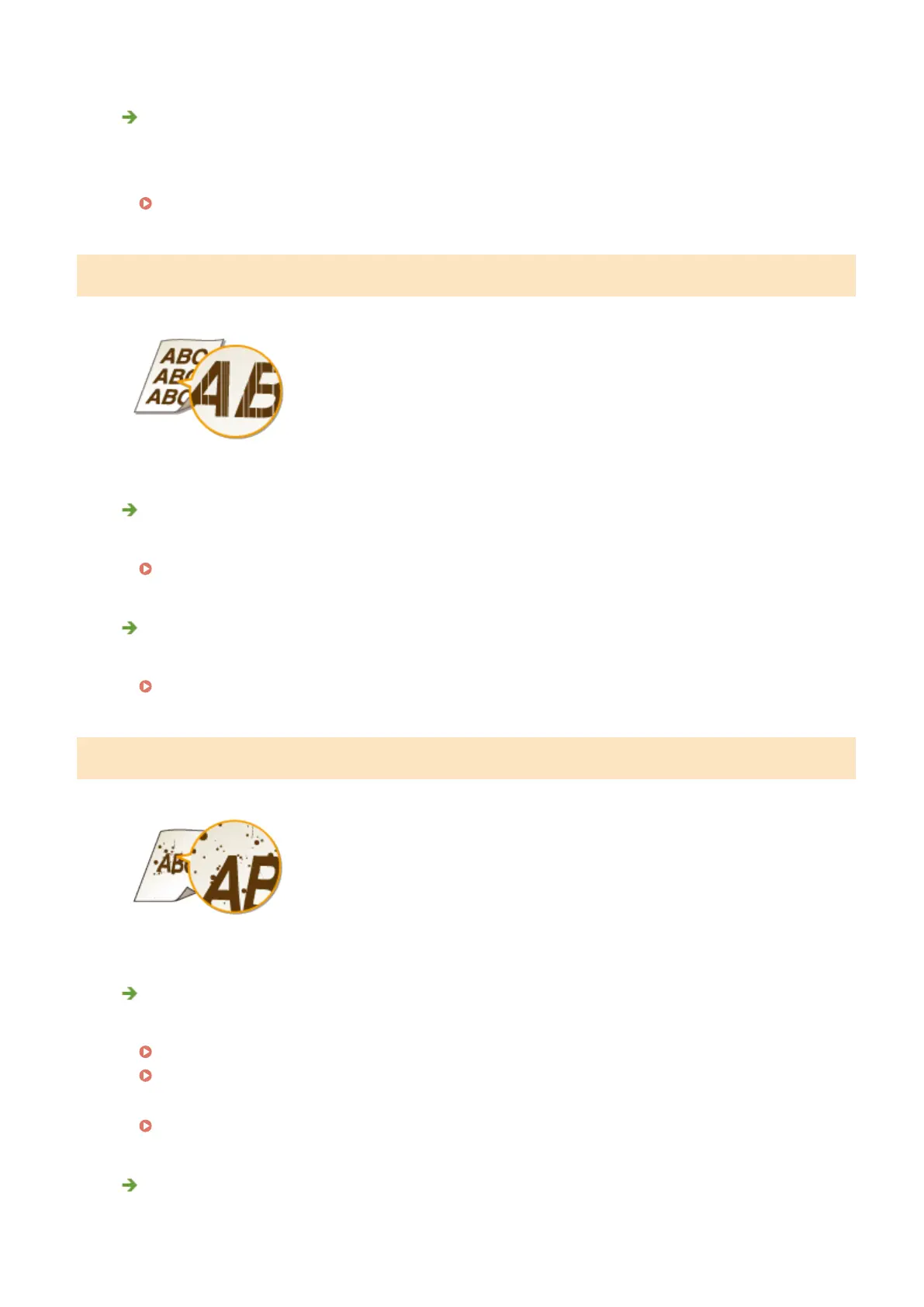
White Streaks Appear
Is the platen glass dirty?
● Clean the platen glass and the underside of the feeder.
Platen Glass(P. 379)
Is the amount remaining in the toner cartridge nearly empty?
● Check the amount remaining in the toner cartridge, and replace the toner cartridges as necessary.
Replacing Toner Cartridges(P. 386)
Toner Smudges and Splatters Appear
Are you using appropriate paper?
● Check usable paper, and replace with appropriate paper.
Paper(P. 419)
Loading Paper(P. 42)
● Change the setting for <Special Printing Mode U>.
Special Processing (P. 325)
Is the amount remaining in the toner cartridge nearly empty?
● Check the amount remaining in the toner cartridge, and replace the toner cartridges as necessary.
Troubleshooting
366












 To Next Page