When set to <On>
Fine lines and portions with lighter print density may become blurred.
Special Processing
If the print results on special types of paper are not satisfactory, the following settings may improve the quality of the
printouts.
Special Printing Mode U
If toner appears splattered around text and patterns in a printout, select <On>.
Off
On
<Adjustment/Maintenance> <Special Processing> <Special Printing
Mode U> <On>
When set to <On>
Print quality can be affected by the type of paper (especially lightweight paper) and the printing environment
(especially high humidity).
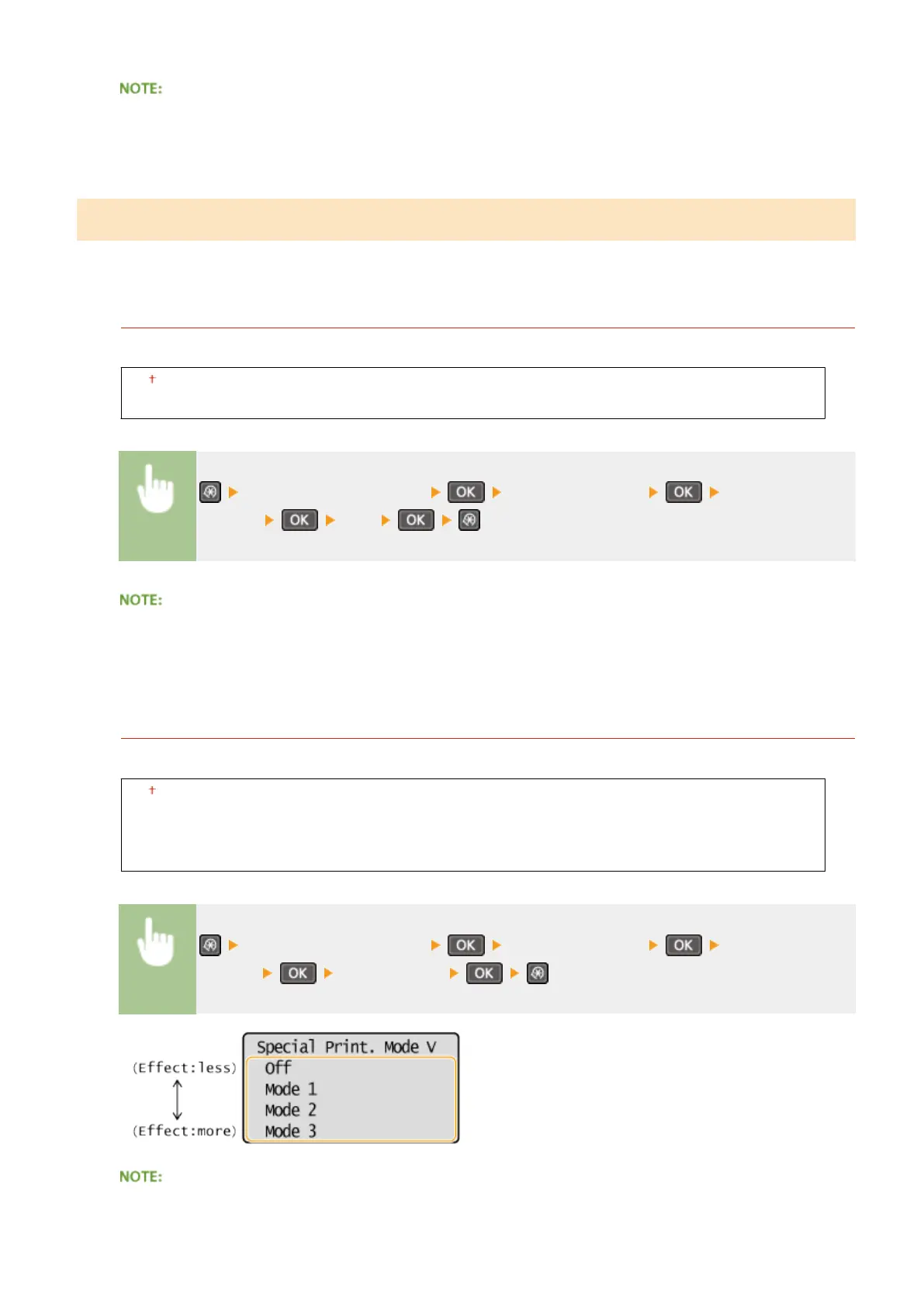
Special Printing Mode V
Adjust this setting if the print paper curls or wrinkles.
Off
Mode 1
Mode 2
Mode 3
<Adjustment/Maintenance> <Special Processing> <Special Printing
Mode V> Select the mode
To enable the setting
Setting Menu List
325












 To Next Page