Conguring Printing Protocols and WSD Functions
1560-03Y
Congure the protocols that are used for printing documents from a networked computer. The protocols supported
by the machine include LPD, RAW, and WSD (Web Services on Devices).
To change protocols' port numbers, see
Changing Port Numbers (MF244dw / MF232w)(P. 240) .
1
Start the Remote UI and log on in System Manager Mode. Starting Remote
UI(P. 272)
2
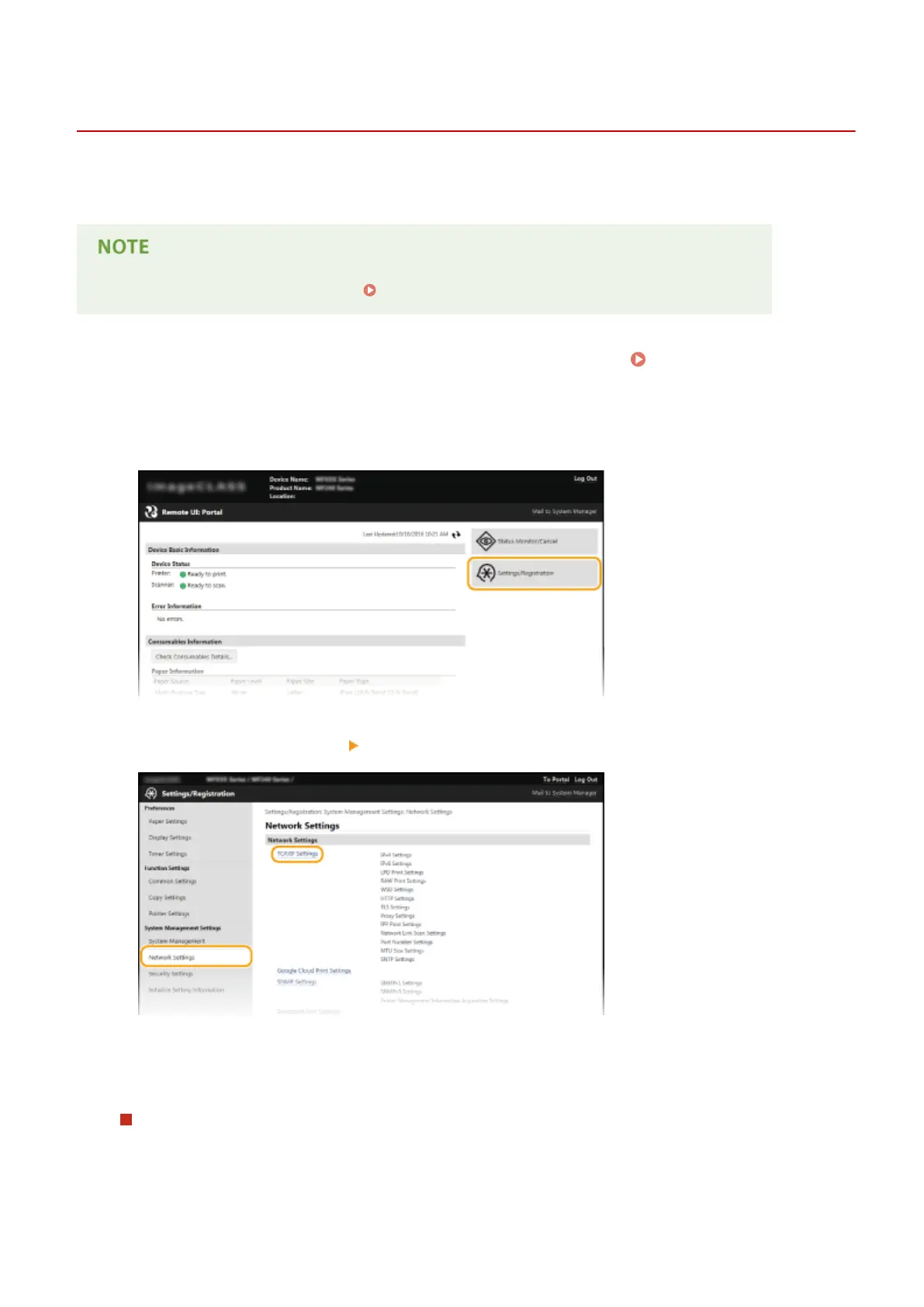
Click [Settings/Registration].
3
Click [Network Settings] [TCP/IP Settings].
4
Congure printing protocols.
Conguring LPD or RAW
1
Click [Edit] in [LPD Print Settings] or [RAW Print Settings].
Network (MF244dw / MF232w)
197












 To Next Page