2
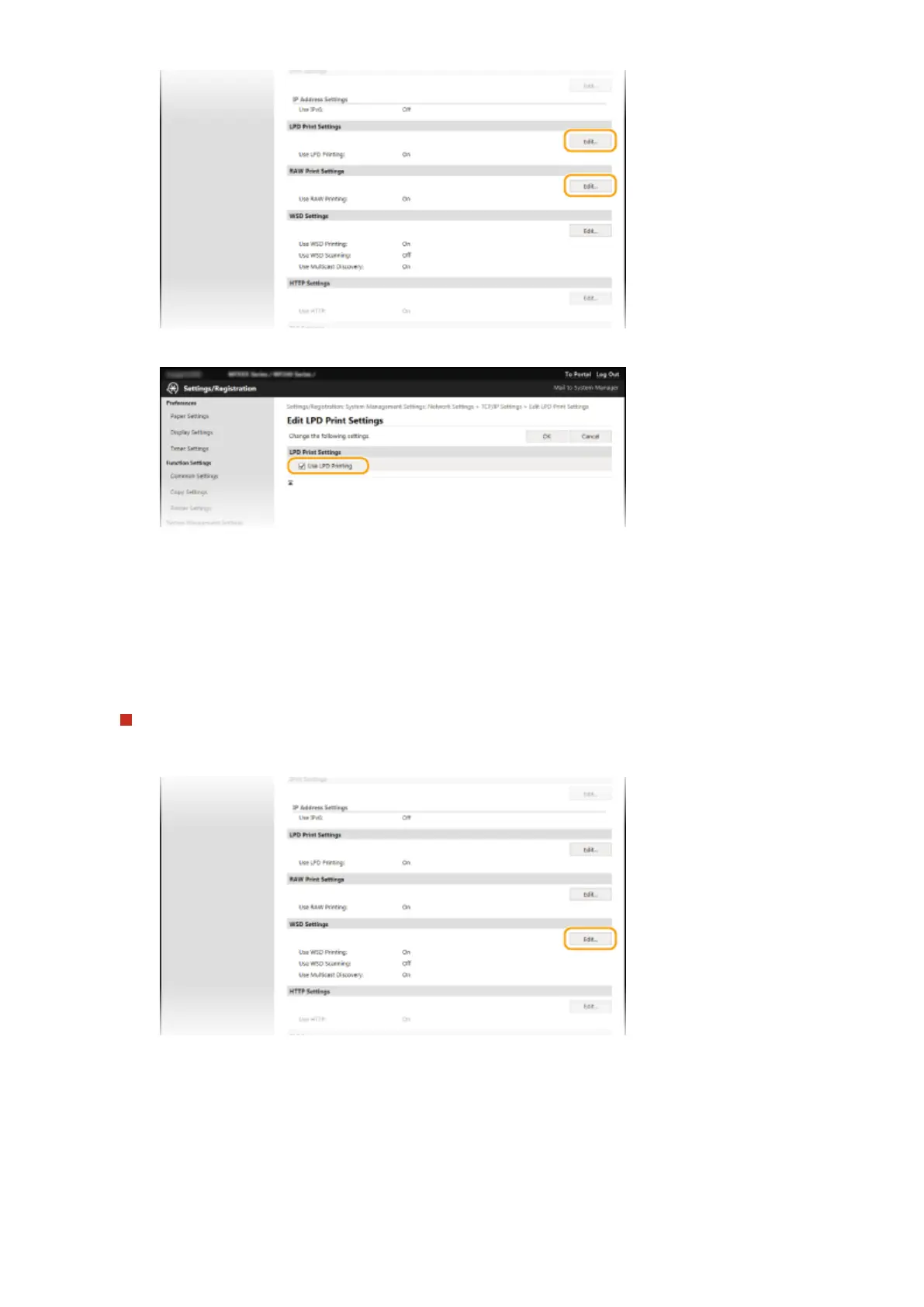
Congure the settings as necessary.
[Use LPD Printing]
Select the check box to print via LPD. When not using LPD printing, clear the check box.
[Use RAW Printing]
Select the check box to print via RAW. When not using RAW printing, clear the check box.
3
Click [OK].
Conguring WSD
1
Click [Edit] in [WSD Settings].
2
Congure the settings as necessary.
Network (MF244dw / MF232w)
198












 To Next Page