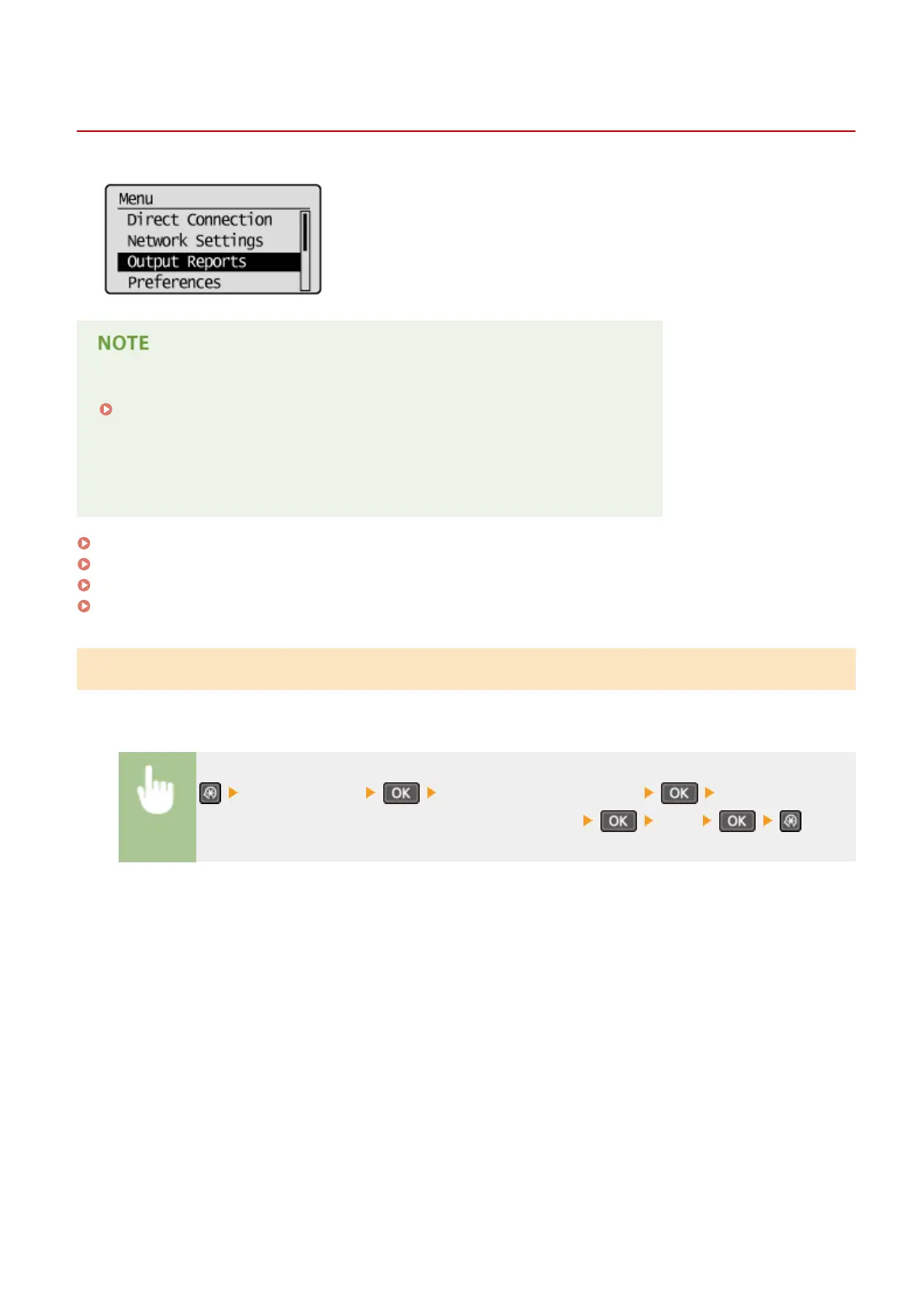
Output Reports
1560-05H
You can check the list of the settings as well as the content that has been
registered in the machine by printing a User Data List.
Reports or lists can be printed on A4 or Letter size paper.
Loading Paper(P. 42)
Asterisks (
*
)
● Settings marked with an asterisk (
*1
) are only available for MF244dw / MF232w.
● Settings marked with an asterisk (
*2
) are only available for MF244dw.
Consumables Status Report(P. 296)
Eco Report(P. 297)
User Data List(P. 297)
PCL Font List(P. 298)
Consumables Status Report
You can check the consumables status installed in the machine.
<Output Reports> <Consumables Status Report> Check that the size
of paper displayed on the screen is loaded in the machine <Yes>
Example:
Setting Menu List
296












 To Next Page