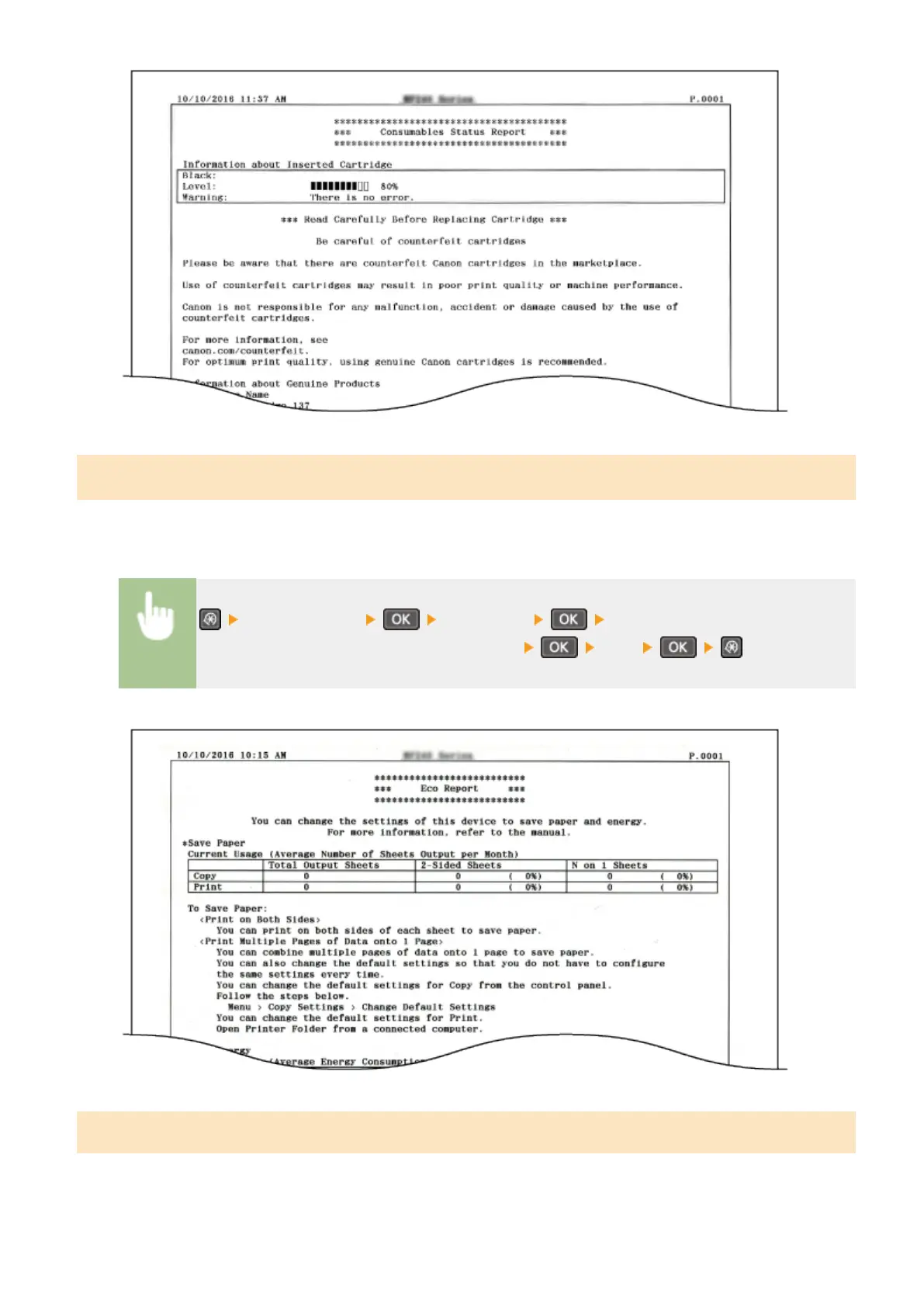
Eco Report
*1
You can check information such as the number of printouts per month and amount of consumed power, and also
check ways to increase savings.
<Output Reports> <Eco Report> Check that the size of paper
displayed on the screen is loaded in the machine <Yes>
Example:
User Data List
You can check a list of the machine's setting items (setting menu list) and their settings.
Setting Menu List
297












 To Next Page