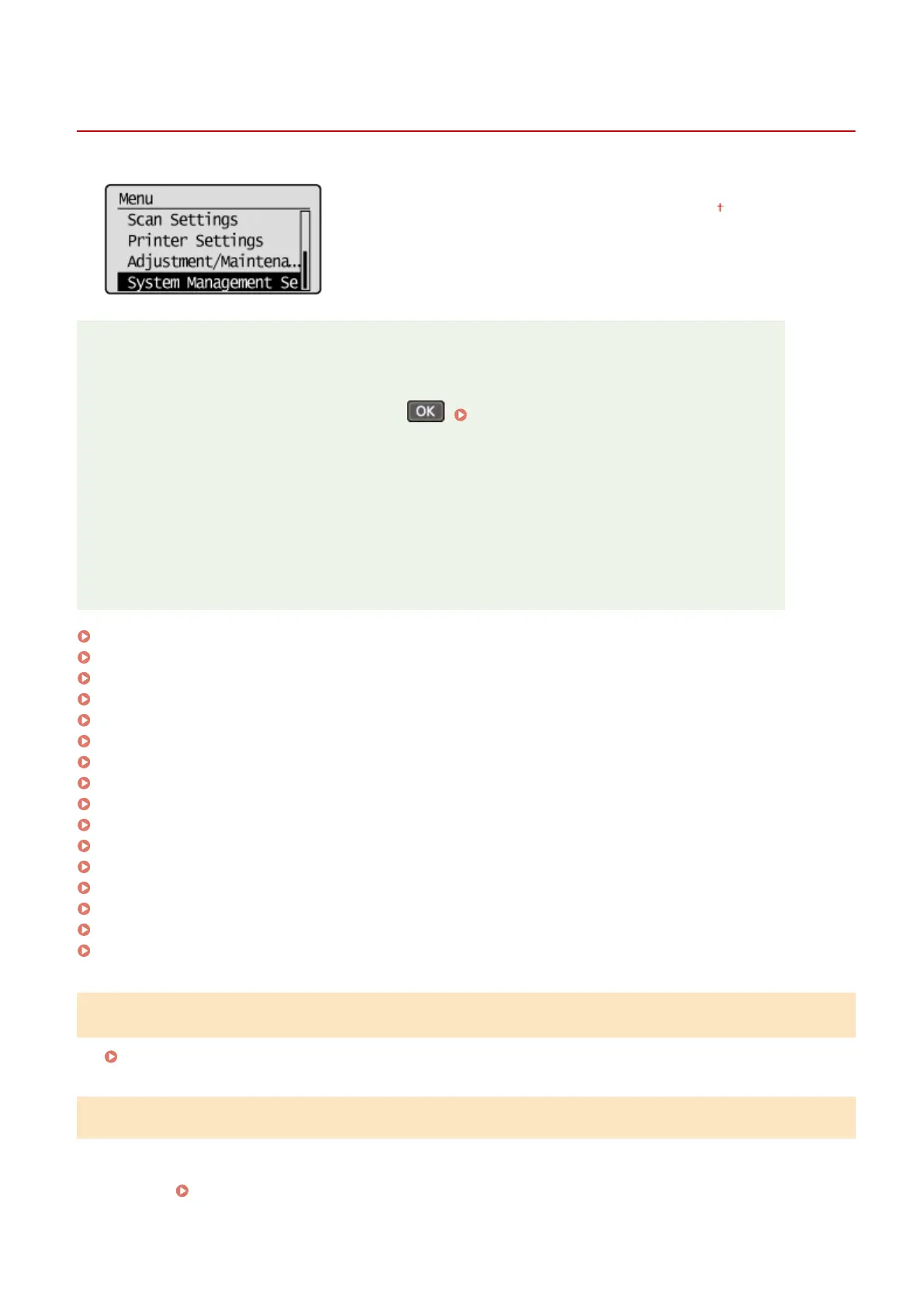
System Management Settings
1560-05Y
All the settings about System Management Settings are listed with short
descriptions. Default settings are marked with a dagger ( ).
NOTE
If a screen for entering a PIN is displayed
Enter the PIN with the numeric keys and press
. Setting the System Manager PIN(P. 228)
Asterisks (
*
)
● Settings marked with "
*1
" are only available for the MF244dw / MF232w.
● Settings marked with "
*2
" have different defaults depending on the country or region of purchase.
● "
*3
": Displayed as <Display Consumables Info. (Toner Status)> for the MF241d.
● Settings marked with "
*4
" are only available for the MF244dw.
● Settings marked with "
*5
" are only available for the MF244dw / MF241d.
Network Settings(P. 330)
System Manager Information Settings(P. 330)
Device Information Settings(P. 331)
Security Settings(P. 331)
Select Country/Region(P. 332)
Remote UI Settings(P. 333)
Auto Online for Remote Scan(P. 333)
Use as USB Device(P. 334)
Enable Product Extended Survey Program(P. 334)
Displ. Consmbls. Info (RUI/Toner Status)(P. 334)
Google Cloud Print Settings(P. 335)
PDL Selection (Plug and Play) (P. 335)
Update Firmware(P. 336)
Initialize Eco Report Counter(P. 336)
Initialize Menu(P. 337)
Initialize All Data/Settings(P. 337)
Network Settings
*1
See
Network Settings (MF244dw / MF232w)(P. 286) .
System Manager Information Settings
Specify the PIN exclusively for Administrators who have access privileges to <Network Settings> and <System
Management Settings>. You can set the PIN from <System Manager PIN>. You can also register the name of an
Administrator.
Setting the System Manager PIN(P. 228)
Setting Menu List
330












 To Next Page