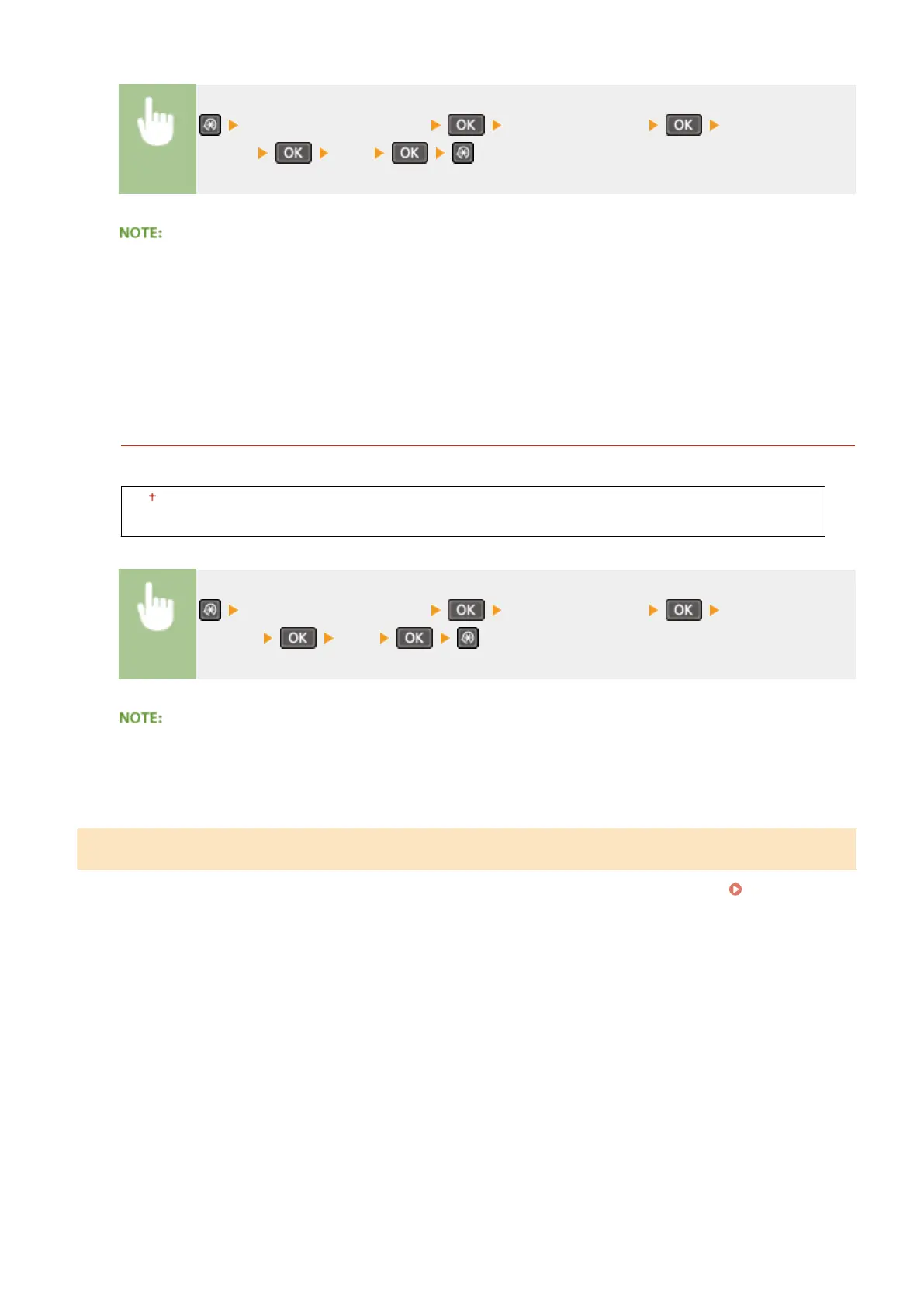
<Adjustment/Maintenance> <Special Processing> <Special Printing
Mode J> <On>
When set to <On>.
The following may occur.
● Denition may be affected
● Toner appears in non-print areas when using a new toner cartridge
● Toner cartridge may be used up more quickly
Special Printing Mode K
If toner does not adhere adequately and printouts are faded, select <On>.
Off
On
<Adjustment/Maintenance> <Special Processing> <Special Printing
Mode K> <On>
When set to <On>
Print speed is slower.
Clean Fixing Assembly
Clean the xing assembly after a toner cartridge is replaced or if black streaks appear on printouts.
Fixing
Assembly(P. 383)
Setting Menu List
329












 To Next Page