Special Printing Mode D
Adjust this setting if streaks adhere to the print paper. Also, setting this item to <On> will reduce the operating
noise during printing.
Copy
Off
On
Print
Off
On
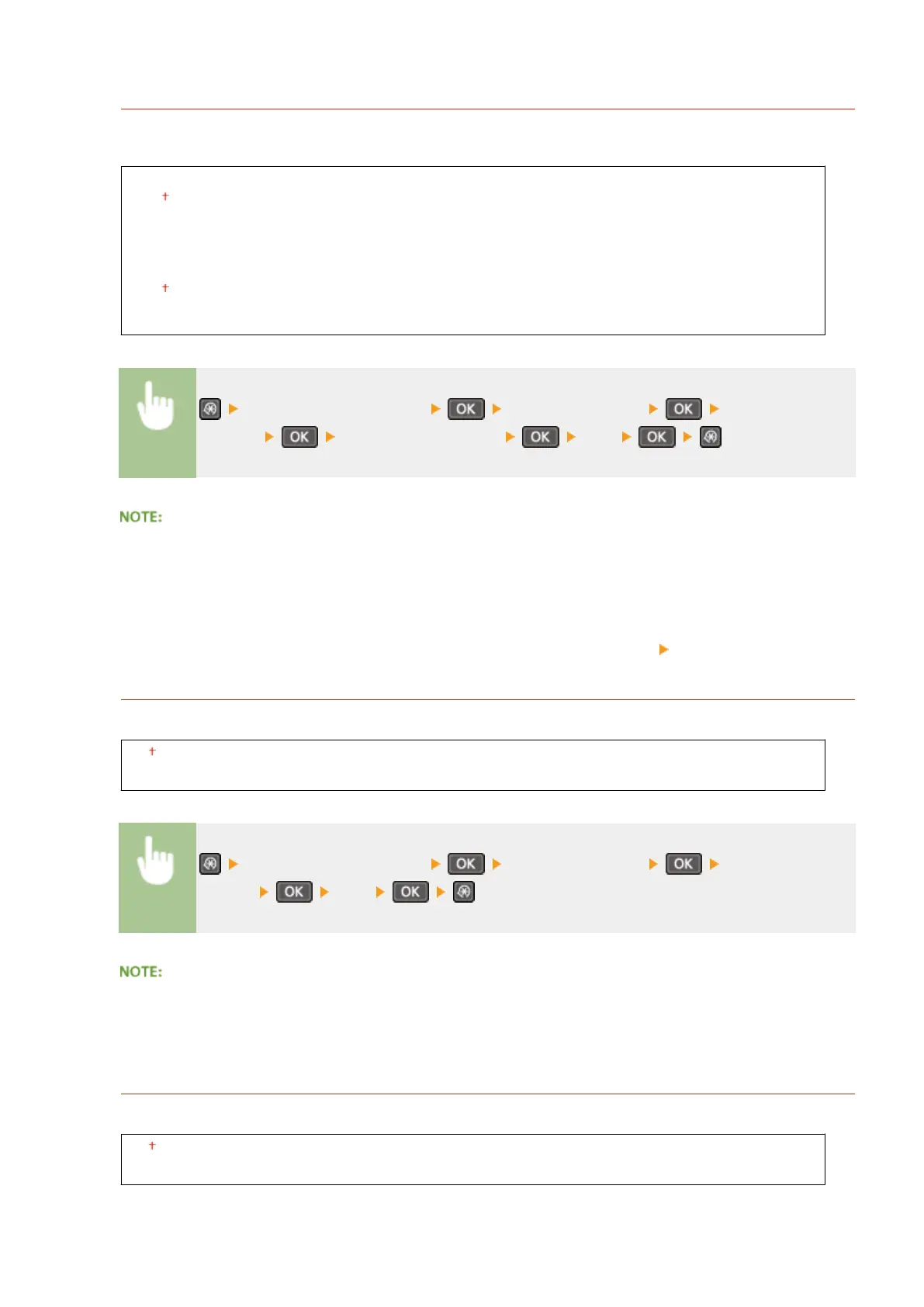
<Adjustment/Maintenance> <Special Processing> <Special Printing
Mode D> Select <Copy> or <Print> <On>
After the setting is enabled
● While more effect is gained than with <Special Printing Mode Z>, print speed is slower.
After printing from a smartphone or tablet
If streaks adhere to the paper, change the setting with <Special Printing Mode D> <Copy>.
Special Printing Mode I
Only select <On> if paper jams frequently when printing on lightweight paper or on curled paper.
Off
On
<Adjustment/Maintenance> <Special Processing> <Special Printing
Mode I> <On>
When set to <On>
White patches may appear in images printed on paper other than lightweight paper.
Special Printing Mode J
If printing is uneven when printing ne lines or faint images, select <On>.
Off
On
Setting Menu List
328












 To Next Page