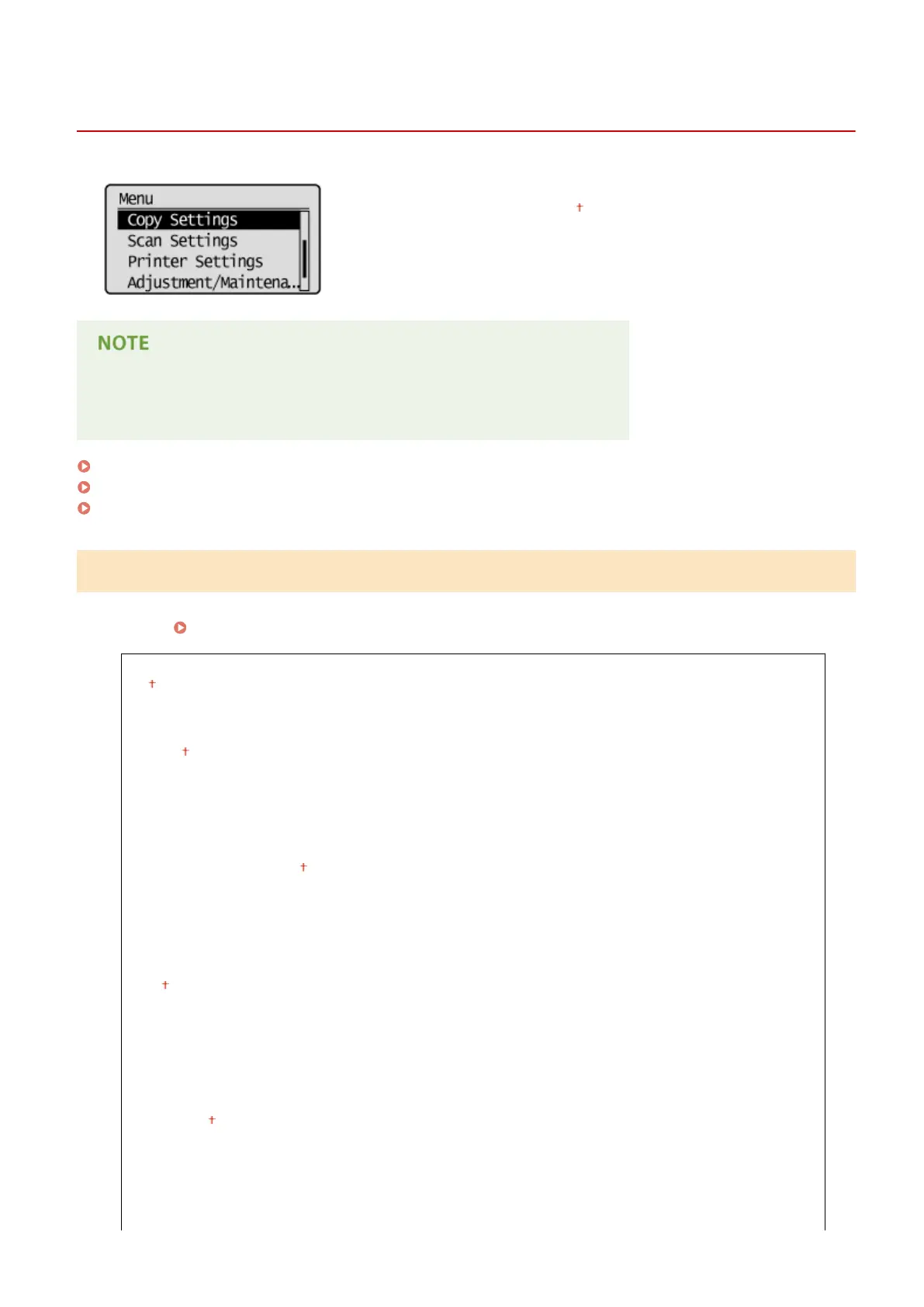
Copy Settings
1560-05R
All the settings about the copy are listed with short descriptions. Default
settings are marked with a dagger ( ).
Asterisks (
*
)
Settings marked with an asterisk (
*
) are only available for MF244dw / MF241d.
Change Default Settings (P. 310)
Correct Density(P. 311)
Initialize Default Settings(P. 311)
Change Default Settings
You can change the factory default settings about copy. The selected settings are used as the default settings of the
copy function.
Changing Default Settings(P. 82)
Number of Copies
1
to 999
Density
-4 to 0 to +4
Auto Density
Original Type
Text
Text/Photo (High Speed)
Text/Photo
Photo
2-Sided
*
Off
1->2-Sided
Original/Finishing Type
Copy Ratio
Custom Ratio
100% (1:1)
400% (Max)
200%
141% A5->A4/LTR
122% A5->B5
115% B5->A4/LTR
Setting Menu List
310












 To Next Page