Initialize Menu
Select to restore the settings listed below to the factory defaults. You can restore all the settings listed below at once,
or you can restore individual settings separately. Initializing Menu(P. 397)
Preferences
Timer Settings
Common Settings
*5
Copy Settings
Scan Settings
Printer Settings
Adjustment/Maintenance
System Management Settings
Initialize All
System Management Settings
Select to restore the System Management Settings to the factory defaults. You can restore all the System
Management Settings at once. Initializing Menu(P. 397)
Network Settings
*1
System Manager Information Settings
Device Information Settings
Security/Remote UI Settings
*1
Auto Online for Remote Scan
Use as USB Device
Enable Product Extended Survey Program
Displ. Consmbls. Info (RUI/Toner Status)
*3
Google Cloud Print Settings
*1
PDL Selection (Plug and Play)
Initialize All
Initialize All Data/Settings
Delete all data on the machine and return it to its factory default settings.
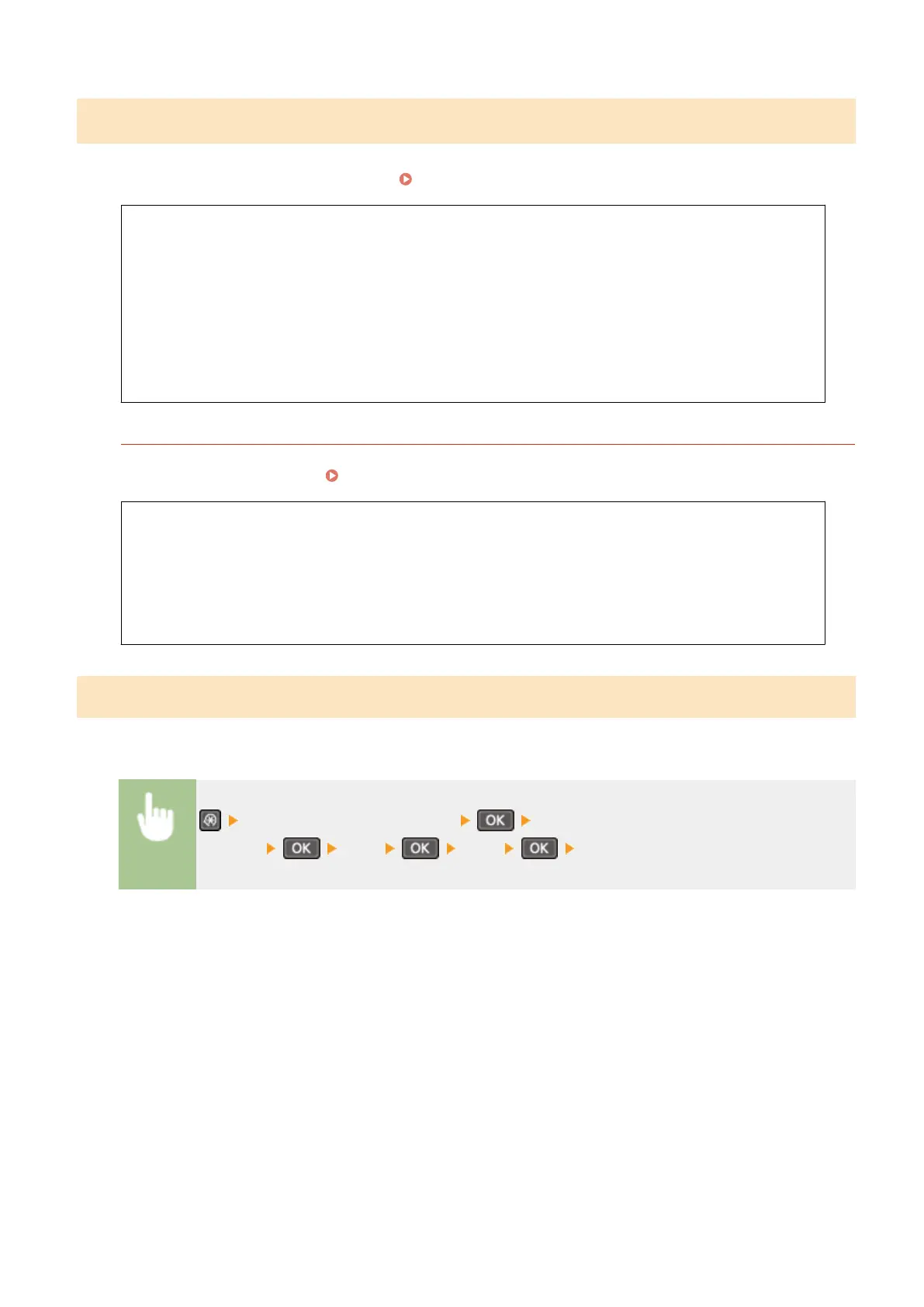
<System Management Settings> <Initialize All Data/
Settings> <Yes> <Yes> Restart the machine
Setting Menu List
337












 To Next Page