4
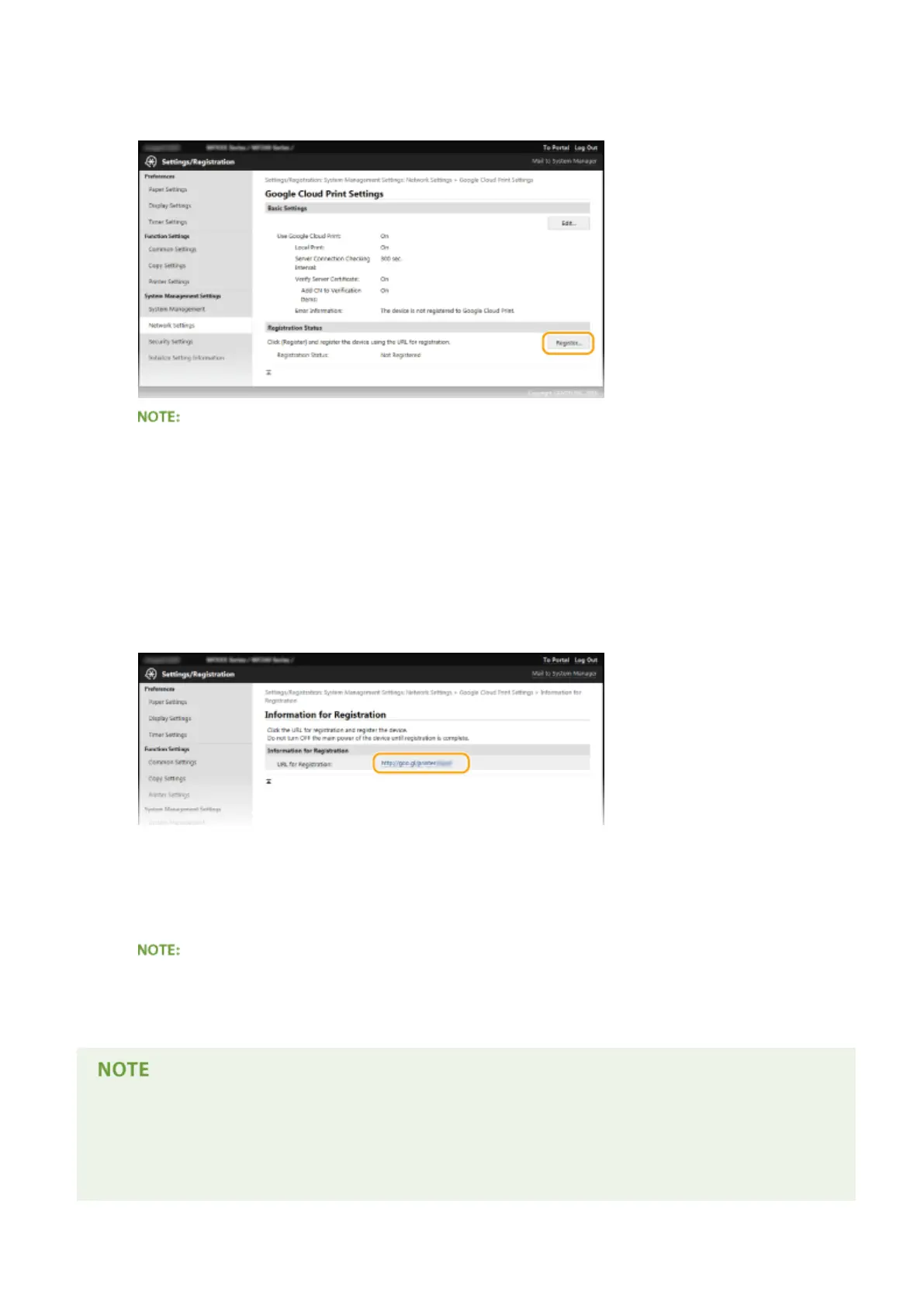
Click [Register] in [Registration Status].
If [Register] is unavailable
● You need to enable Google Cloud Print. Click [Edit], select the [Use Google Cloud Print] check box, and
then click [OK].
To reregister the machine
● To reregister the machine if the owner of the machine has changed or for other reasons, unregister the
machine and register it again.
5
Click the link of the URL displayed for [URL for Registration].
6
Follow the on-screen instructions to register the machine.
➠ You can print from a Google Cloud Print compatible application such as Google Chrome™.
● Access the Google Cloud Print website for information about the latest applications that support Google
Cloud Print.
Registering from a mobile device or Google Chrome
● You can also register the machine from a mobile device or Google Chrome
*
. The machine's display shows
the following conrmation screen before completion of the registration. Select <Yes> to complete the
registration.
Can Be Used Conveniently with a Mobile Device (MF244dw / MF232w)
160












 To Next Page