Conguring settings via the Remote UI (MF244dw / MF232w)
● Start the Remote UI and log on in System Manager Mode. Click [Settings/Registration]
[System
Management] [Edit] and specify the necessary settings on the displayed screen.
● By using the Remote UI, you can register a variety of information, including contact information,
Administrator comments, the installation location of the machine, as well as to the settings that you can
register by using the operation panel. The registered information can be viewed on the [Device Information]
page of the Remote UI.
Checking System Manager Information(P. 279)
If PIN is forgotten
● Do not forget your PIN. If you forget your PIN, contact your authorized Canon dealer or the Canon help line.
If a System Manager PIN is Set
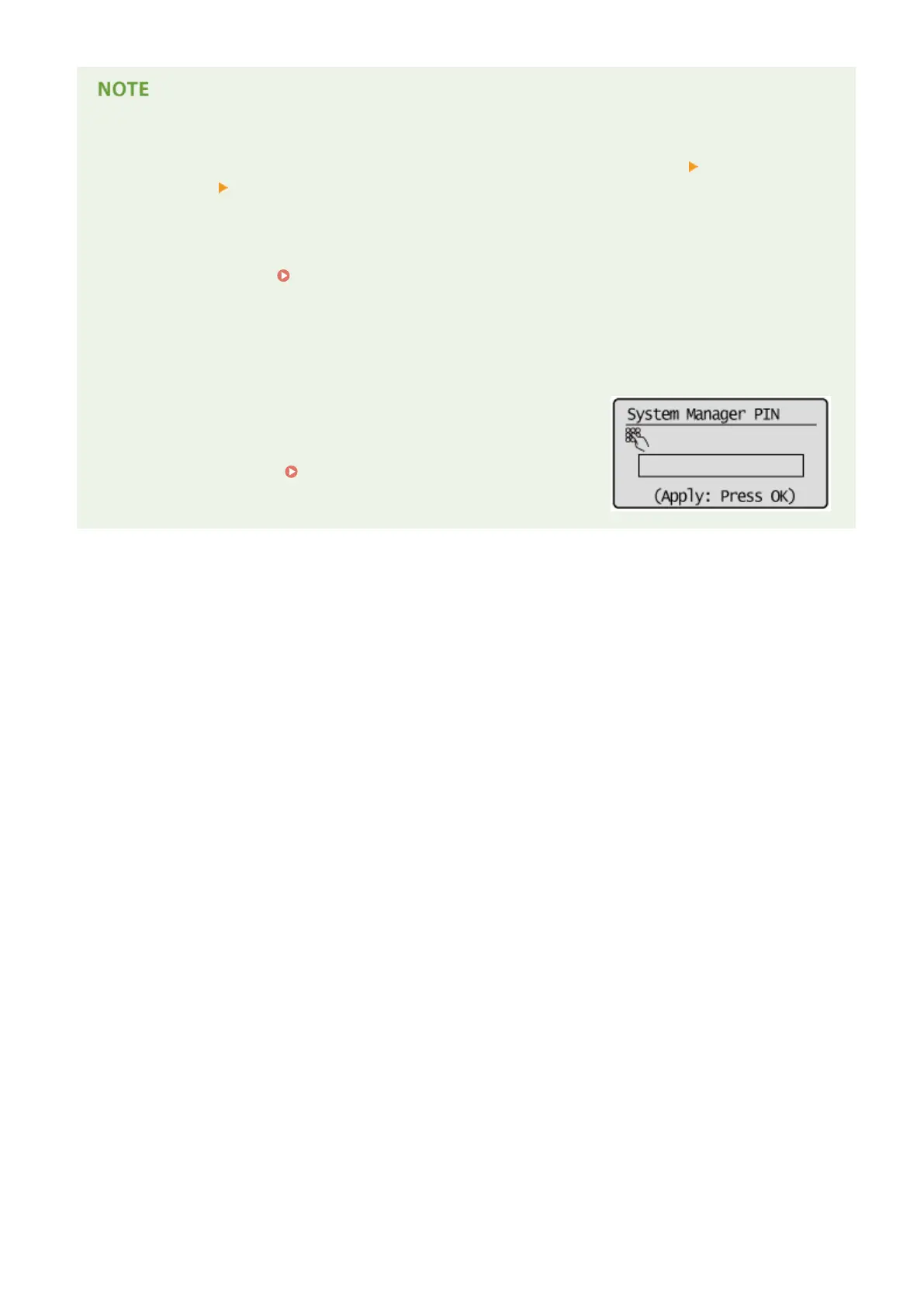
● If you try to access <Network Settings>, <System Management
Settings>, etc., the following screen is displayed. Enter the set PIN.
● Entering a PIN is also required when logging on in System Manager
Mode in the Remote UI.
Starting Remote UI(P. 272)
Security
229












 To Next Page