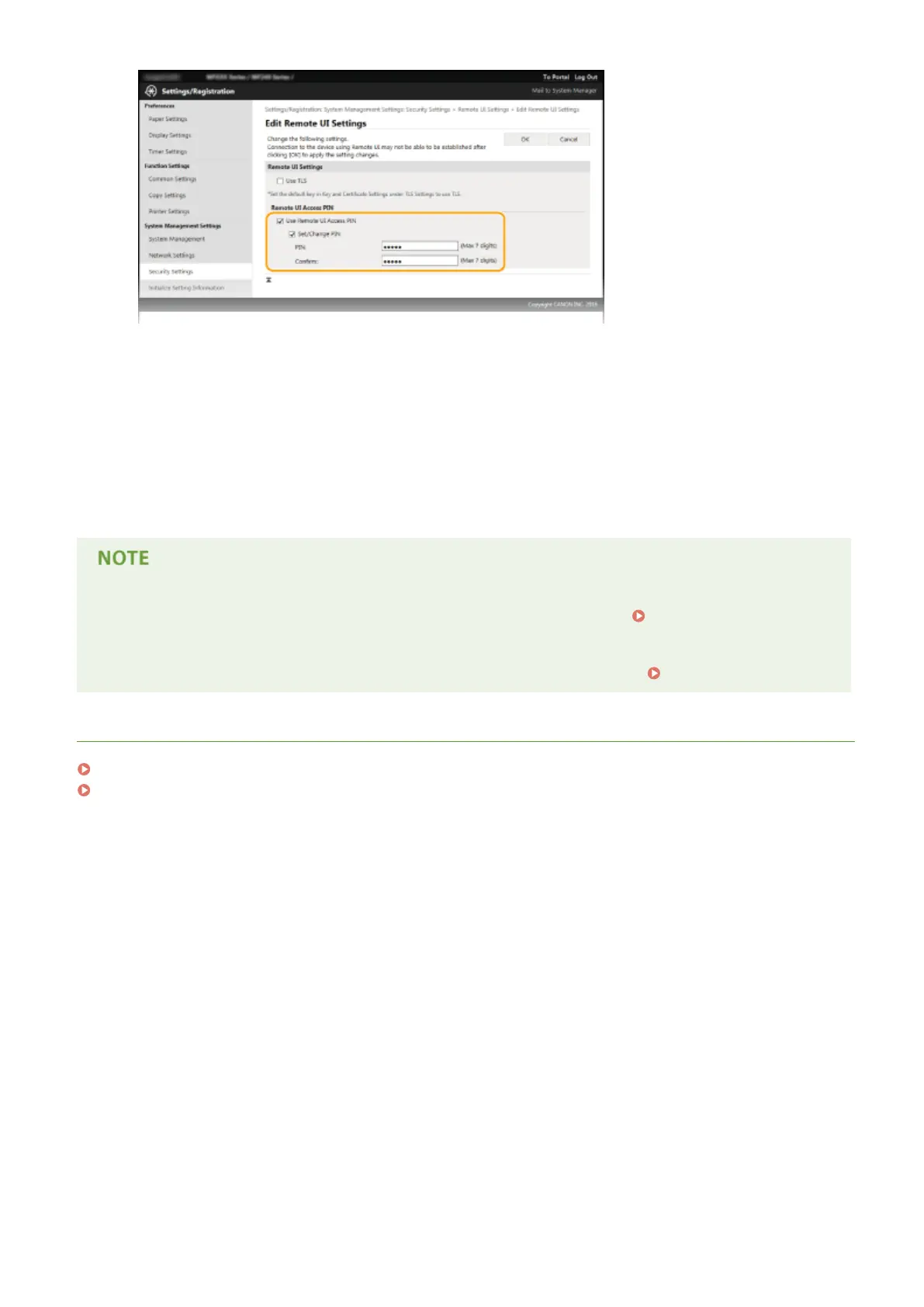
[Use Remote UI Access PIN]
If you select this check box, you must enter a PIN to access the Remote UI.
[Set/Change PIN]
To set a PIN, select the check box and enter a number of up to seven digits both in the [PIN] and [Conrm]
text boxes.
6
Click [OK].
If PIN is forgotten
● Set a new Remote UI Access PIN in the settings menu on the operation panel. Remote UI Settings(P. 333)
If Remote UI settings are initialized
● The Remote UI Access PIN is also initialized. After an initialization, reset the PIN.
Initializing Menu(P. 397)
LINKS
Setting Access Privileges(P. 227)
Setting the System Manager PIN(P. 228)
Security
231












 To Next Page