Registered address Result
[Blocked Addresses]
Restricts communication (received) with devices having their IP addresses entered
for [Address to Register]. Communication is allowed with devices with any other IP
addresses.
[Allowed Addresses]
Allows communication (received) only with devices having their IP addresses entered
for [Address to Register], and restricts communication with devices with any other IP
addresses.
Registered as both
Allows communication (received) only with devices having their IP addresses
registered in [Allowed Addresses], and restricts communication with devices with any
other IP addresses. However, communication is restricted for IP addresses also
registered in [Blocked Addresses].
Check for entry errors
If IP addresses are incorrectly entered, you may be unable to access the machine from the Remote UI,
in which case you need to set <IPv4 Address Filter> or <IPv6 Address Filter> to <Off>. IPv4 Address
Filter (P. 331) IPv6 Address Filter (P. 332)
Entry form for IP addresses
Description
Example
Entering a single address IPv4:
Delimit numbers with periods.
192.168.0.10
IPv6:
Delimit alphanumeric
characters with colons.
fe80::10
Specifying a range of addresses Insert a hyphen between the
addresses.
IPv4:
192.168.0.10-192.168.0.20
IPv6:
fe80::10-fe80::20
Specifying a range of addresses with a
prex (IPv6 only)
Enter the address, followed by
a slash and a number
indicating the prex length.
fe80::1234/64
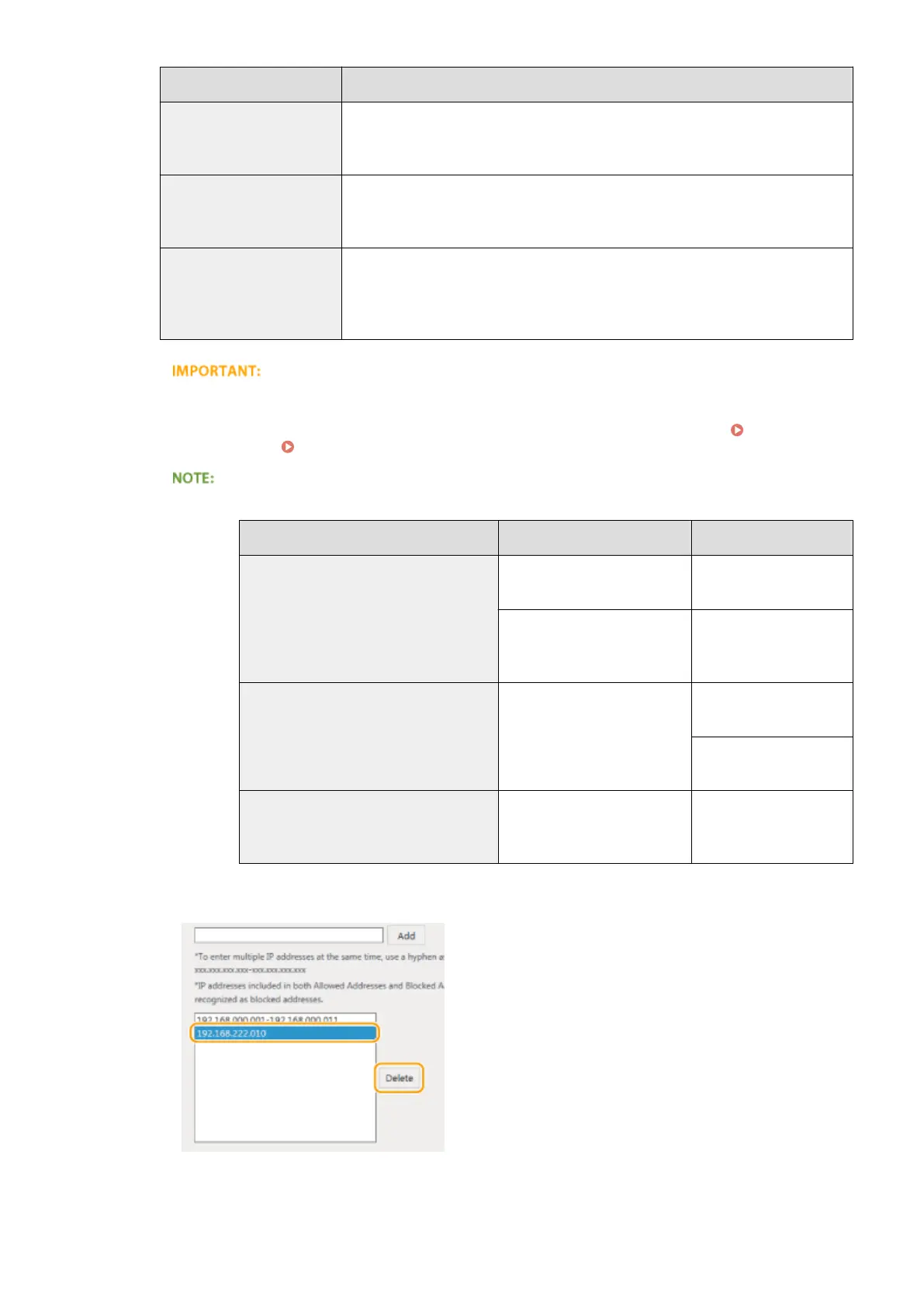
Deleting an IP address from exceptions
Select an IP address and click [Delete].
3
Click [OK].
Security
235












 To Next Page