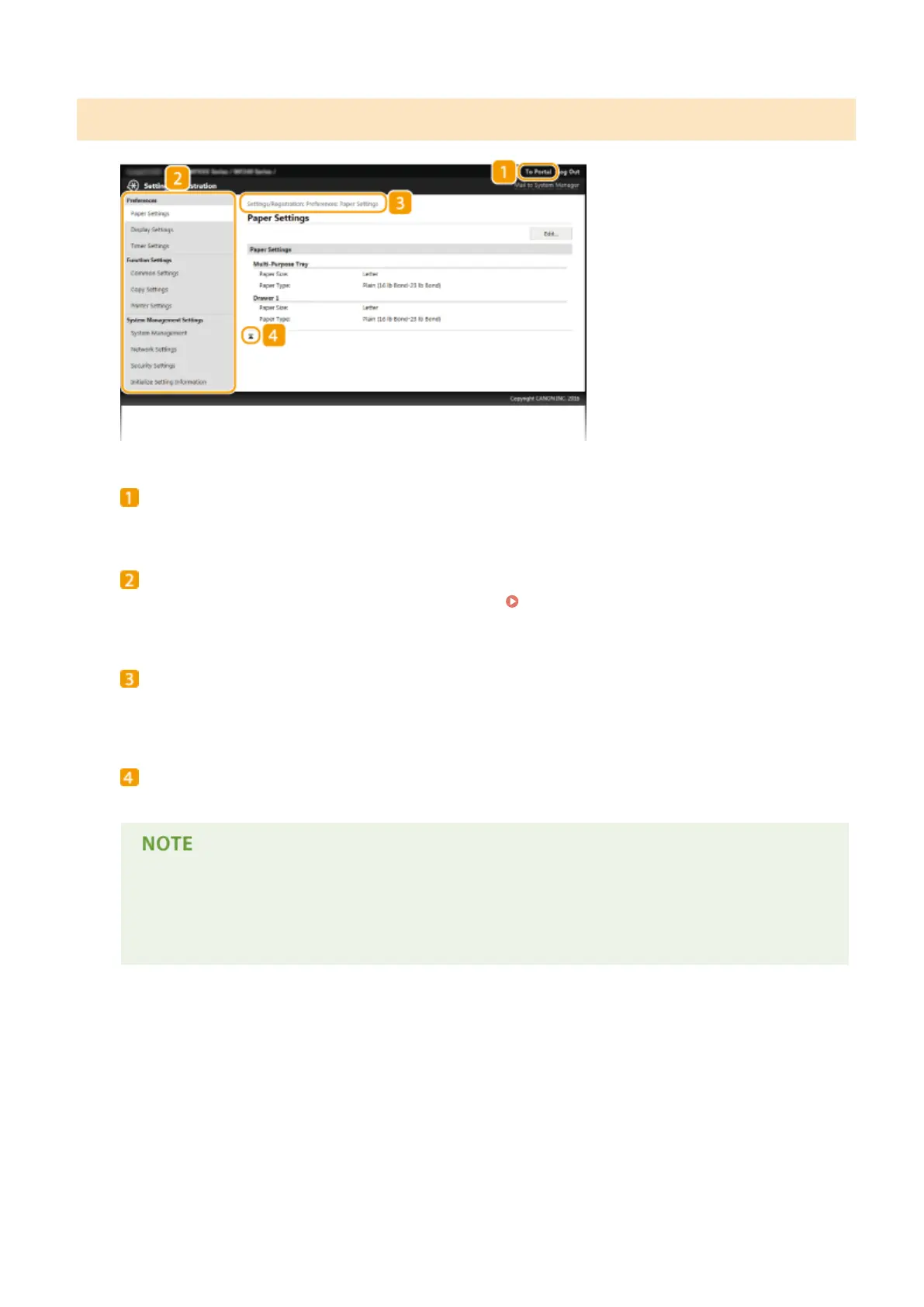
[Settings/Registration] Page
[To Portal]
Returns to Portal Page (main page).
Menu
Click an item, the content is displayed in the right page.
Setting Up Menu Options from Remote
UI(P. 281)
Breadcrumb Trail
Indicates the series of pages you opened to display the currently displayed page. You can check what page is
currently displayed.
Top Icon
Moves the scroll box up to the top of the page when the page is scrolled down.
System Management Settings
● You can only set [System Management Settings] when you have logged on in System Manager Mode.
● When you have logged on in General User Mode, only [System Management] will be displayed.
Using Remote UI (MF244dw / MF232w)
276












 To Next Page