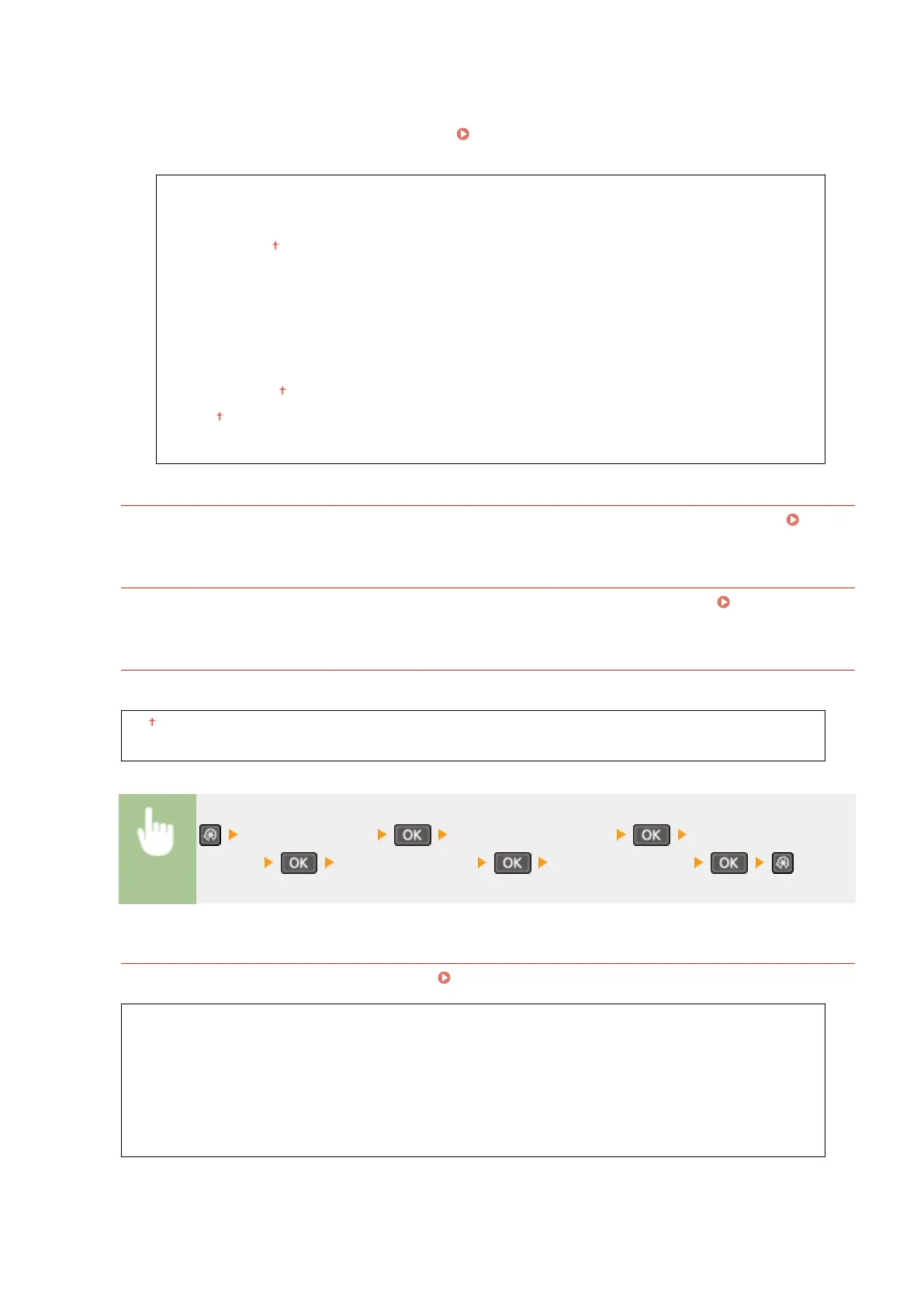
Enter Manually
Select to congure a wireless connection by manually entering an SSID. By using this method, you can specify
authentication and encryption settings in detail.
Setting Up Connection by Specifying Detailed
Settings(P. 179)
Security Settings
None
WEP
Open System
Select WEP Key: 1/2/3/4
Edit WEP Key
Shared Key
Select WEP Key: 1/2/3/4
Edit WEP Key
WPA/WPA2-PSK
Auto
AES-CCMP
WPS Push Button Mode
Select to automatically congure a wireless connection by using the button on a WPS wireless router. Setting
Up Connection Using WPS Push Button Mode(P. 171)
WPS PIN Code Mode
Select to congure a wireless connection by entering a PIN code for a WPS wireless router. Setting Up
Connection Using WPS PIN Code Mode(P. 173)
Power Save Mode
Select whether or not the machine enters Power Save Mode based on signals emitted from the wireless router.
Off
On
<Network Settings> <Wireless LAN Settings> Read the displayed
message <Power Save Mode> Select <Off> or <On>
Wireless LAN Information
Select to view the current wireless LAN settings. Viewing Network Settings(P. 193)
MAC Address
Wireless LAN Status
Latest Error Information
Channel
SSID Settings
Security Settings
Power Save Mode
Setting Menu List
287












 To Next Page