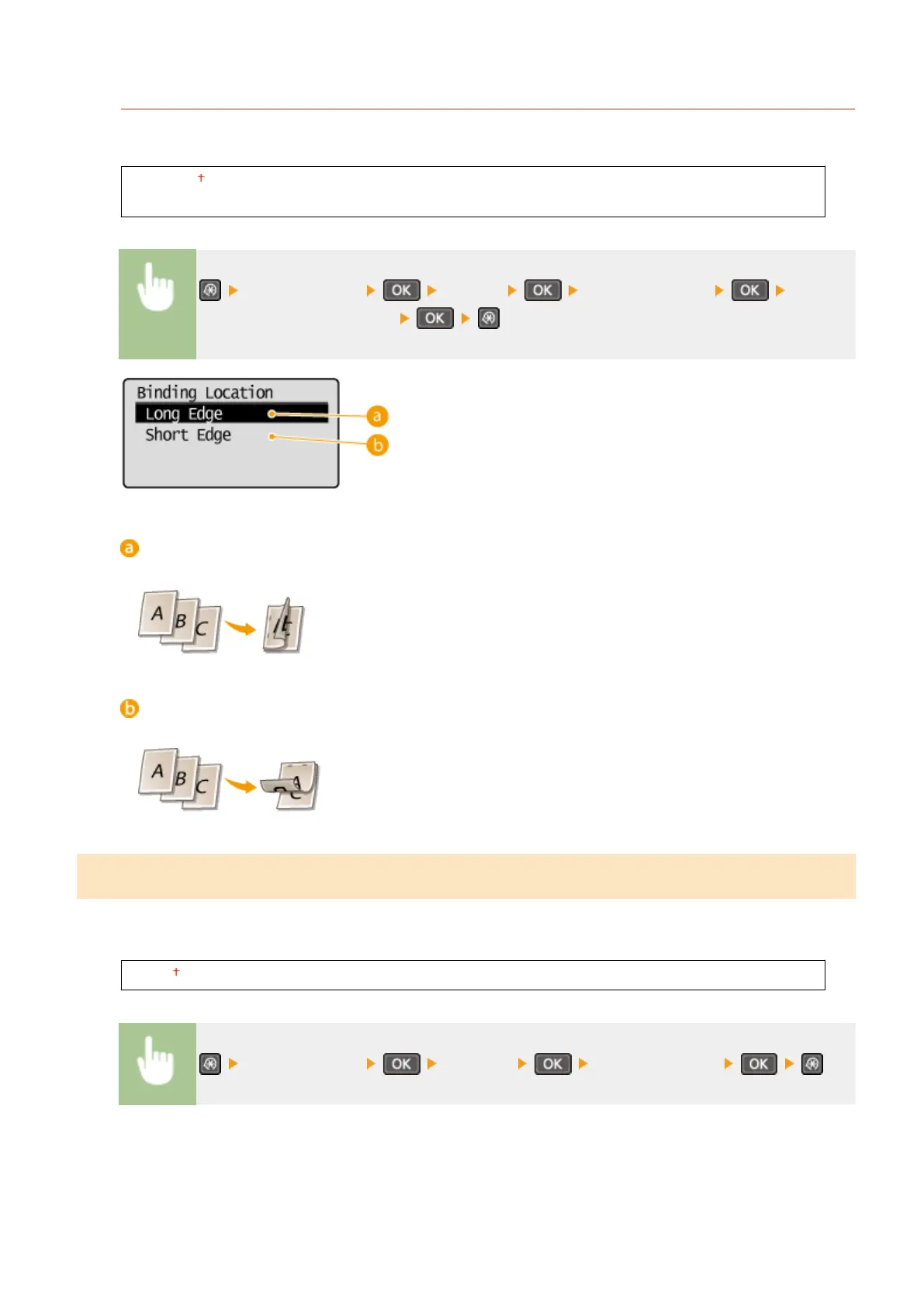
Binding Location
If you are binding the printouts with a binding tool such as a stapler, use this item to specify whether to bind on
the long or short edge.
Long Edge
Short Edge
<Printer Settings> <Layout> <Binding Location> Select
<Long Edge> or <Short Edge>
<Long Edge>
Specify this to bind on the long edge of paper.
<Short Edge>
Specify this to bind on the short edge of paper.
Timeout
*2
Set the time period after which the current print job is automatically canceled in the case of a print data reception
interruption.
5 to 15 to 300 (sec.)
<Printer Settings> <Timeout> Set the time period
Setting Menu List
318












 To Next Page