When a Problem Cannot Be Solved(P. 374)
Document Jams in the Feeder (MF244dw)
If there are documents placed in the feeder, remove them rst. Then, follow the procedure below.
1
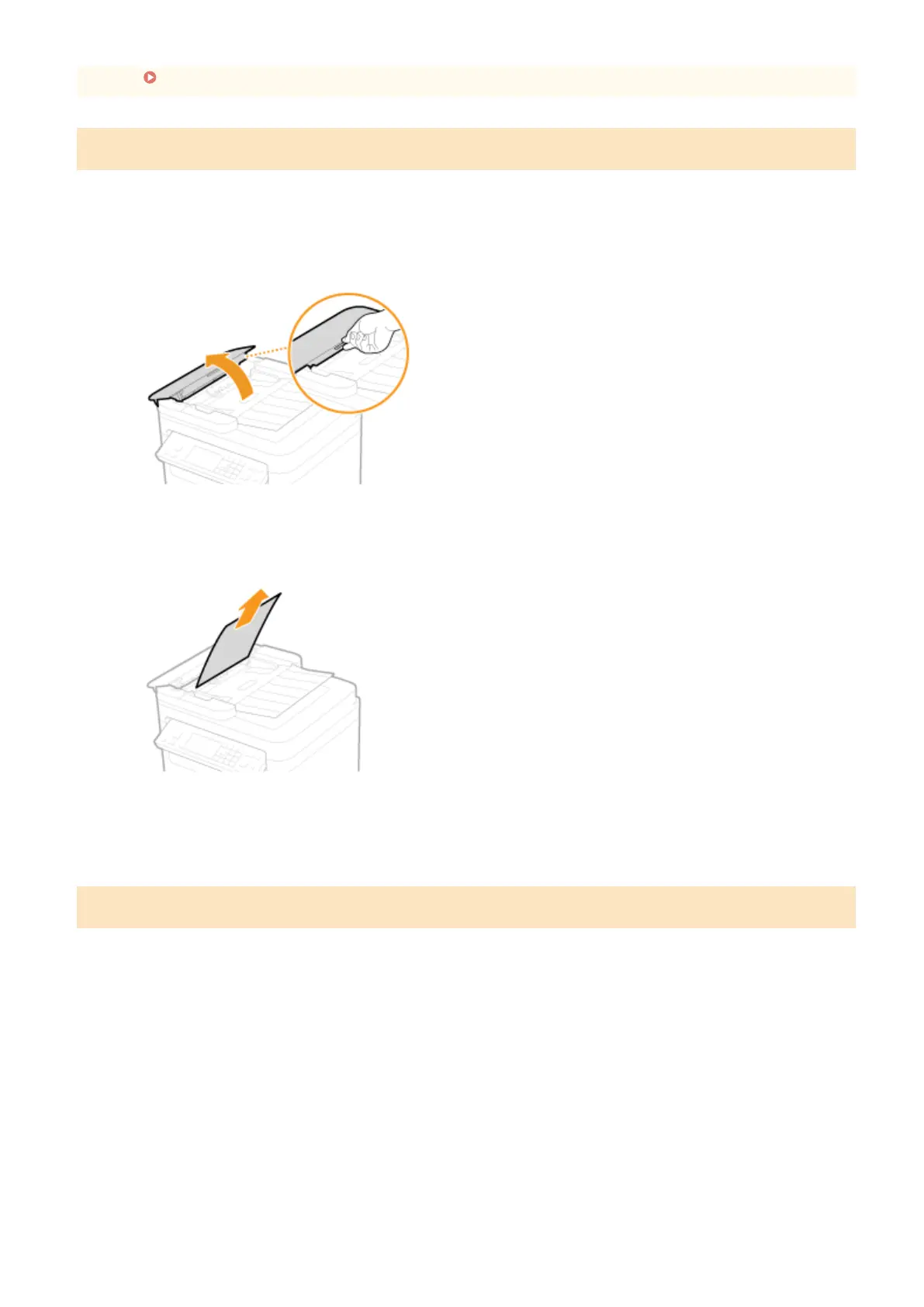
Open the feeder cover.
2
Gently pull out the document.
3
Close the feeder cover.
Paper Jams inside the Machine
1
Remove the toner cartridge.
1
Lift the operation panel.
Troubleshooting
342












 To Next Page