You can also proceed to the next screen by pressing , and return to the previous screen by pressing
.
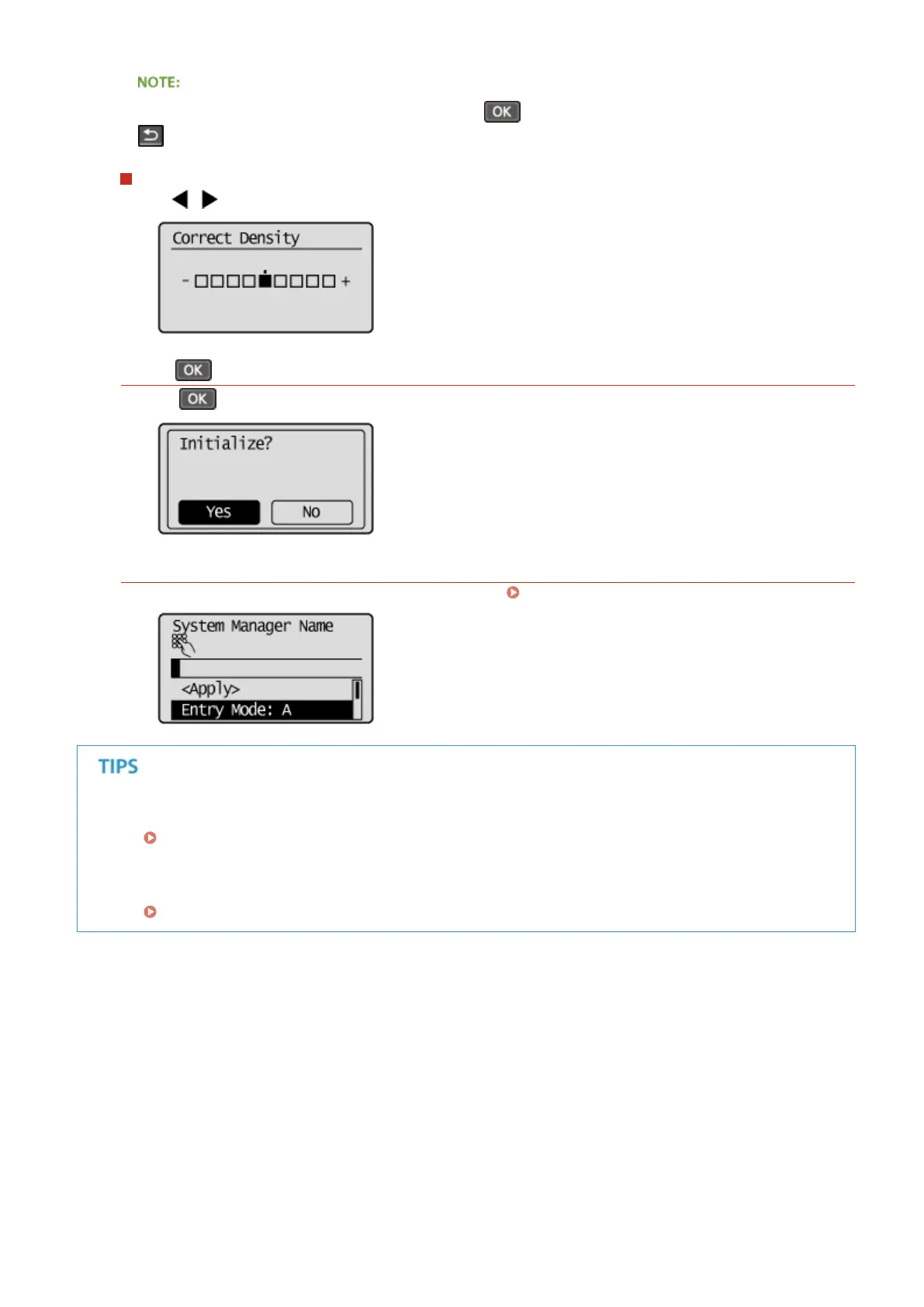
Adjusting a setting value
Use
/ when adjusting the value on a scale.
Using
Press to apply a setting.
Using the Numeric Keys
Use the numeric keys when entering text and numbers. Entering Text(P. 35)
● You can change a variety of display-related settings, such as the scrolling speed or display language:
Display Settings(P. 299)
● To change the screen that is automatically displayed when the machine remains idle for a specied length of
time:
Function After Auto Reset(P. 306)
Basic Operations
34












 To Next Page