When placing documents on the platen glass in step 1
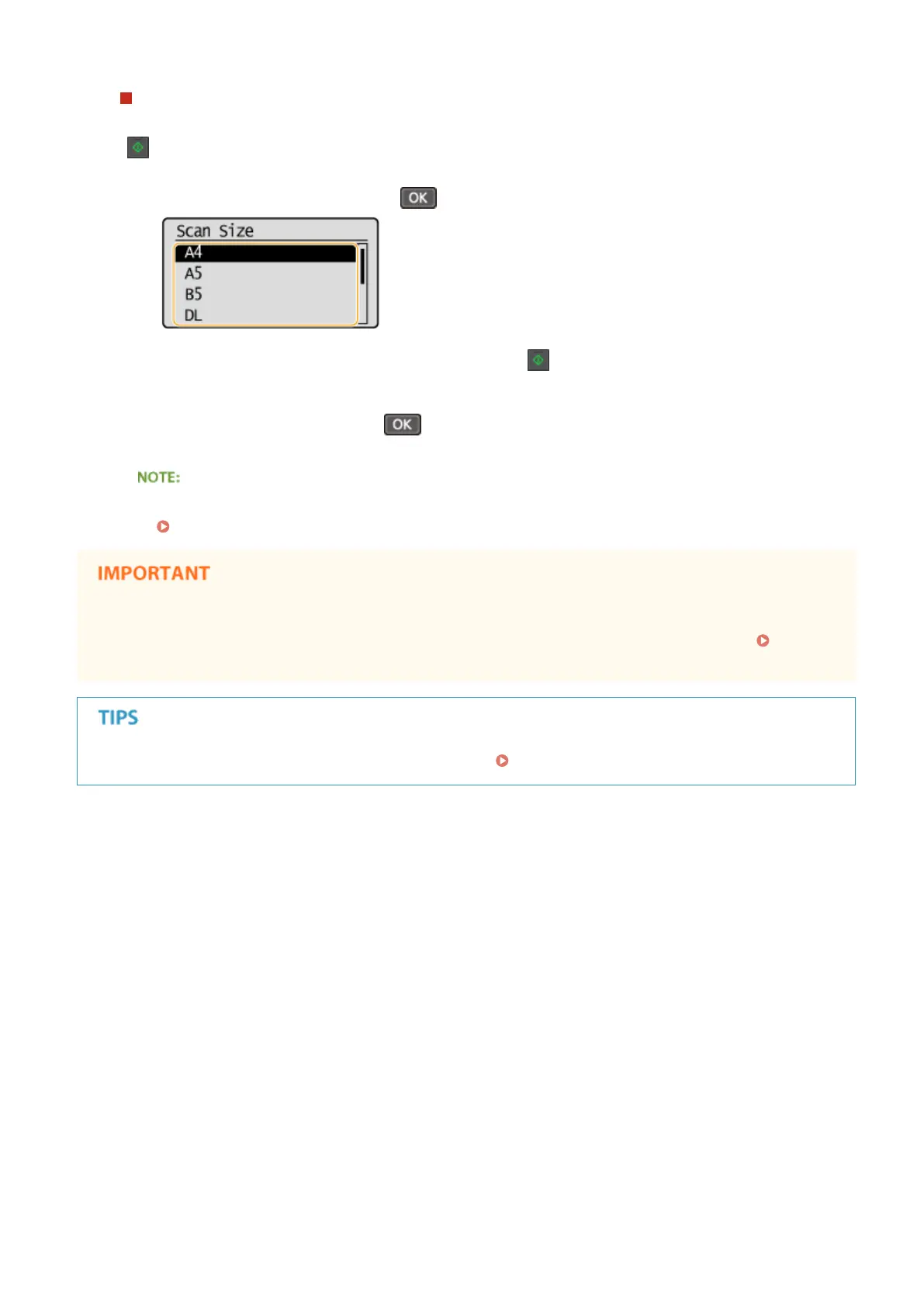
Depending on the copy settings you made, a screen for selecting the document size is displayed after you press
[
]. Follow the procedure below.
1
Select the document size, and press .
2
Place the next document on the platen glass, and press .
● Repeat this step until you nish scanning the entire document.
3
Select <Start Copying>, and press .
When the <Size/Settings Mismatch> message appears.
When an Error Message Appears(P. 347)
When copying documents with text or images that extend to the edges of the page
The edges of the document might not be copied. For more information about the scan margins, see
Scan
Area(P. 418) .
If you always want to make copies with the same settings: Changing Default Settings(P. 82)
Copying
65












 To Next Page