Canceling from an application
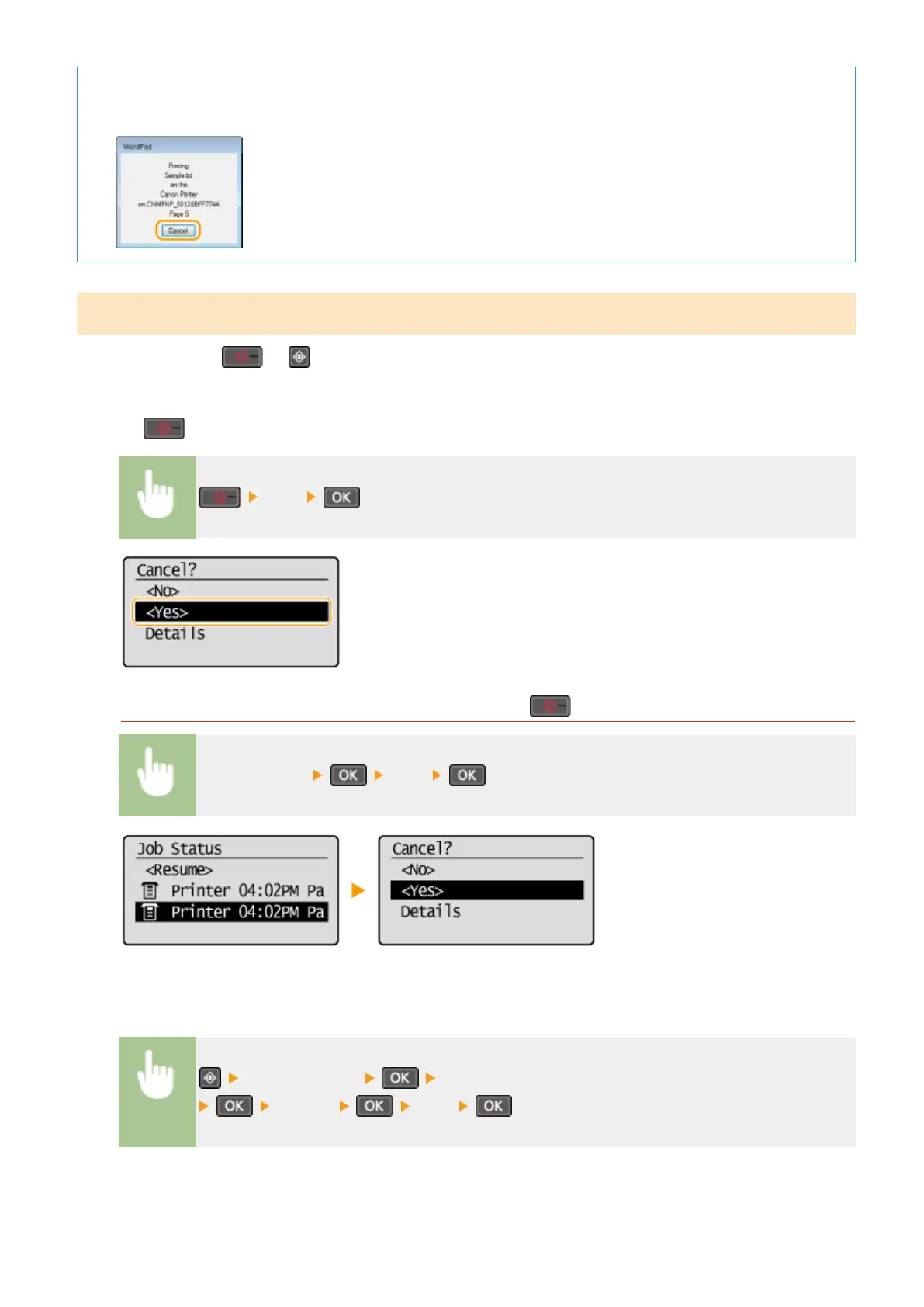
● On some applications, a screen like shown below appears. You can cancel printing by clicking [Cancel].
From the Operation Panel
Cancel printing using
or .
◼ Press
to Cancel
<Yes>
If the Screen Displays a List of Documents When is Pressed
Select cancel job <Yes>
◼ Check the Print Job Status before Canceling
<Print Job Status> Select the document on the <Print Job Status> screen
<Cancel> <Yes>
Using the Machine as a Printer
91












 To Next Page