Chapter 3
3-8
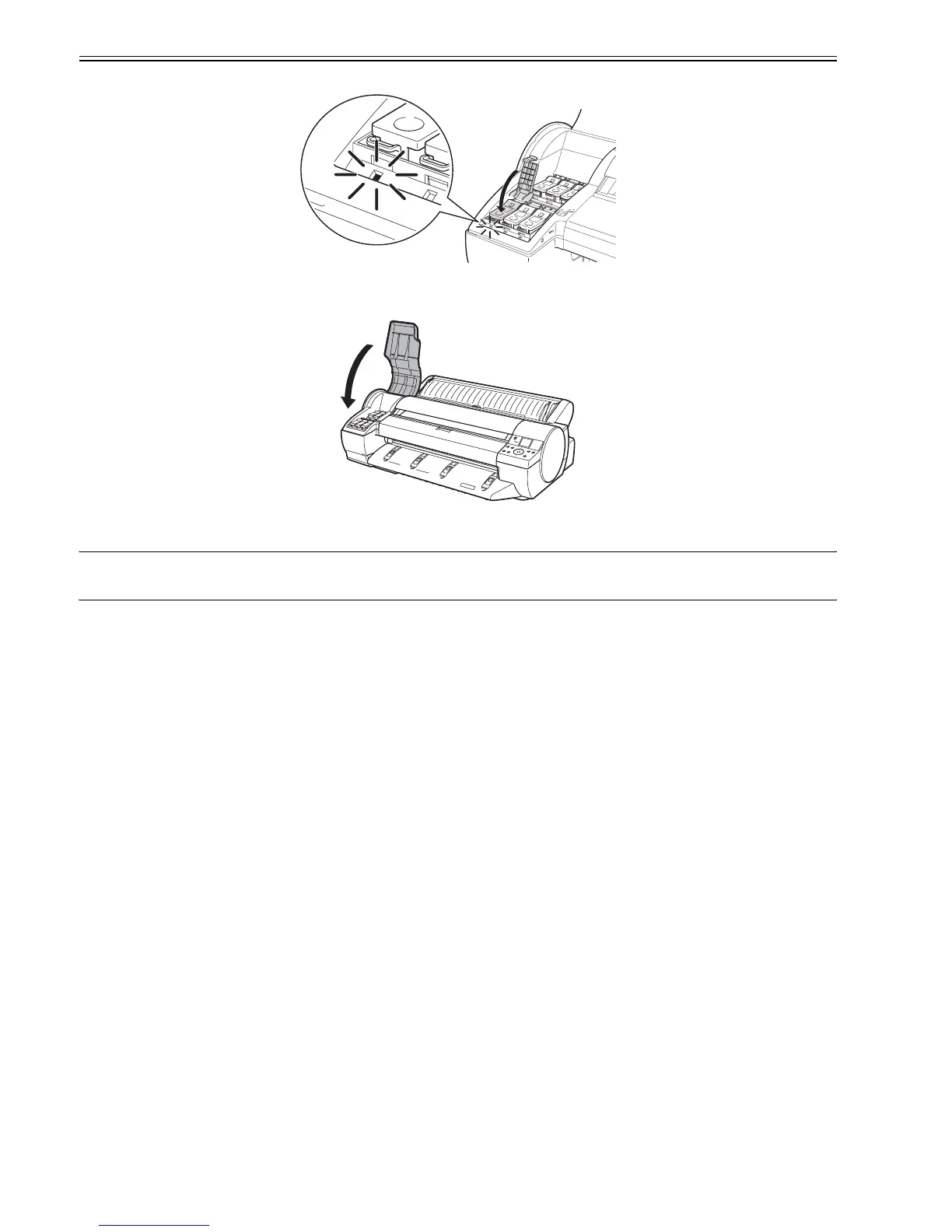
(24) Close the Ink Tank Lock Lever until it clicks. Make sure the Ink Lamp is lit in red.
F-3-29
(25) Repeat steps 20-24 to install all Ink Tanks.
(26) Close the Ink Tank Cover.
F-3-30
(27) After all Printheads and Ink Tanks are installed, Keep Cover Closed is shown on the Display Screen. The system now automatically fills with ink. This process
takes about 8 minutes.
MEMO:
- Initial ink filling performed at printer installation consumes ink beween the ink tanks and printhead.
- The ink level indicators may drop to 80% immediately, but this does not indicate a problem with the printer.














 To Next Page