Chapter 2
2-26
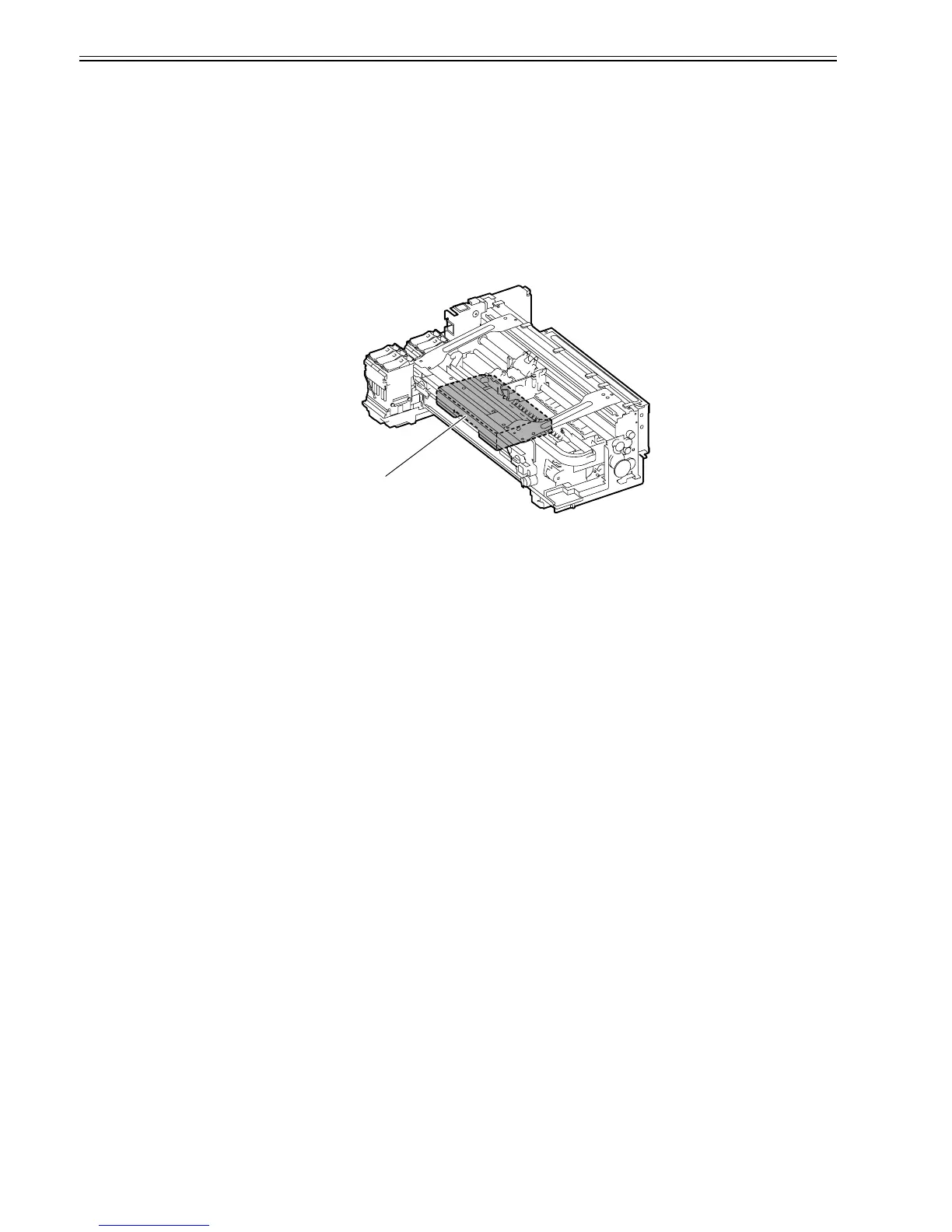
2.3.2.6 Maintenance Cartridge
2.3.2.6.1 Maintenance Cartridge
0013-4160
a) Maintenance cartridge
The maintenance cartridge can contain up to approximately 778 ml (approx. 830 g ) of waste ink (including the moisture evaporation in the waste ink).
b) Detection of waste ink in maintenance cartridge
The quantity of waste ink in the maintenance cartridge is measured by counting dots.
When the quantity of waste ink collected in the maintenance cartridge reaches 80% of the cartridge capacity, a warning message "MTCart Full Soon" appears to
indicate that the maintenance cartridge is nearly full.
If printing is continued, an error message "Maint Cartridge Replace Cart" appears to indicate that the maintenance cartridge is full.
When this error occurs, the printer judges the maintenance cartridge as being full of waste ink and stops printing immediately. The printer stops even if printing is
in progress, and it will not operate until the maintenance cartridge is replaced with a new one.
The maintenance cartridge incorporates an EEPROM. The engine firmware reads and writes the contents of the EEPROM to control the maintenance cartridge
status.
F-2-19
Maintenance Cartridge














 To Next Page