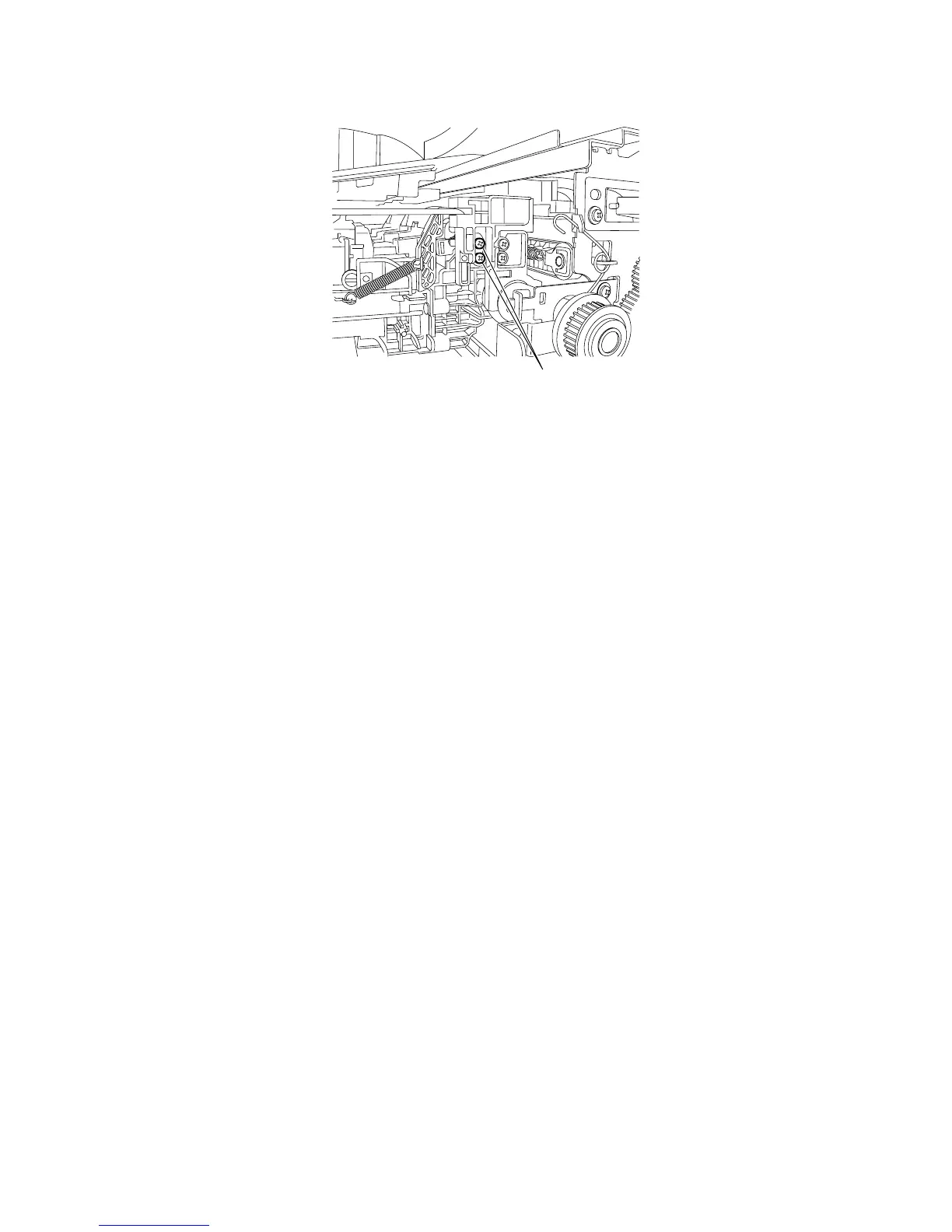
8) Retighten the two screws [1] loosened in Step 2) to secure the wire guide.
F-4-121
9) Pass the ink tubes through the wire guides.
4.5.3 Procedure after Replacing the Head Management Sensor
0012-6487
Since the distance between the head management sensor and the carriage unit varies among printers, the optical axis is factory-adjusted to adjust the non-
discharging detection position. When you have replaced the head management sensor or performed assembly/reassembly of surrounding parts that can
change the distance between the head management sensor and the carriage unit, reasjustment is required
Peform the readjustment in the service mode.
Service mode : SERVICE MODE > ADJUST > NOZZLE CHK POS.
[1]














 To Next Page