Chapter 2
2-32
2.3.3.2.3 Manual Feed (from Front) Sequence
0013-4174
This sequence can be performed according to the messages shown on the operation panel only when a specific type of media is selected after selecting the manual
feed mode from the menu shown on the operation panel. When a cut sheet is loaded according to the message shown on the operation panel, the printer performs
various adjustments and detection using the multi sensor and then feeds the cut sheet to the rear of the printer. At this time, the multi sensor detects skewed feeding
and leading edge of the cut sheet, thus completing the paper pick-up operation.
During printing, the cut sheet is fed by controlling the rotation of the feed roller according to the selected print mode.
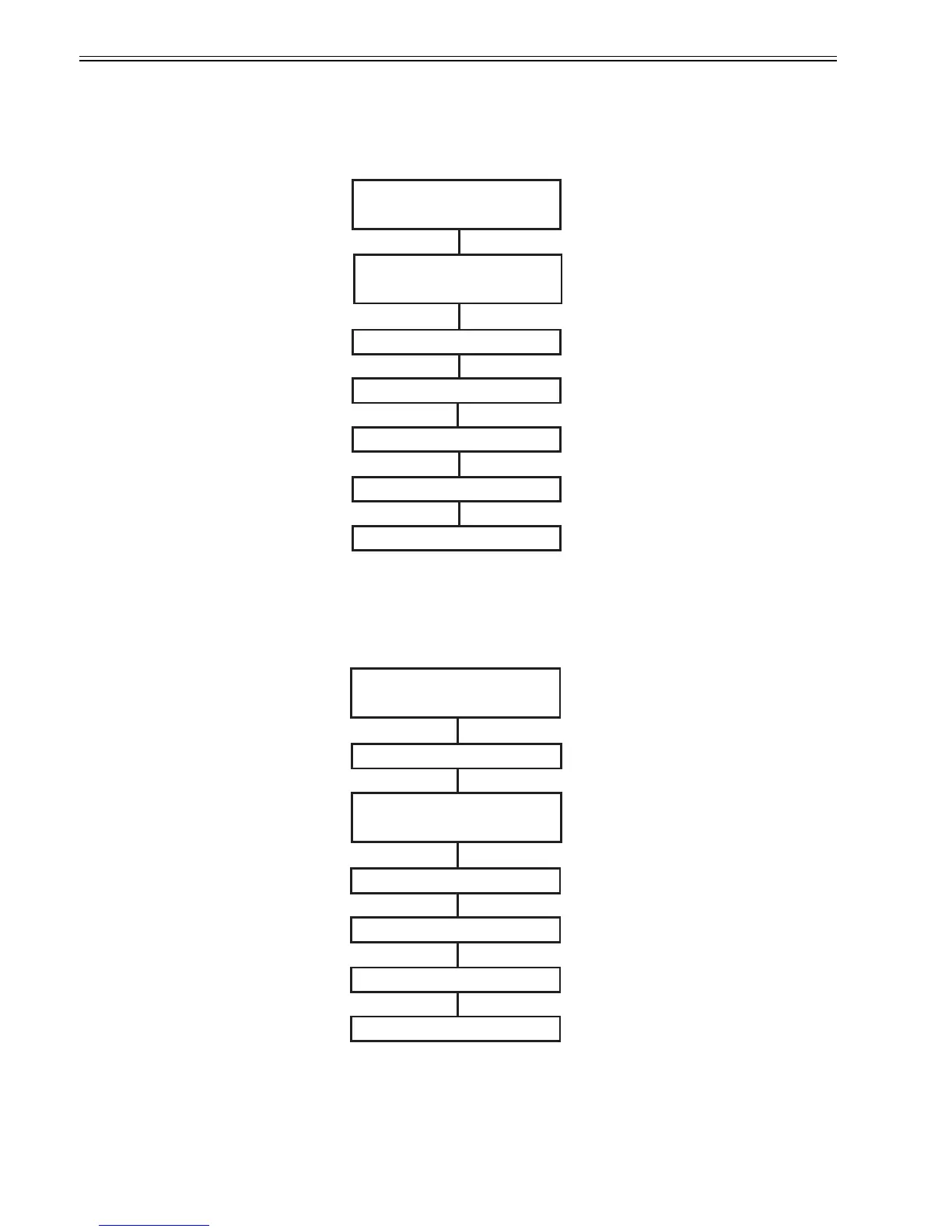
F-2-29
2.3.3.2.4 Manual Feed (from Rear) Sequence
0013-4176
This sequence can be performed according to the messages shown on the operation panel only when a specific type of media is selected after selecting the manual
feed mode from the menu shown on the operation panel. When the cut sheet loaded at the back of the printer is detected by the sensor, the printer starts feeding the
cut sheet. After this, the printer performs various adjustments and detection using the multi sensor, thus completing the paper pick-up operation.
During printing, the cut sheet is fed by controlling the rotation of the feed roller according to the selected print mode.
F-2-30
Cut sheet loading
Light intensity/
Detection of paper width
End of cut sheet pick-up operation
Printing
(manual)
Detection of skewed movement of paper
Head hight adjustment
Back feed
Cut sheet loading
Detection of cut sheet *1
Light intensity/
Detection of paper width
End of cut sheet pick-up operation
Printing
(manual)
Detection of skewed movement of paper
*1
The auto roll feed unit starts feeding the cut sheet when the roll media detection sensor detects the media.
When the auto roll feed unit is not mounted, the printer starts feeding the media when the paper detection
sensor detects the media.
Head hight adjustment














 To Next Page