Chapter 4
4-49
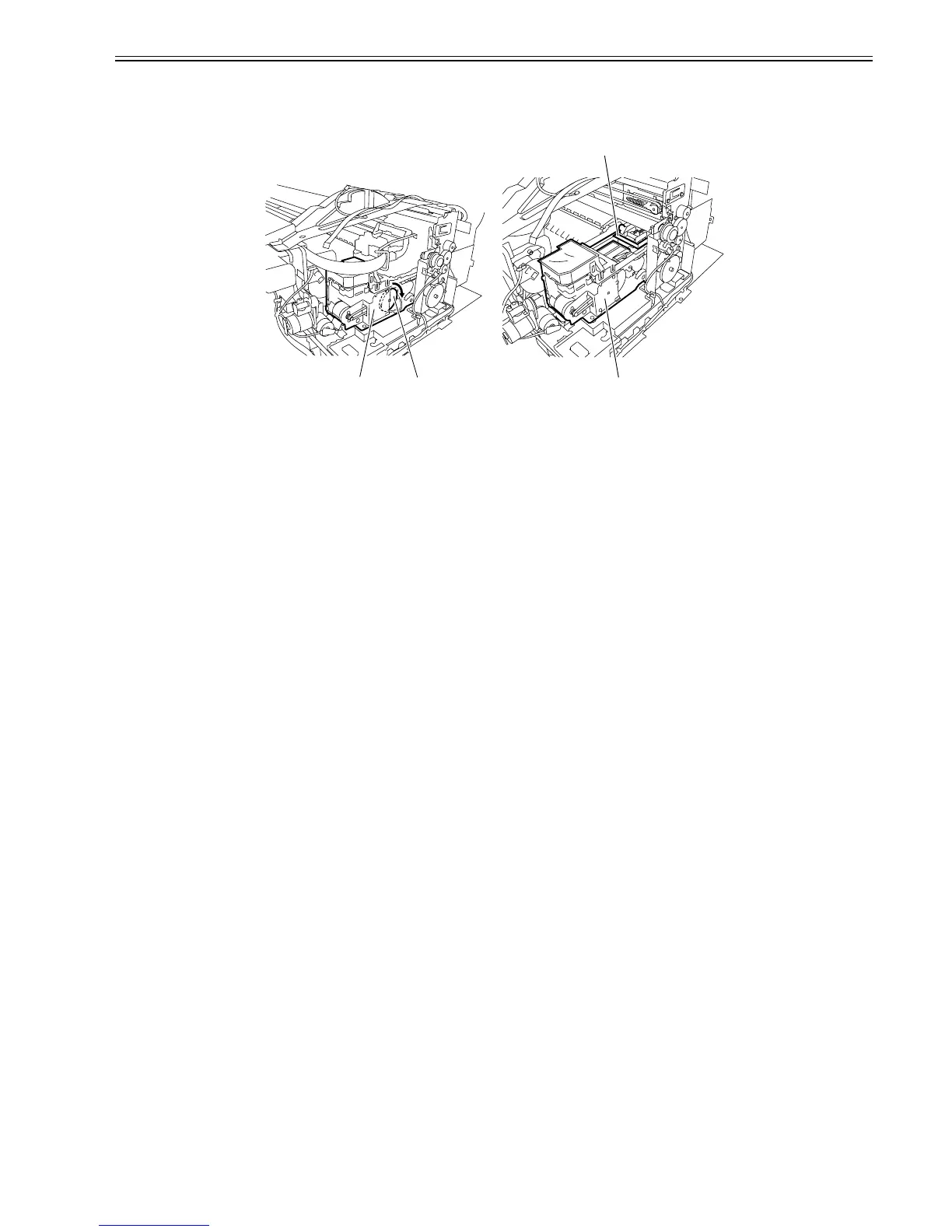
2. Moving the Wiper Unit
1) Open the top cover, and then remove the roll feed unit, output guide, right circle cover, right upper cover, operation panel, mist filter, exhaust filter, right cover,
right front cover, cover guide, cover plate(right).
Refer to DISASSEMBLY/REASSEMBLY > points to Note on Disassembly and Reassembly > External Cover.
2) To move the wiper unit[3], turn the gear[1] of the purge unit[2] in the direction of the arrow.
F-4-107
[2]
[3]
[1][2]














 To Next Page