Chapter 1
1-28
T-1-11
*1: Displayed if a roll is loaded.
*2: Displayed if Chk Remain.Roll is On.
*3: Displayed if IP Mode is Automatic.
*4: Displayed if IP Mode is Automatic.
*5: For information on the types of paper the printer supports, refer to the Media Guide. The media type setting in the printer driver and related software (as well
as on the Control Panel is updated when you install Media Configuration Tool from the User Software CD-ROM or if you change paper information by using Media
Configuration Tool.
*6: Available only if NetWare is On.
*7: Available only if Auto Detect is Off.
*8: Follows the setting in Date Format.
*9: Not displayed if a roll or a sheet has been fed.
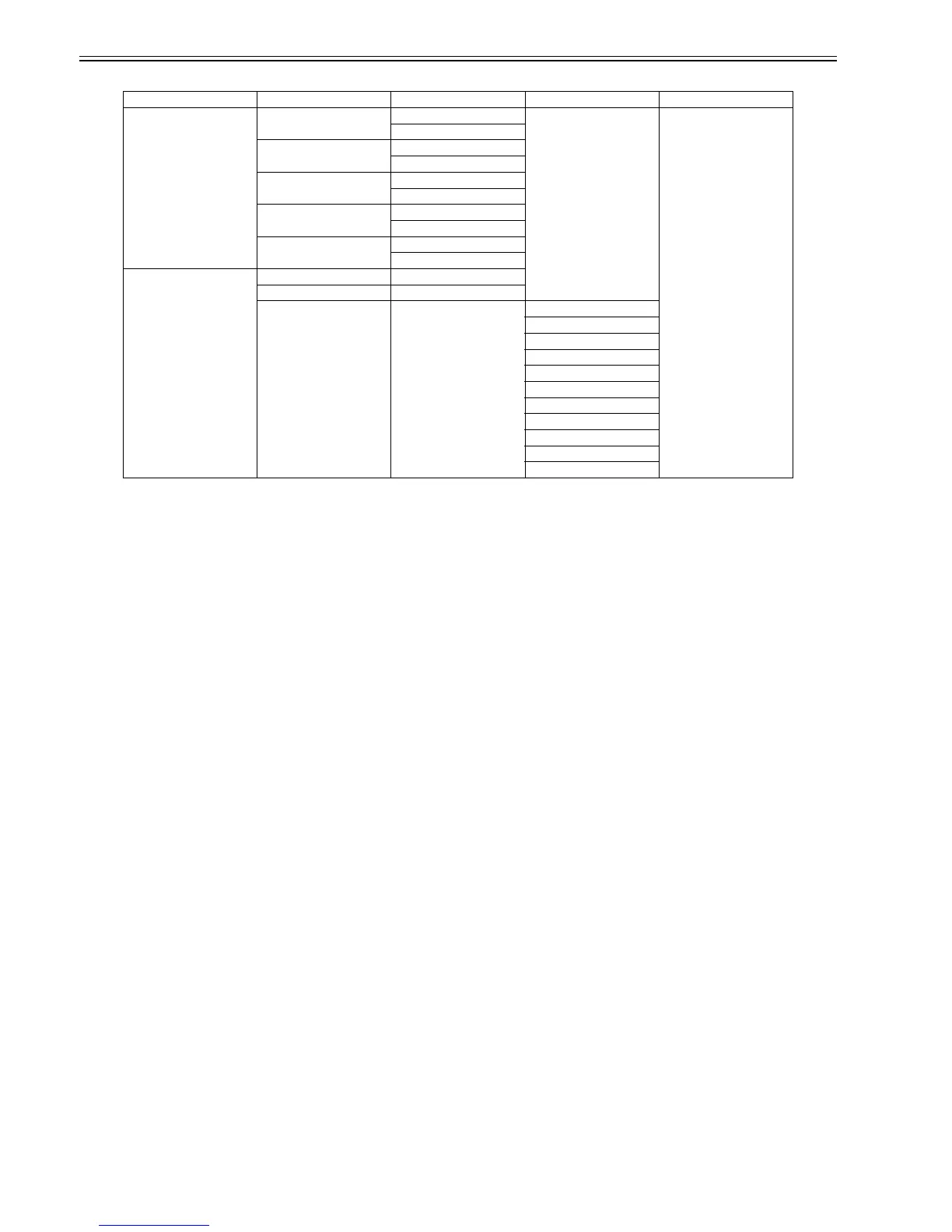
First Level Second Level Third Level Fourth Level Fifth Level
[Test Print] [Status Print] [No]
[Yes]
[Media Details] [No]
[Yes]
[Print Job Log] [No]
[Yes]
[Menu Map] [No]
[Yes]
[Nozzle Check] [No]
[Yes]
[Information] [System Info]
[Error Log] [########-####]
[Job Log] (Choose from information
about the latest three print
jobs.)
[Document Name]
[User Name]
[Page Count]
[Job Status]
[Print Start Time]
[Print End Time]
[Print Time]
[Print Size]
[Media Type]
[Interface]
[Ink Consumed]














 To Next Page