•
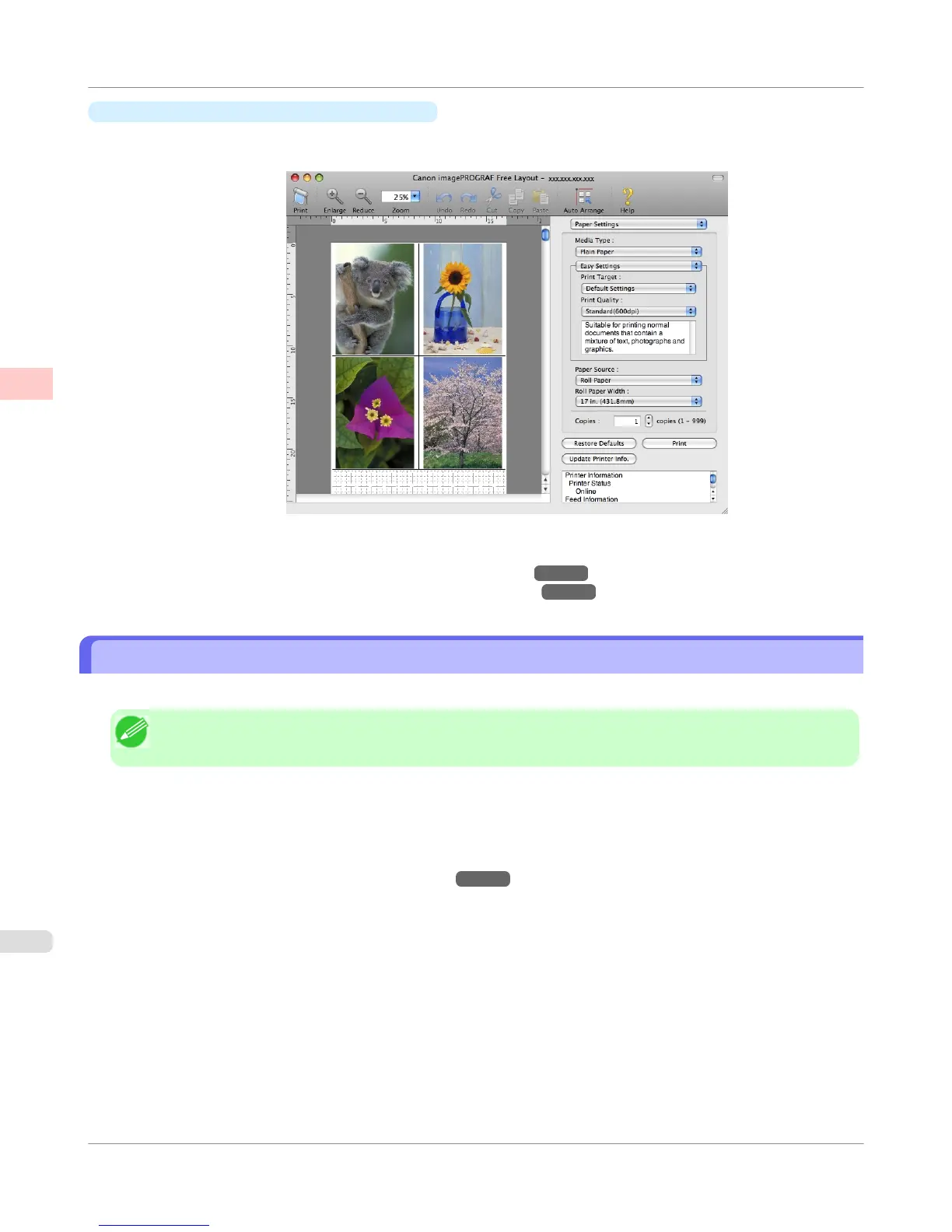
imagePROGRAF Free Layout (Macintosh)
Besides combining multiple pages in a single-page layout, you can combine originals from multiple files—even multi-
ple source applications—in a single-page layout.
For instructions on arranging originals from multiple applications, refer to the following topics.
• Printing Multiple Originals Next to Each Other (Windows) →P.140
• Printing Multiple Originals Next to Each Other (Mac OS X) →P.142
Printing Multiple Originals Next to Each Other (Windows)
This topic describes how to arrange multiple originals using the Free Layout function.
Note
• Free Layout cannot be used in 64-bit version of Windows.
1. Choose Print in the application menu.
2. Select the printer in the dialog box, and then display the printer driver dialog box.(See "Accessing the Printer
Driver Dialog Box from Applications(Windows) →P.217 ")
Enhanced Printing Options
>
Tiling and multiple pages per sheet
>
Printing Multiple Originals Next to Each Other (Windows)
iPF755
2
140















 To Next Page