Messages regarding ink
Ink insufficient. ................................................................................................................................................ 889
No ink left. ....................................................................................................................................................... 889
Remaining level of the ink cannot be correctly detected. .............................................................................. 889
Unable to detect ink level correctly. ............................................................................................................... 889
Close Ink Tank Cover ...................................................................................................................................... 890
Ink tank is empty. ............................................................................................................................................ 890
Not much ink is left. ......................................................................................................................................... 890
No ink tank loaded. ......................................................................................................................................... 891
Wrong ink tank. ............................................................................................................................................... 891
Do not pull out ink tank. .................................................................................................................................. 891
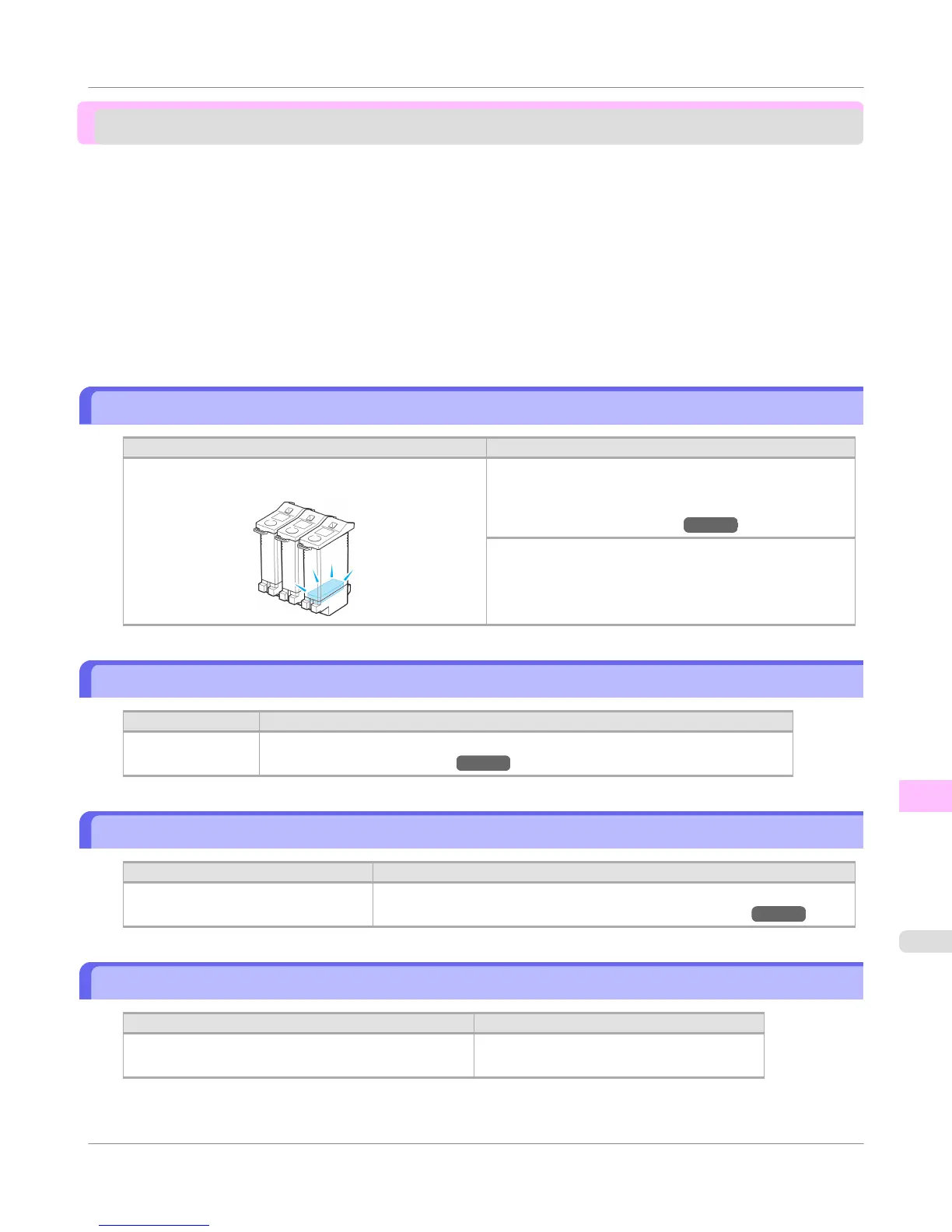
Ink insufficient.
Cause Corrective Action
The ink level is low, so you cannot print, clean the Print-
head, or do other operations that require ink.
Press ▲ or ▼ to select Rep. Ink Tank, and then press the
OK button. Replace the Ink Tank that is low with a new
Ink Tank.
(See "Replacing Ink Tanks.") →P.799
Press ▲ or ▼ to select Continue to print, and then press
the OK button to resume printing. However, note that this
error may affect the printing quality.
No ink left.
Cause Corrective Action
There is no ink left. Open the Ink Tank Cover and replace the Ink Tank for which the Ink Lamp is flashing.
(See "Replacing Ink Tanks.") →P.799
Remaining level of the ink cannot be correctly detected.
Cause Corrective Action
Ink level detection cannot work cor-
rectly if you use refill ink tanks.
The refill ink tank can no longer be used. See the section Ink level detection
and take the appropriate action. (See "Ink Level Detection.") →P.871
Unable to detect ink level correctly.
Cause
Corrective Action
The remaining ink level could not be correctly detected. Close the Ink Tank Cover.
The buzzer will stop once the error is cleared.
Error Message
>
Messages regarding ink
>
iPF755
Ink insufficient.
13
889















 To Next Page