7. Leaving Free Layout running, open other files with other application software and repeat the above steps.
Selecting an Object
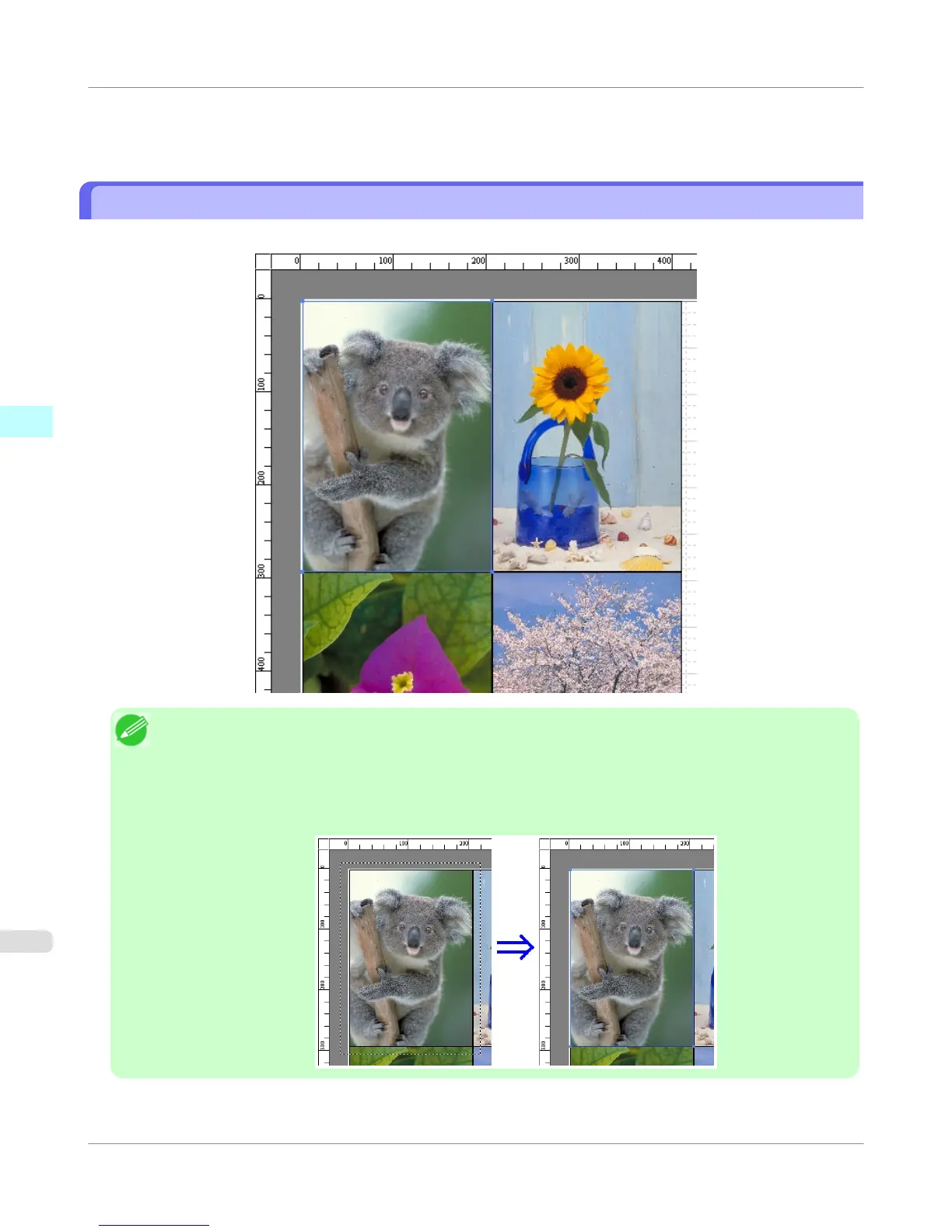
When an object is selected, a select box (blue border) appears around the object.
Note
• To select an object, click that object.
• To select multiple successive objects, click them while holding down the Shift key.
• To select multiple arbitrary objects, click them while holding down the Ctrl key.
• To select all objects, select Select All from the Edit menu.
• When you specify the area with dragging the mouse, the object in the area is selected.
Windows Software
>
Free Layout
>
Selecting an Object
iPF755
3
278















 To Next Page