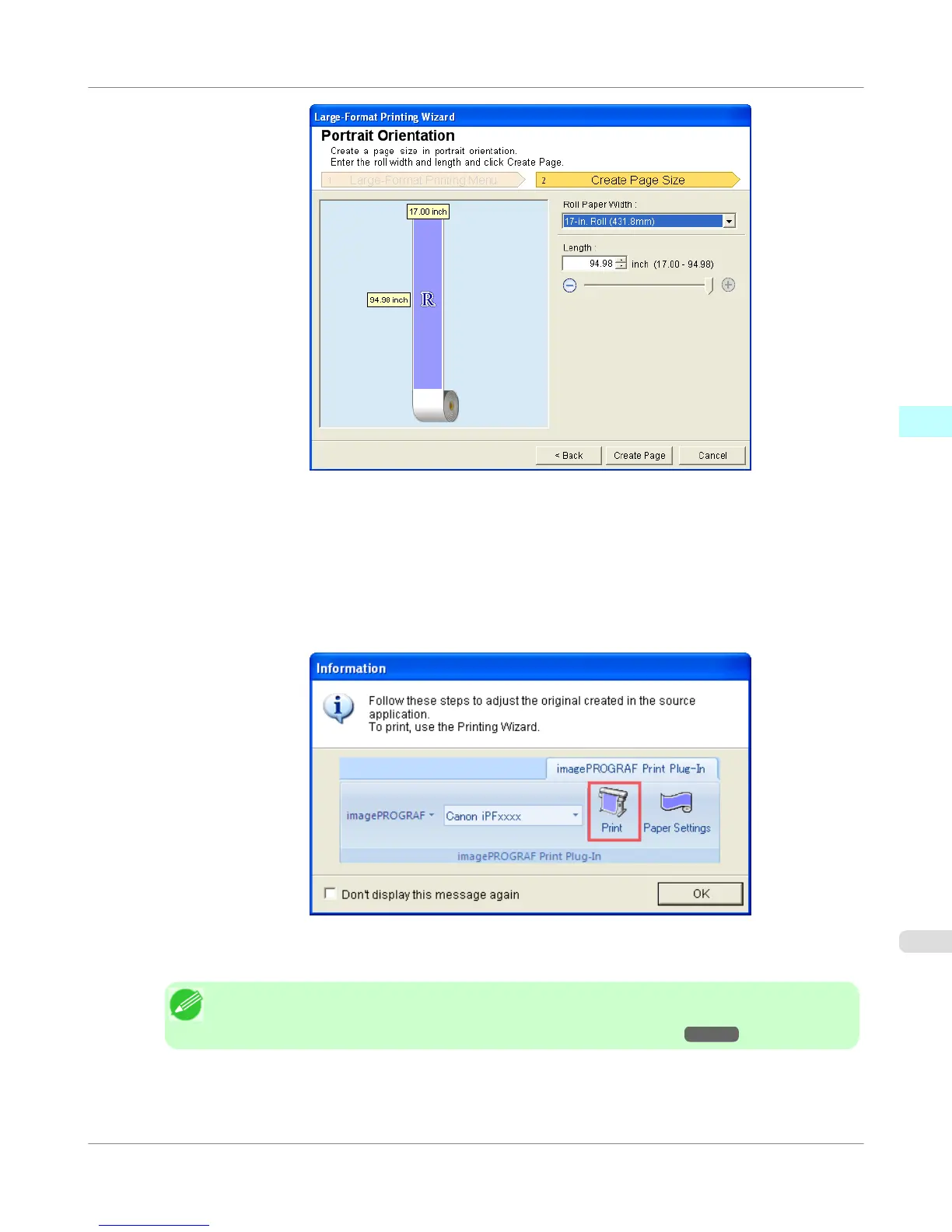
5. Adjust Length from the list-box or slide-bar.
6. Click the Create Page button.
7. Click OK if the message is displayed.
8. Edit and create the document.
Note
• Printing is done in Print Matching Roll Width of the Printing Wizard. For details on Print
Matching Roll Width, refer to see "Print Matching Roll Width (Word)." →P.318 .
Windows Software
>
Print Plug-In for Office
>
iPF755
Portrait Orientation / Landscape Orientation (Word)
3
331















 To Next Page