3. After a menu for selection of the paper size is displayed, press ▲ or ▼ to select the paper size, and then press the
OK button.
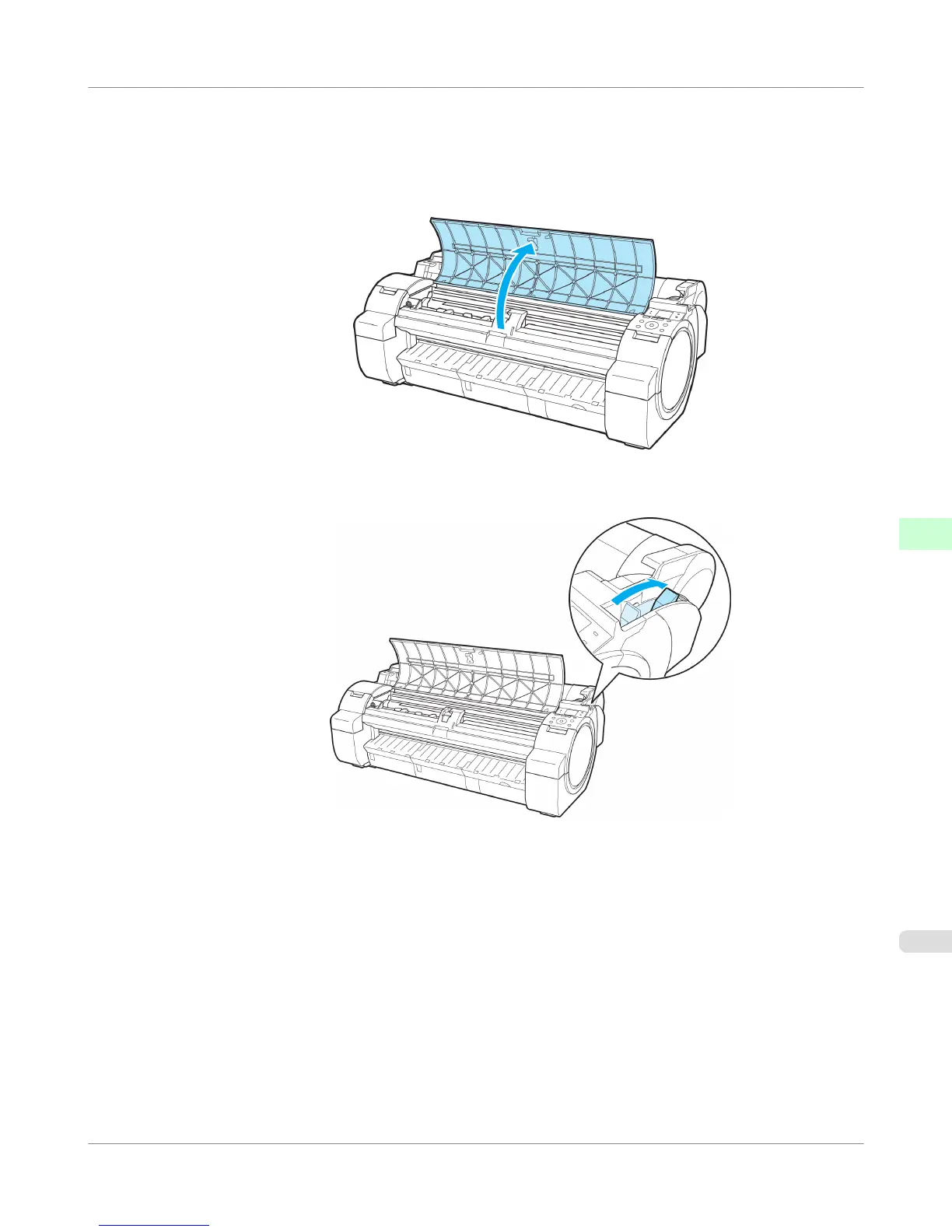
4. Open the Top Cover and check the position where paper is loaded.
To start printing from the current position, close the Top Cover.
To reposition the paper, push the Release Lever back.
Handling Paper
>
Handling sheets
>
iPF755
Printing From a Desired Starting Point
6
665















 To Next Page