3. Press ▲ or ▼ to select Prep.MovePrinter, and then press the OK button.
Once preparations are finished, a message on the Display Screen requests you to open the Ink Tank Cover.
Important
• If consumables must be replaced, the message "Consumables must be replaced. Call for service."
is shown on the Display Screen and preparation is not possible. If this message is displayed, press
the OK button and contact your Canon dealer for assistance.
Remove the Ink Tank
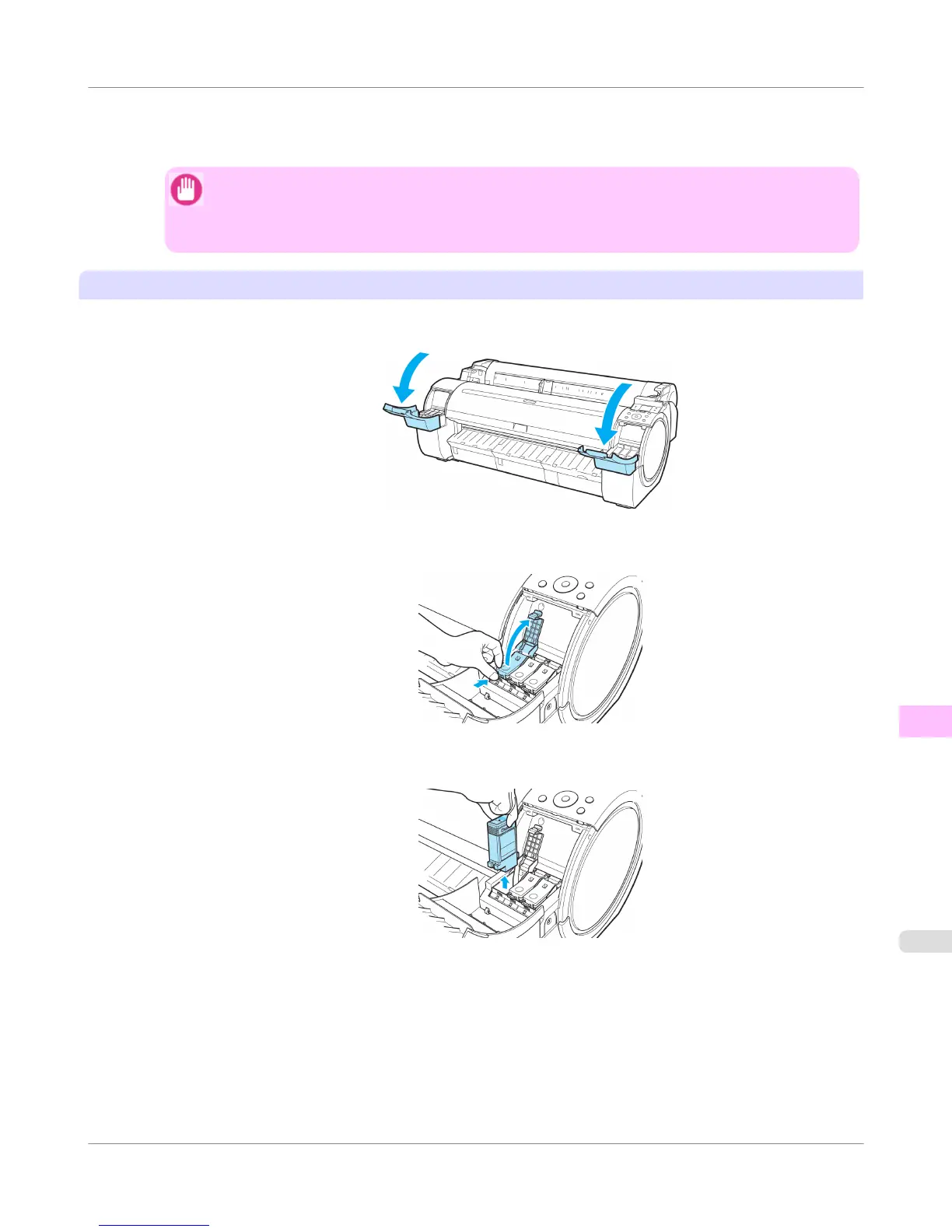
1. Open the Ink Tank Cover.
2. Pressing the tip of the Ink Tank Lock Lever horizontally, lift the Ink Tank Lock Lever to release the lock.
3. Holding the ink tanks by the grips, remove them.
Maintenance and Consumables
>
Other Maintenance
>
iPF755
Preparing to Transfer the Printer
11
831















 To Next Page