Configuring the Destination for AppleTalk Networks
To print over an AppleTalk network, activate the AppleTalk protocol and configure the destination as follows.
Activating AppleTalk on the printer
Important
• By factory default, the AppleTalk protocol is disabled on the printer.
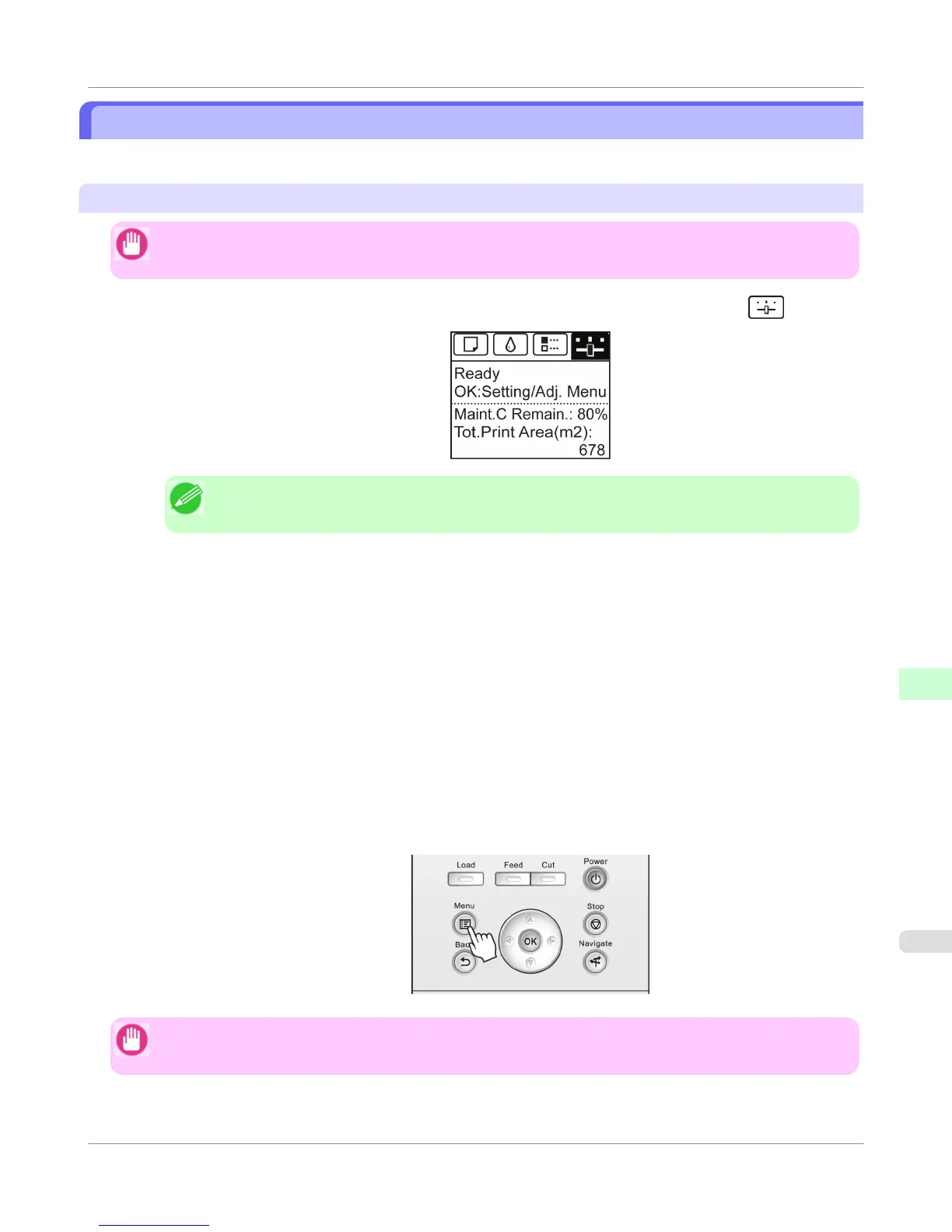
1. On the Tab Selection screen of the Control Panel, press ◀ or ▶ to select the Settings/Adj. tab ( ).
Note
• If the Tab Selection screen is not displayed, press the Menu button.
2. Press the OK button.
The Set./Adj. Menu is displayed.
3. Press ▲ or ▼ to select Interface Setup, and then press the OK button.
4. Press ▲ or ▼ to select AppleTalk, and then press the OK button.
5. Press ▲ or ▼ to select On, and then press the OK button.
6. Press the Menu button.
If any of the settings is changed, a confirmation message is displayed. In this case, press the OK button.
Important
• Be sure to complete step 6. This will activate the values you have entered.
Network Setting
>
Mac OS X Settings
>
iPF755
Configuring the Destination for AppleTalk Networks
10
791















 To Next Page