•
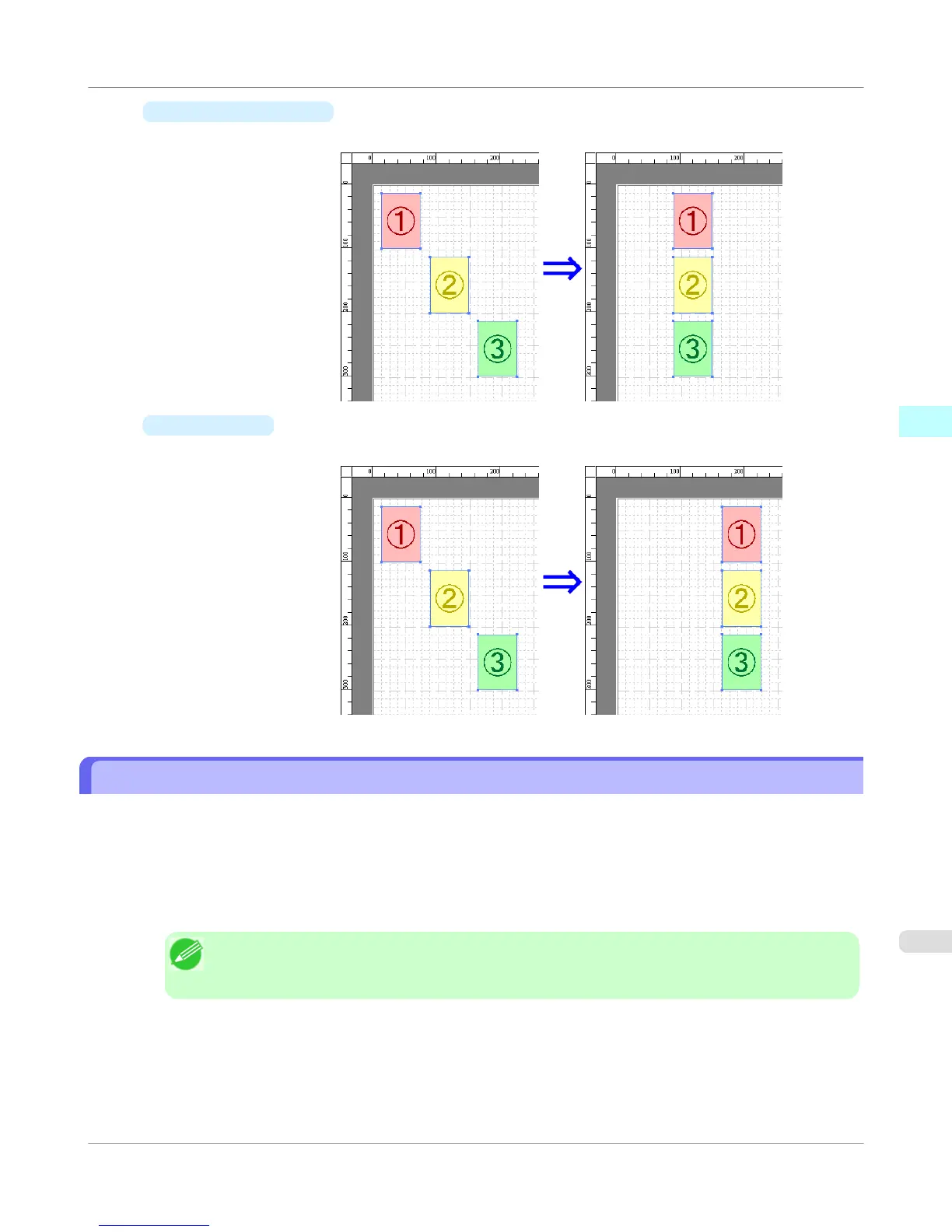
Center Horizontally
Lays out the objects, justifying them to the horizontal center.
•
Align Right
Lays out the objects, justifying them to the right.
Changing the Object Overlapping Order
You can change the object overlapping order.
1. Select an object.
2. Select the Overlapping Order menu from the Object menu.
Note
• The order of overlapping affects the order of objects automatically laid out.
• You can also select by clicking the right button of the mouse on an object.
Windows Software
>
Free Layout
>
iPF755
Changing the Object Overlapping Order
3
283















 To Next Page