Procedures for Installing
Start the installer in the new version of Media Configuration Tool, and follow procedures below to install the Media Config-
uration Tool.
Important
• The Media Configuration Tool is normally installed when you install the printer driver from the User Soft-
ware CD-ROM, and media information is registered at this time.
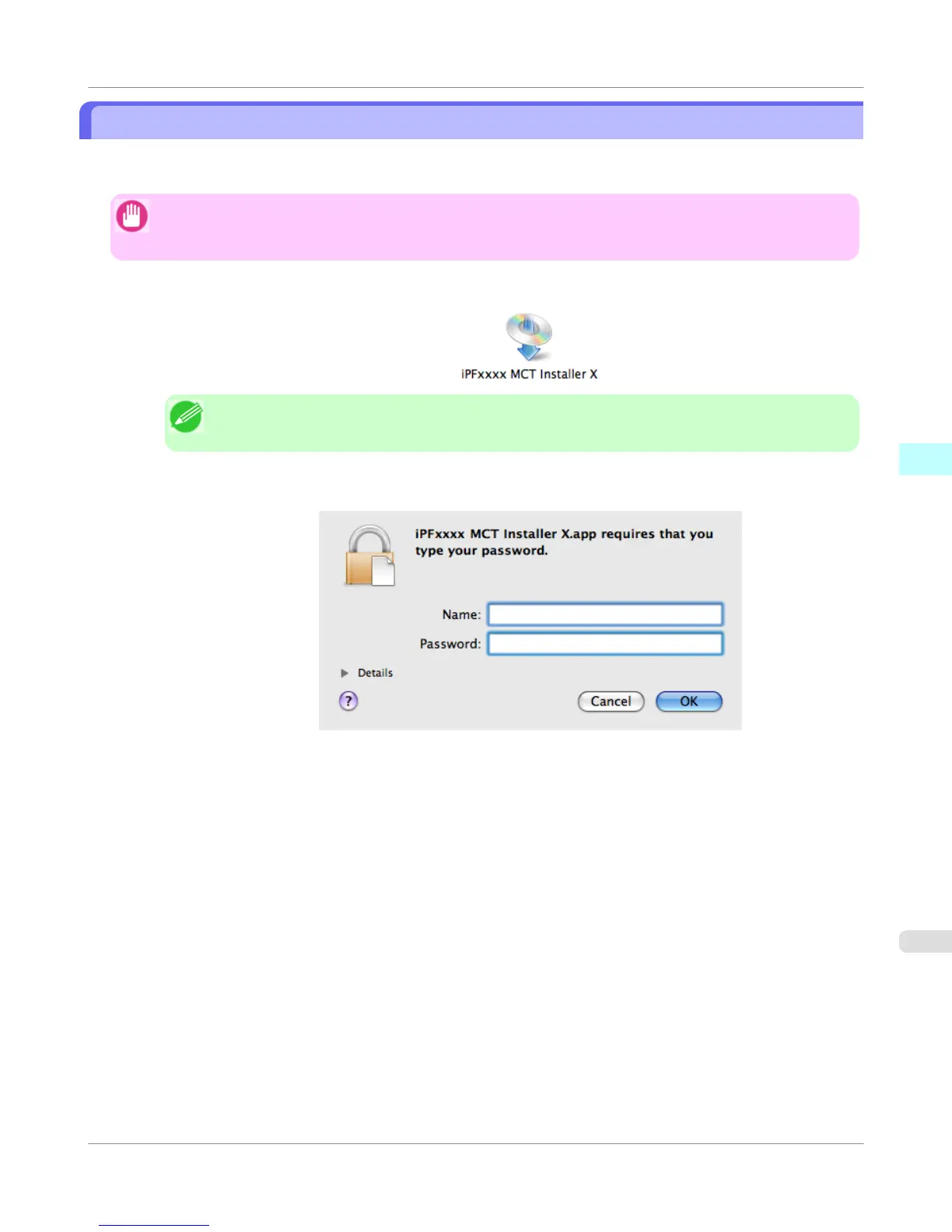
1. Double click the MCT Installer iPFxxxx for X icon to start the Media Configuration Tool installer.
Note
• The iPFxxxx in the icon will be the printer name in use.
2. Input the administrator name and password, and click the OK button.
Mac OS X Software
>
Media Configuration Tool
>
iPF755
Procedures for Installing
4
547















 To Next Page