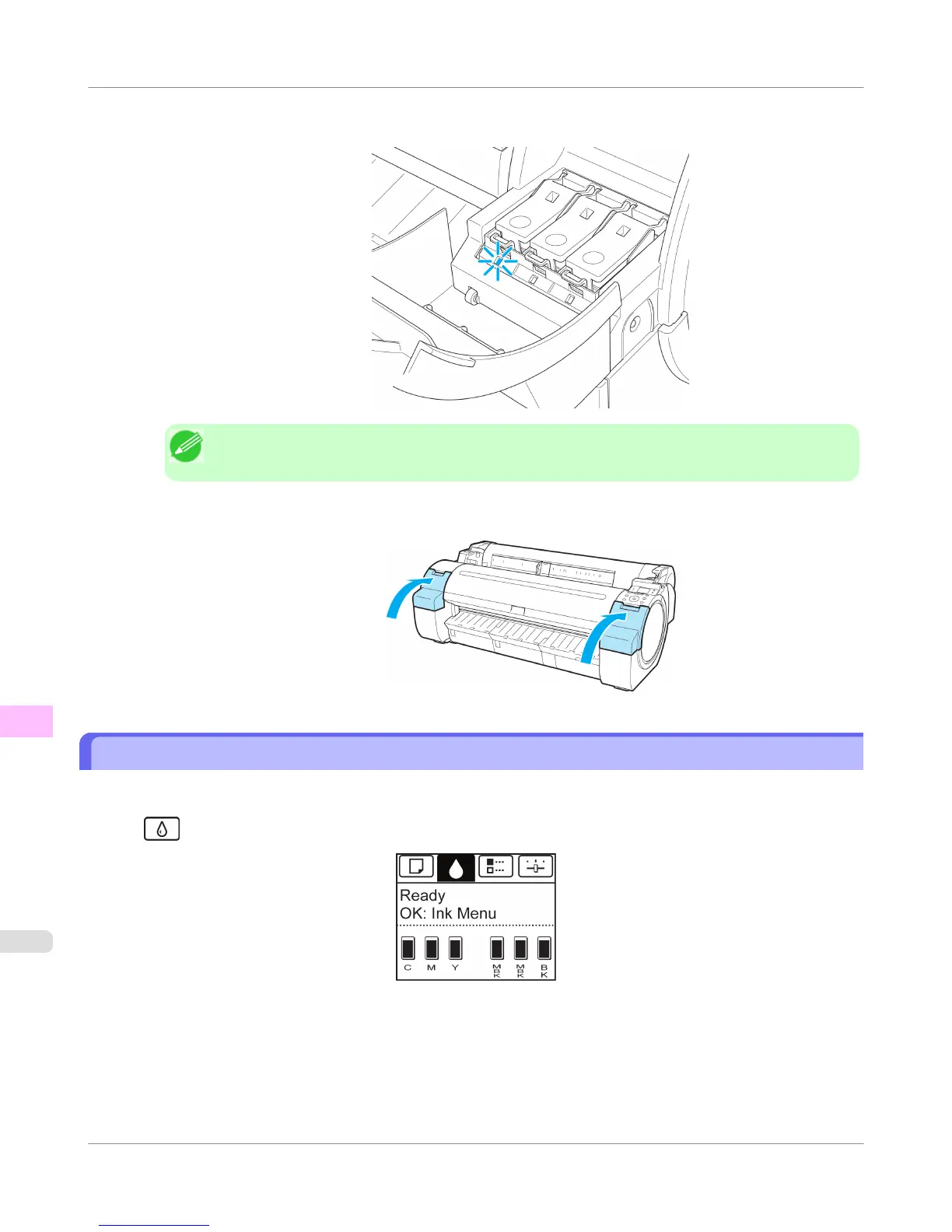
5. Make sure the Ink Lamp is lit in red.
Note
• If the Ink Lamp is not lit, reload the tank.
6. Close the Ink Tank Cover.
Checking Ink Tank Levels
On the Display Screen, you can check how much ink is left in the ink tanks.
To check remaining Ink Tank levels, access the Tab Selection screen on the Control Panel and press ◀ or ▶ to select the
Ink tab (
).
Maintenance and Consumables
>
Ink Tanks
>
Checking Ink Tank Levels
iPF755
11
804















 To Next Page