Note
• If the Tab Selection screen is not displayed, pressing OK will not display menus.
Menus can be selected after you resolve the problem.
The following operations are available from the menu during printing.
• Ink Menu
Ink menu operations
• Job Menu
Menu operations to manage print jobs
• Set./Adj. Menu
Fine-tuning paper feeding
Display of printer-related information
For a description of specific menu items available during printing, see "Menu Settings (During Printing)." →P.750
For instructions on selecting menu items during printing, see "Menu Operations." →P.724
Menu Operations
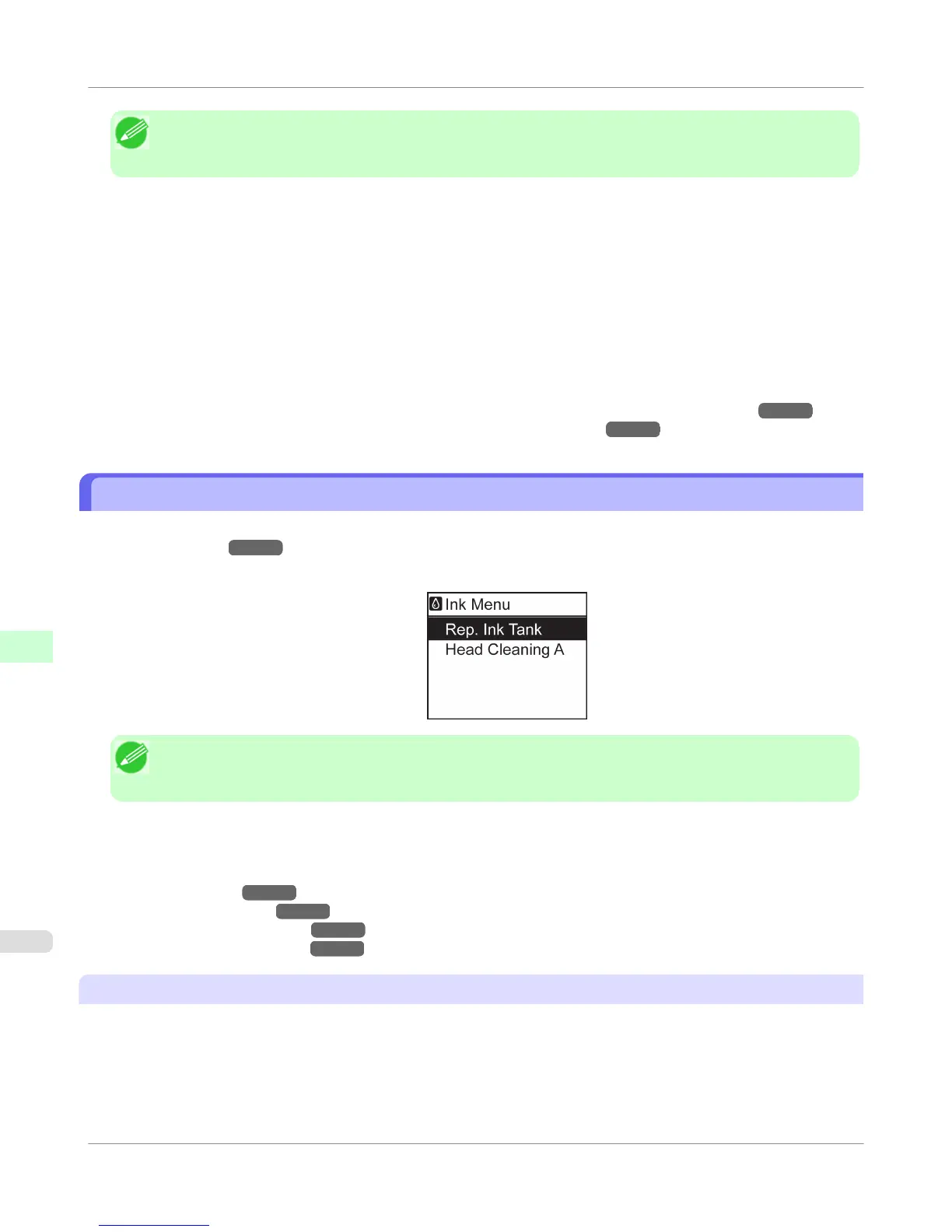
To view available menus organized on tabs, select a tab on the Tab Selection screen and press the OK button. For details,
see "Menu Settings." →P.738
• Menus (when the Ink tab is selected and the OK button is pressed)
Note
• If the Tab Selection screen is not displayed, pressing OK will not display menus.
Menus can be selected after you resolve the problem.
Simply press buttons on the Control Panel to access menus on various tabs from the Tab Selection screen and set or exe-
cute Menu items.
The following section describes menu operations and how they are presented in this User Manual.
• Accessing menus →P.724
• Specifying menu items →P.726
• Specifying numerical values →P.726
• Executing menu commands →P.727
Accessing menus
Printer menus are grouped by function.
Control Panel
>
Printer Menu
>
Menu Operations
iPF755
9
724















 To Next Page