The Update Media Types wizard is started at this point. For details on the procedure to update paper information
using the Update Media Types wizard, see "Updating Media Types." →P.567
Important
• Be sure to click the Update button. If you do not, your changes will not be applied to the printer and
printer driver.
Switching Media Types Display Show/Hide
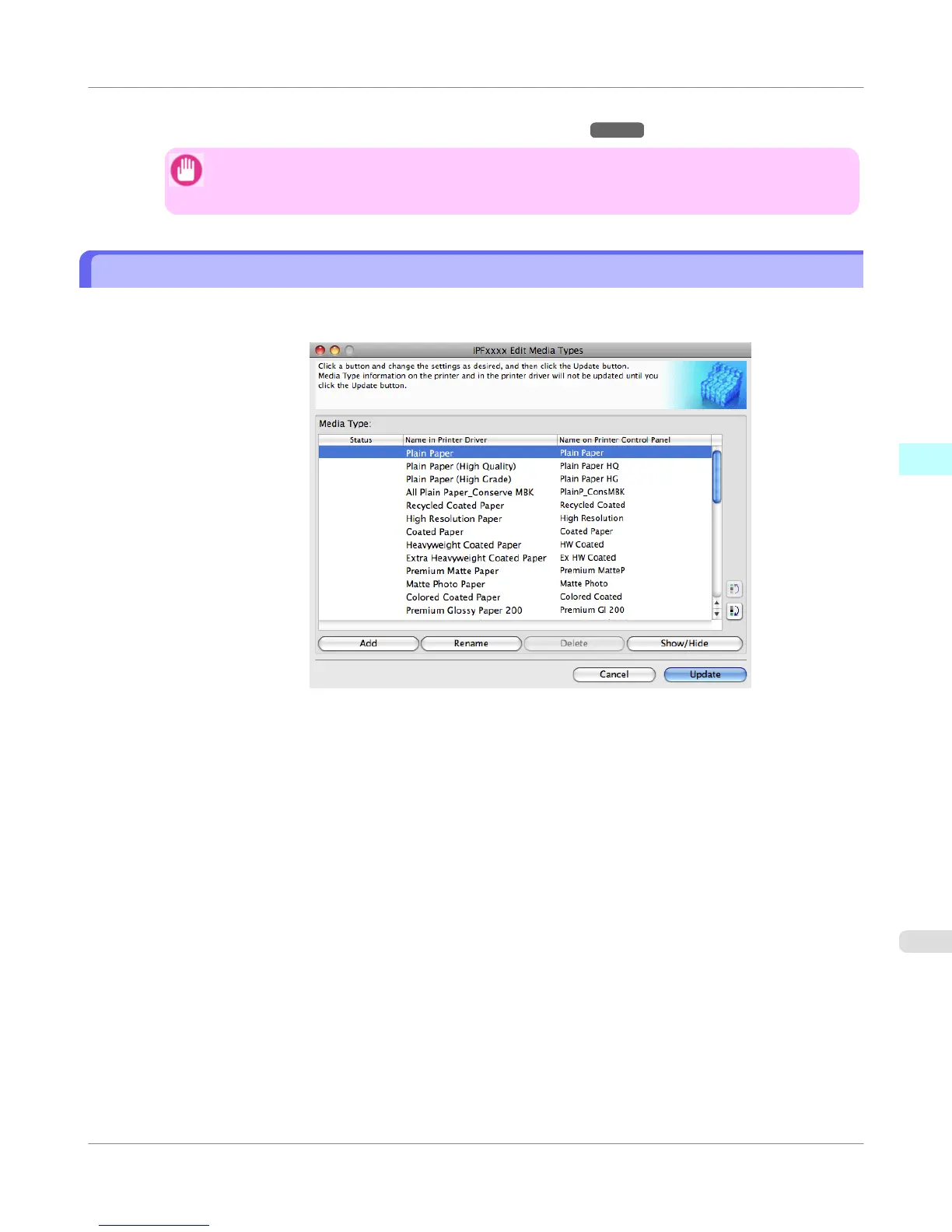
1. Open the Edit Media Types dialog box.
Mac OS X Software
>
Media Configuration Tool
>
iPF755
Switching Media Types Display Show/Hide
4
563















 To Next Page