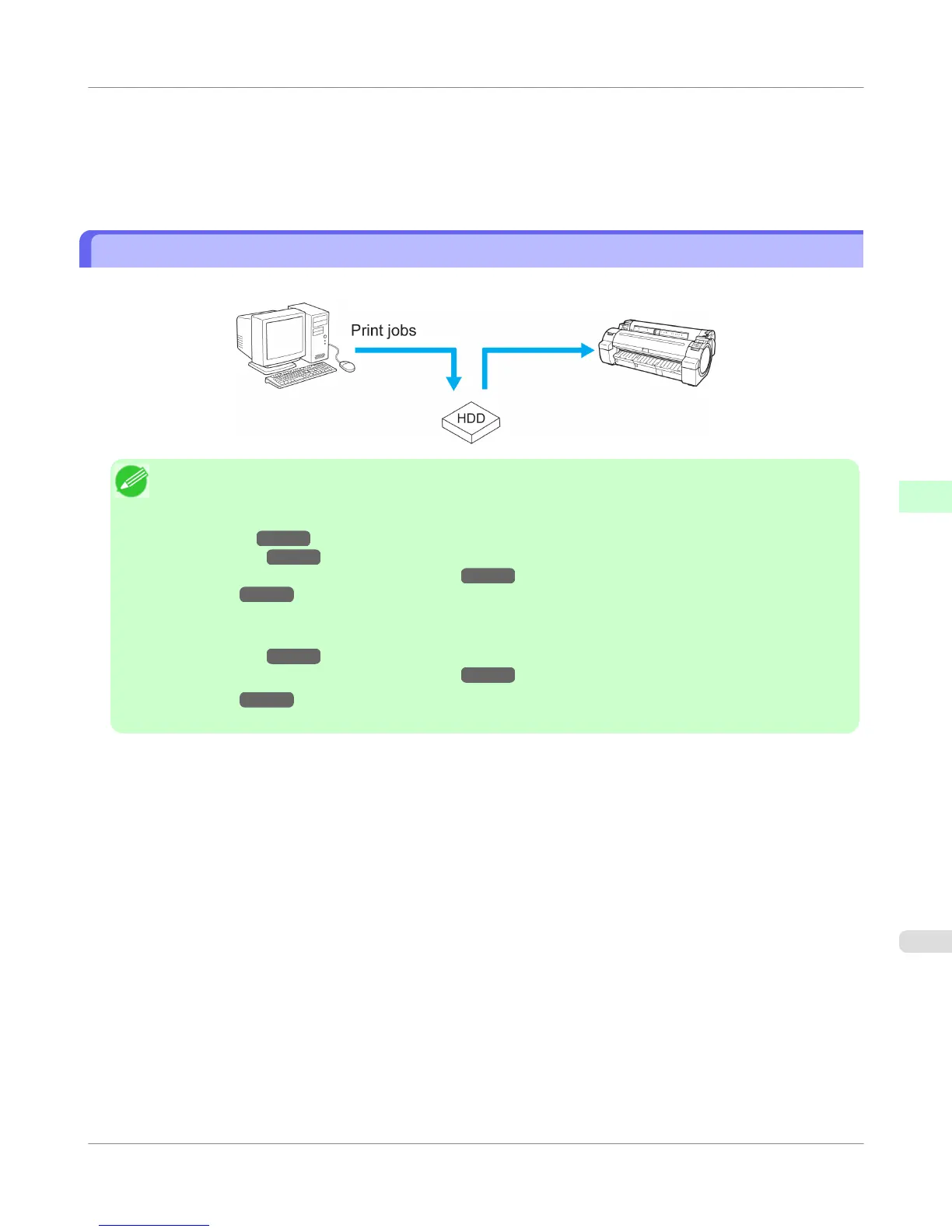
• When you have selected Save in mail box as the option in Output Method (in Windows) or Send job to (in Mac
OS X)
There are 29 personal boxes, numbered 01 to 29. You can specify a name and password for each personal box.
Up to 100 print jobs can be saved in all personal boxes combined.
Saving Print Jobs on the Printer Hard Disk
To save print jobs on the printer's hard disk, configure the printer driver.
Note
• Printing from the following software also enables you to save print jobs on the printer's hard disk.
Windows
• HDI Driver
→P.360
• Free Layout →P.261
• Color imageRUNNER Enlargement Copy →P.291
• Preview →P.248
Mac OS
• Free Layout →P.488
• Color imageRUNNER Enlargement Copy →P.520
• Preview →P.459
The document title will be "imagePROGRAF" when you print from imagePROGRAF Preview.
Print Job Operations
>
Basic Print Job Operations
>
iPF755
Saving Print Jobs on the Printer Hard Disk
5
573















 To Next Page