Note
• If the Tab Selection screen is not displayed, press the Menu button.
2. Press the OK button.
The Job Menu is displayed.
3. Press ▲ or ▼ to select HDD Information, and then press the OK button.
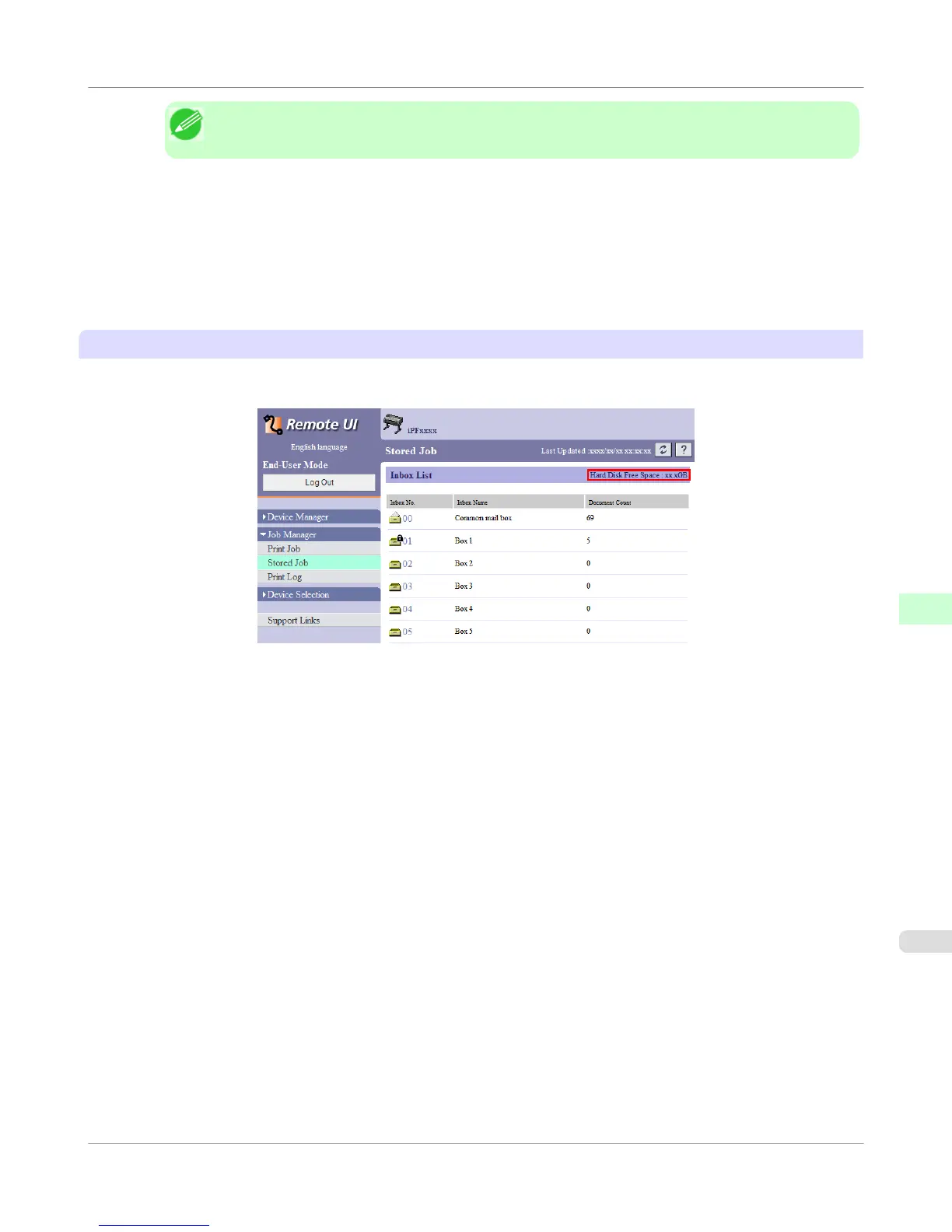
Using RemoteUI
To view the box list, select Stored Job in Job Management. On the Stored Job page, the free hard disk space is shown in
the upper-right corner when boxes are listed.
For details, refer to the RemoteUI help file.
Printer Parts
>
Hard Disk
>
iPF755
Checking the Free Hard Disk Space
8
707















 To Next Page