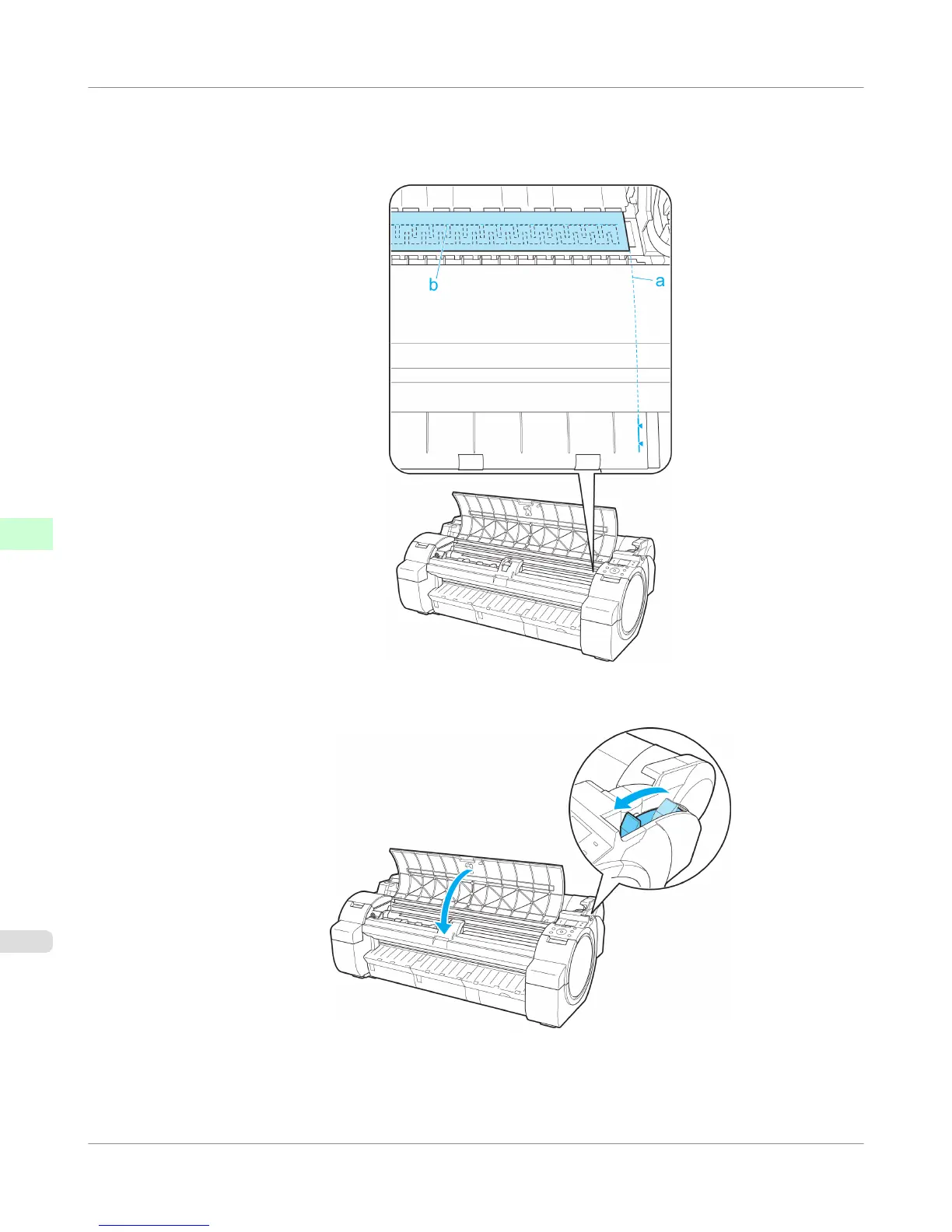
5. Keeping the right edge of the paper aligned with the extended line of the Paper Alignment Line (a) to the right of
the ejection guide and the leading edge aligned with the groove (b) at the far end of the Platen, load the paper at the
position from which to start printing.
6. Pull the Release Lever forward and close the Top Cover.
Handling Paper
>
Handling sheets
>
Printing From a Desired Starting Point
iPF755
6
666















 To Next Page