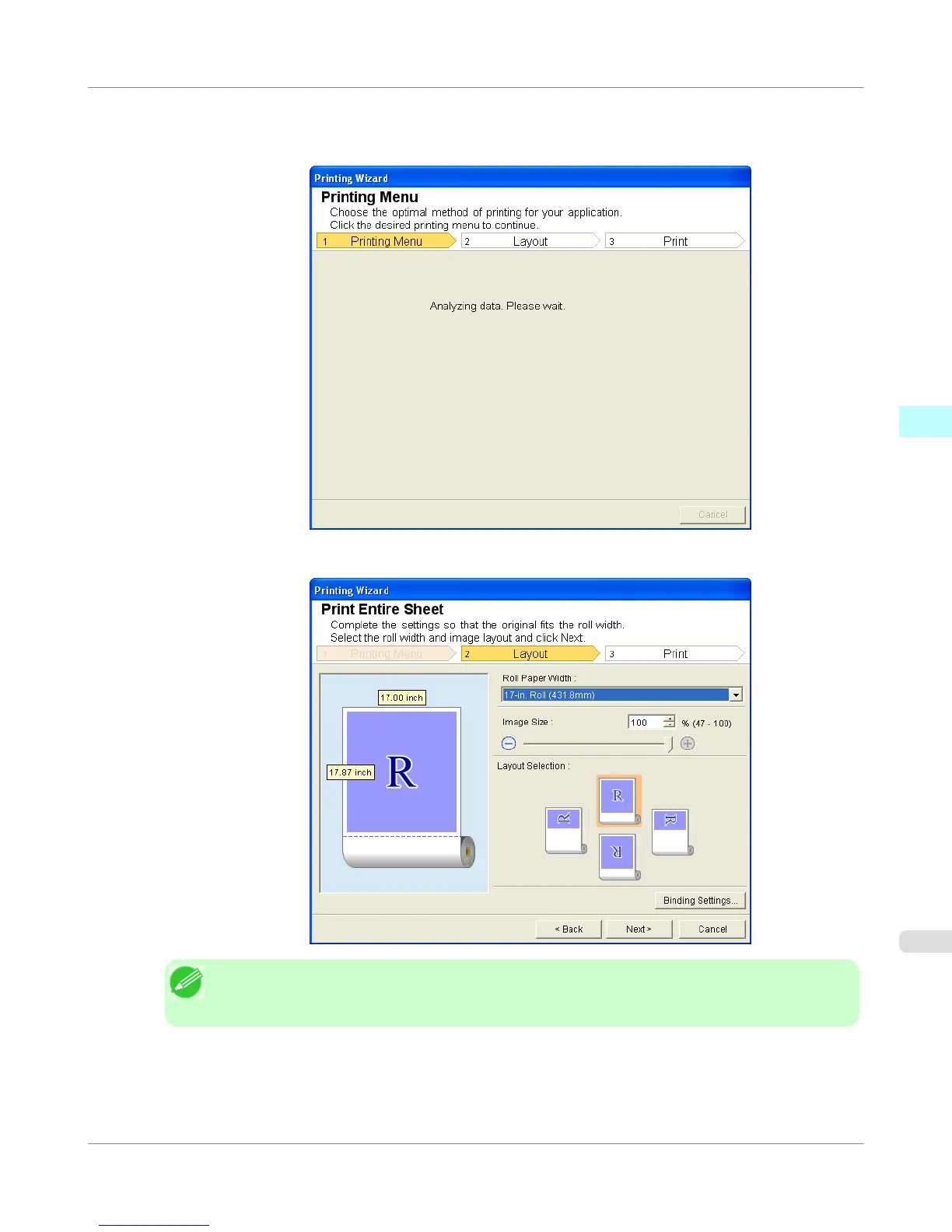
4. Click Print Entire Sheet.
A message will appear informing you that analysis is in progress.
The Layout menu will appear automatically.
Note
• If data analysis requires time, a message dialog will appear. If you select No, you will return to the
application.
5. Select Roll Paper Width that is set in the printer.
Windows Software
>
Print Plug-In for Office
>
iPF755
Print Entire Sheet (Excel)
3
351















 To Next Page