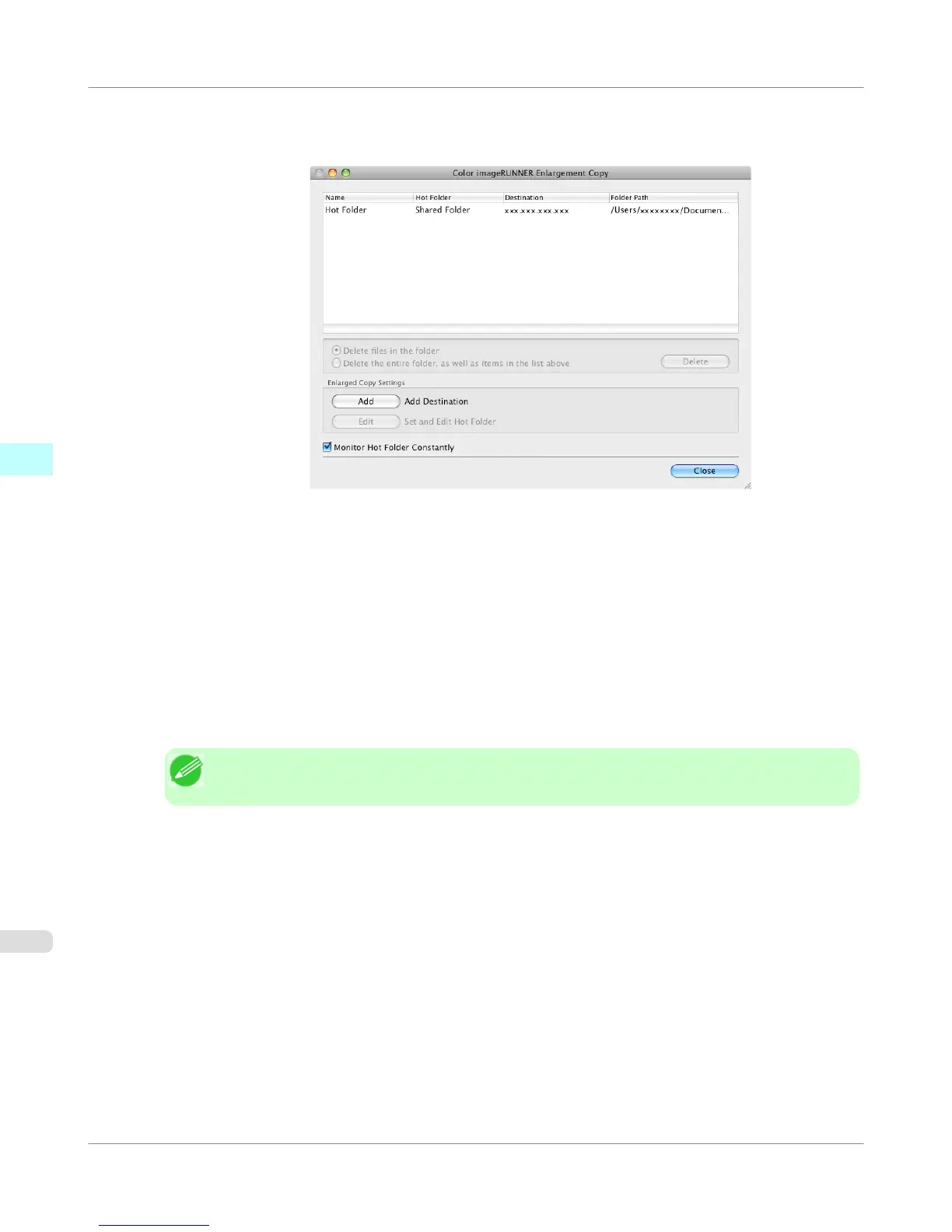
7. Click the OK button. The created Hot Folder is listed in the Color imageRUNNER Enlargement Copy dialog
box.
8. Click the Close button to close the Color imageRUNNER Enlargement Copy dialog box.
9. From the Apple Menu, open the Sharing dialog box for System Preferences.
10. Select the check box labeled File Sharing, and click the Options button.
11. Select the check box labeled Share files and folders using FTP and Share files and folders using SMB to make
shared settings.
Note
• You can create up to 10 hot folders.
Mac OS X Software
>
Color imageRUNNER Enlargement Copy
>
Creating a New Hot Folder
iPF755
4
526















 To Next Page