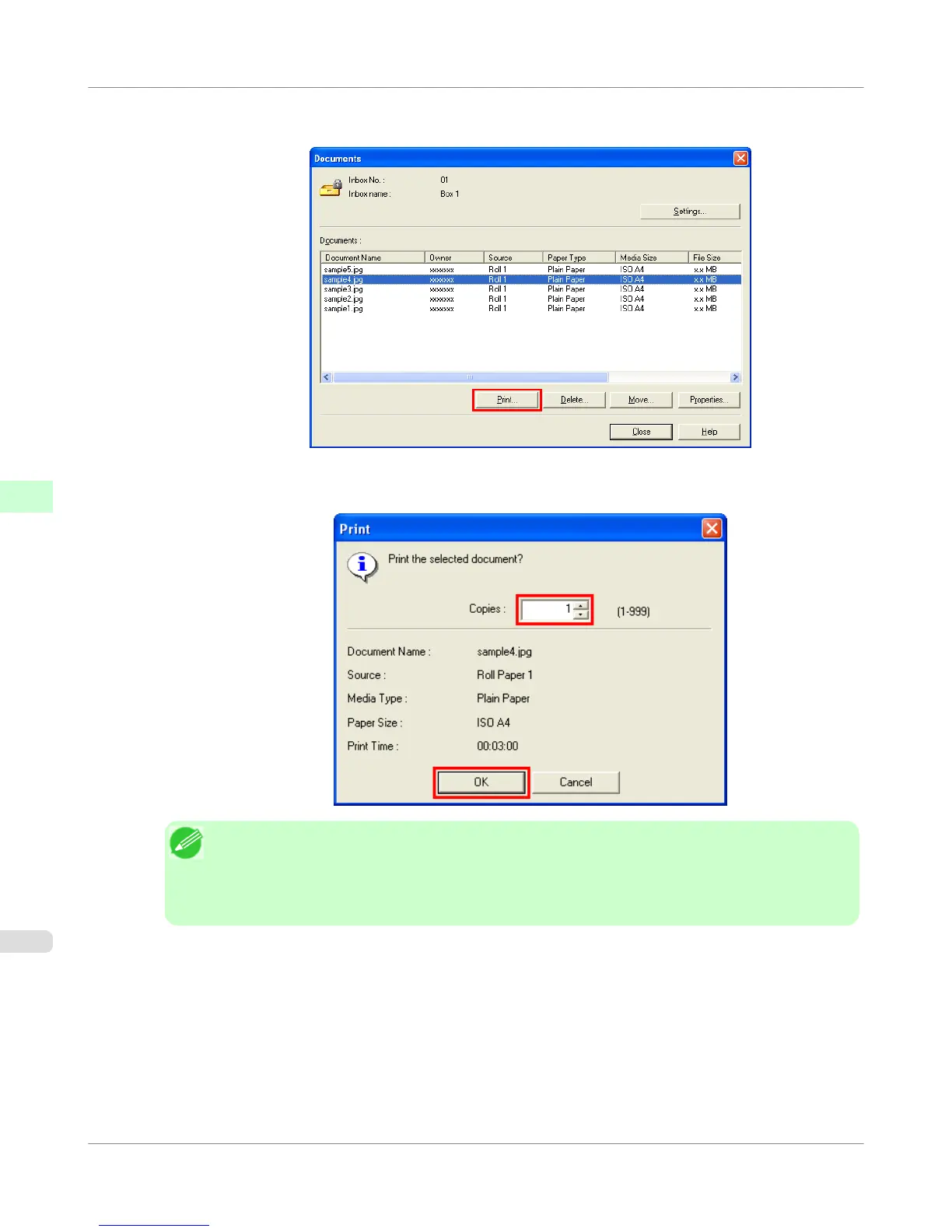
2. In the Documents dialog box, select the print job and click Print.
3. In the Print dialog box, enter the quantity to print in Copies and click OK.
Note
• The printing time initially indicates how long it took to finish printing one copy during the previous
print job.
If you change the value in Copies, the printing time indicates the time it took to print one copy dur-
ing the previous print job multiplied by the number of copies.
For details, refer to the imagePROGRAF Status Monitor help file.
Print Job Operations
>
Basic Print Job Operations
>
Printing Saved Jobs
iPF755
5
586















 To Next Page