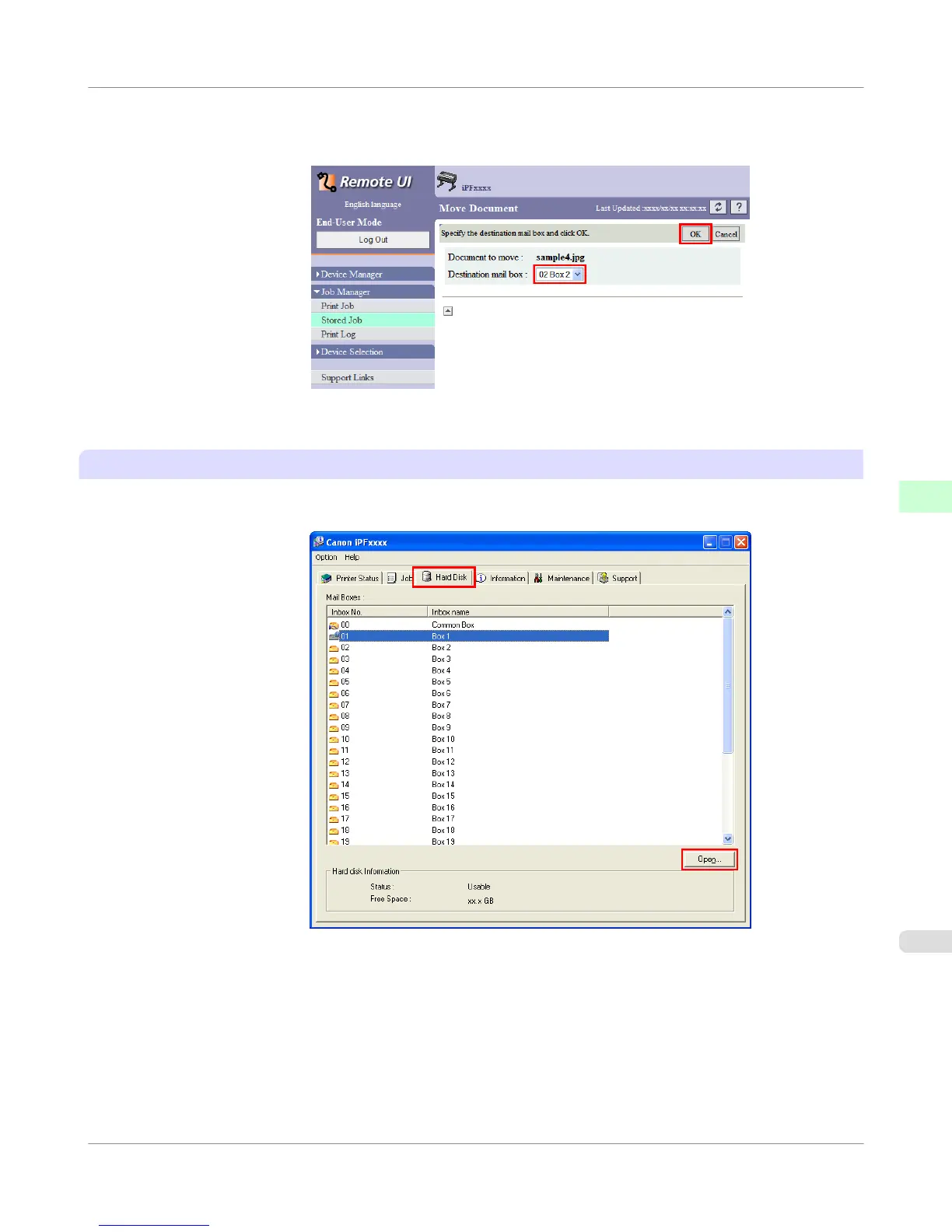
3. On the Move Document page, select the name or number of the destination personal box in the Destination mail
box list and click OK.
For details, refer to the RemoteUI help file.
Using imagePROGRAF Status Monitor (Windows)
1.
On the Hard Disk sheet, select a box and click Open.
Print Job Operations
>
Basic Print Job Operations
>
iPF755
Moving Saved Jobs
5
595















 To Next Page