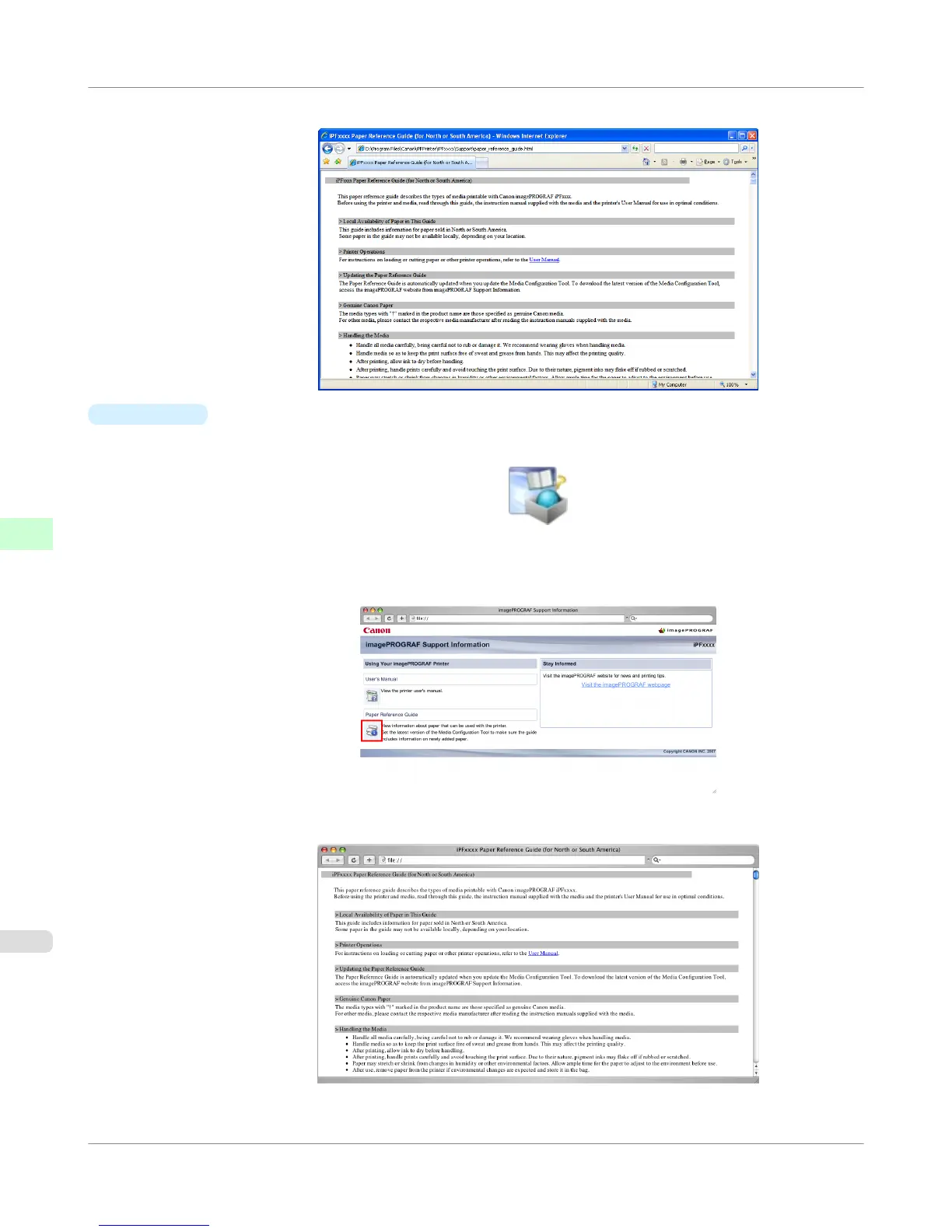
The Paper Reference Guide is displayed.
•
Mac OS X
1. Click the iPF Support icon in the Dock.
The imagePROGRAF Support Information window is displayed.
2. Click the Paper Reference Guide button.
The Paper Reference Guide is displayed.
Handling Paper
>
Paper
>
Displaying the Paper Reference Guide
iPF755
6
630















 To Next Page